
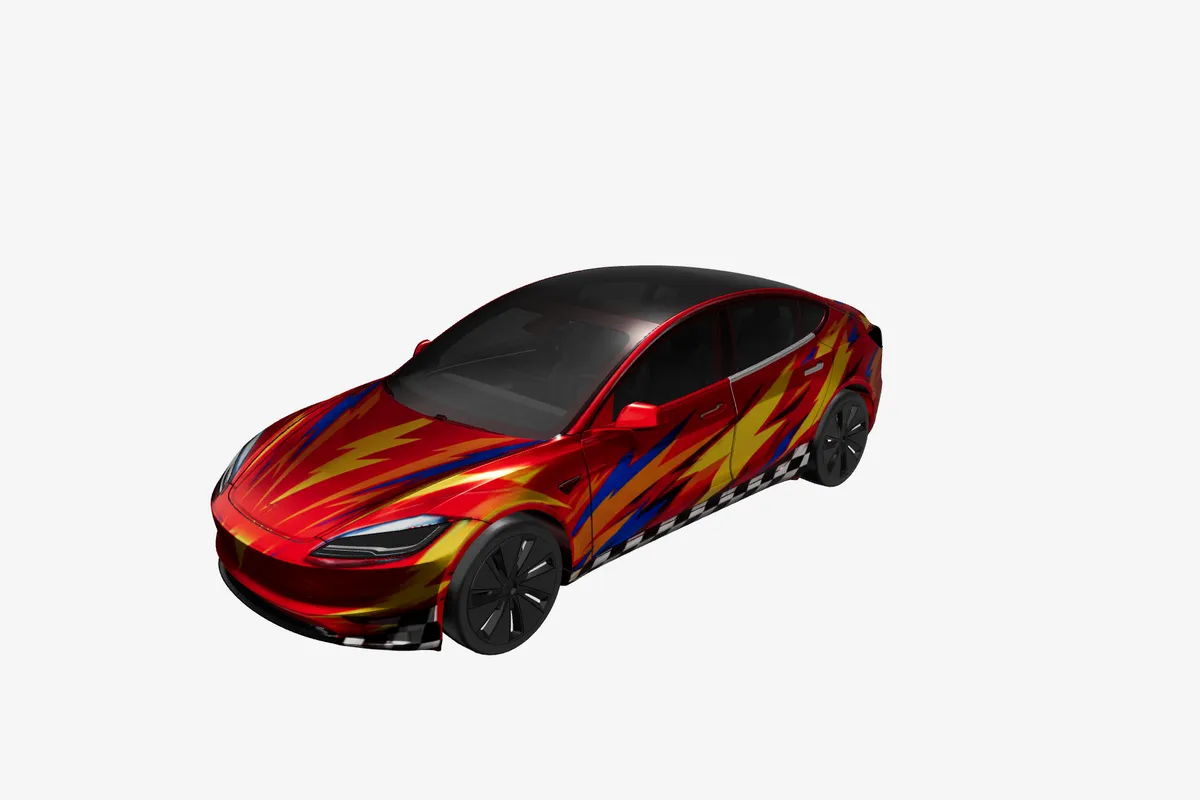
Tesla owners
Try a color, racing stripe, seasonal look, or fan theme before changing the real car.

Inside Studio
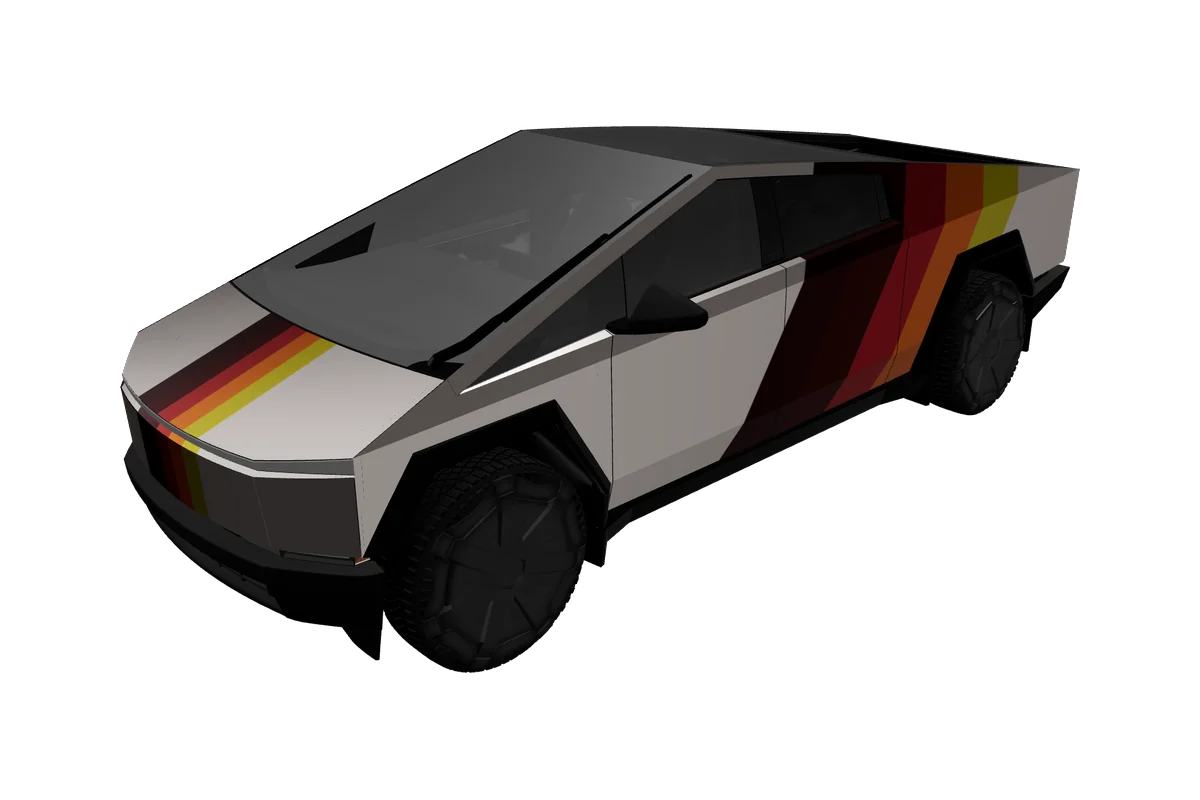
A practical Tesla wrap maker for exploring a look before you commit. Work on the official Paint Shop UV canvas, see the same artwork on a 3D car, and export a validated PNG from one browser workspace.
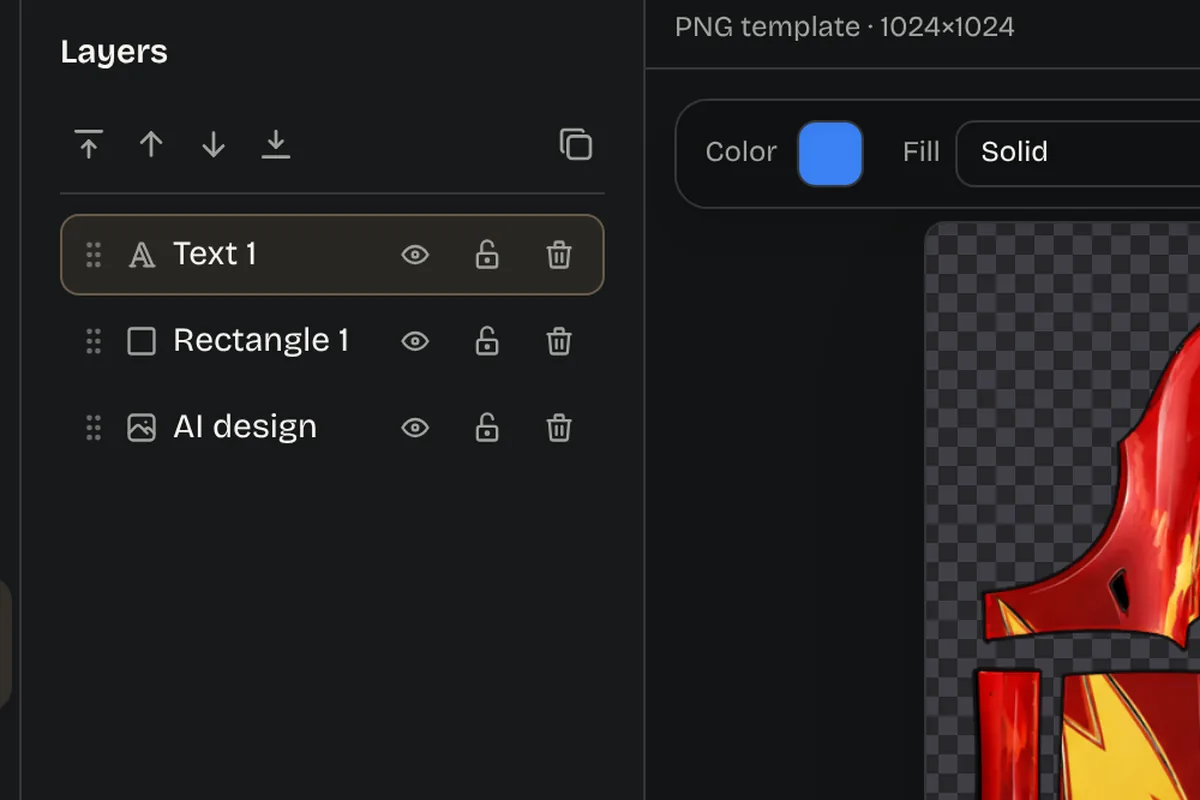
Keep graphics, colors, and decals organized so every change stays editable.
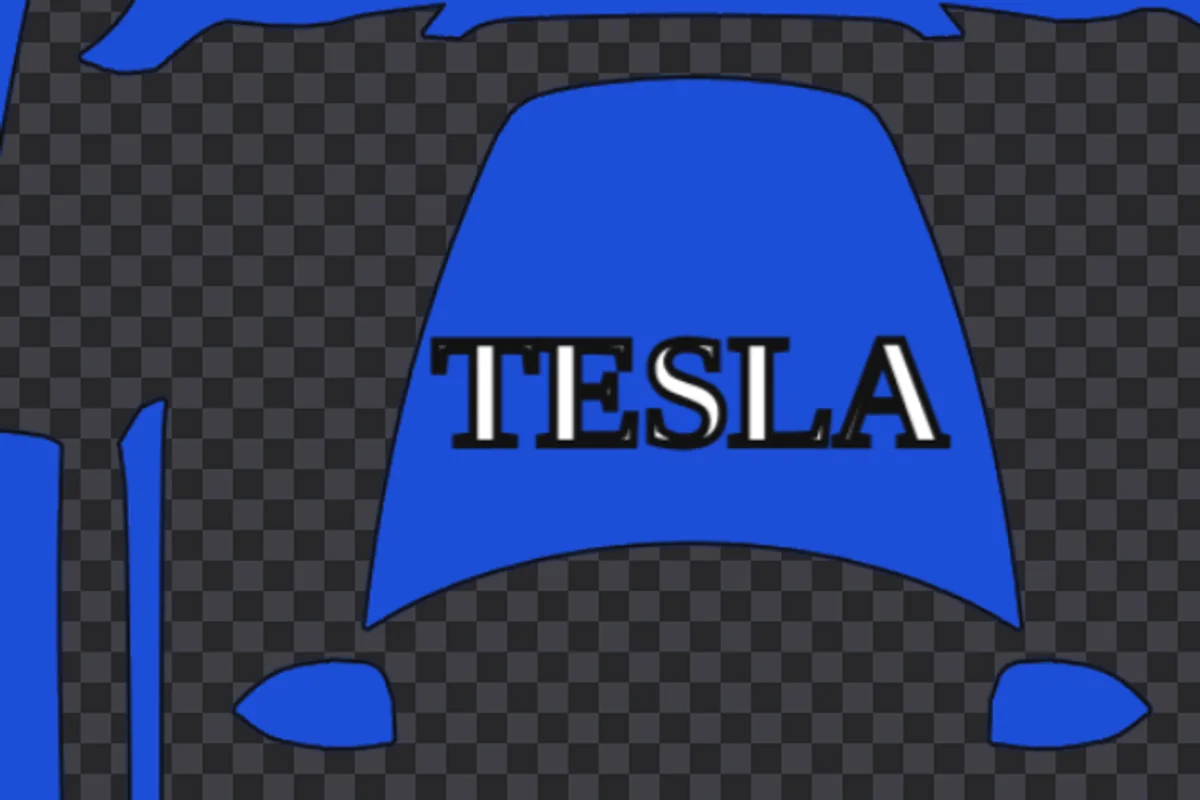
Place a name, number, or phrase, then tune its scale and position on the template.
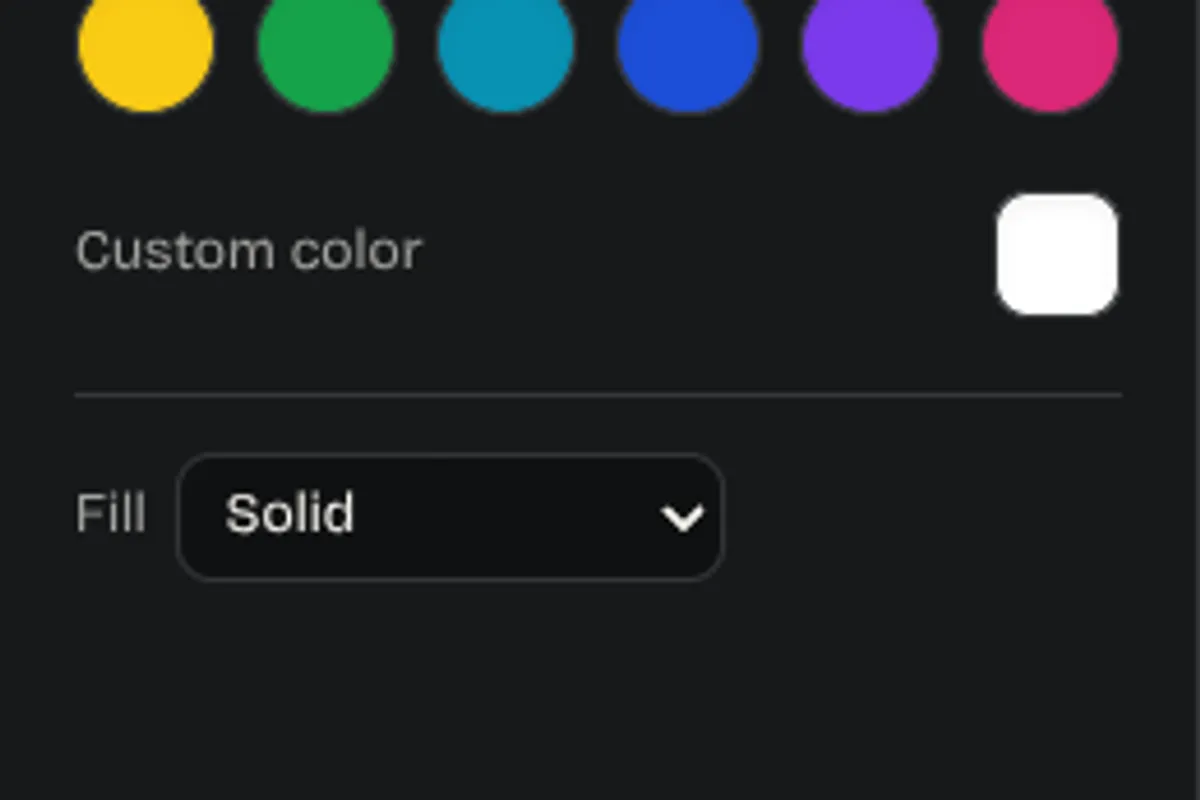
Use color, brush, eraser, shapes, and lines for accents that make the design yours.
Browse saved designs or use the AI panel for an optional starting concept.
Bring in a logo or illustration and position it on the correct vehicle canvas.
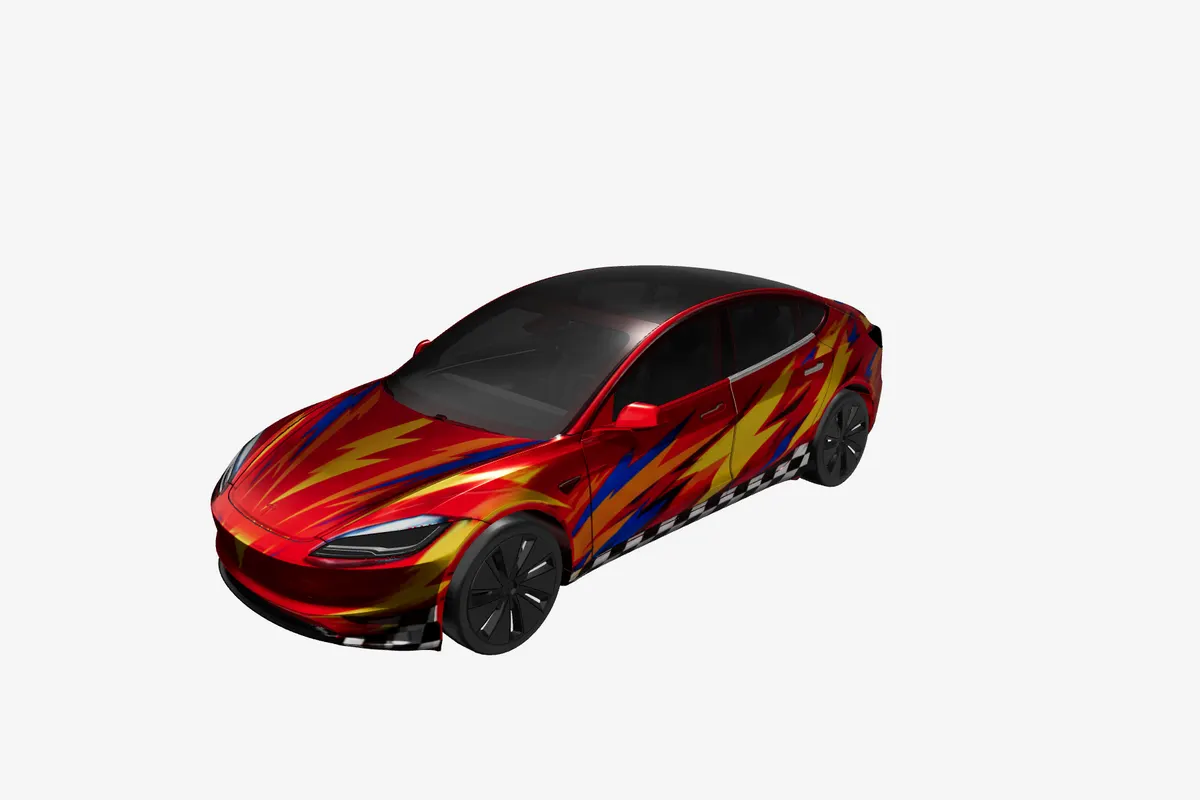
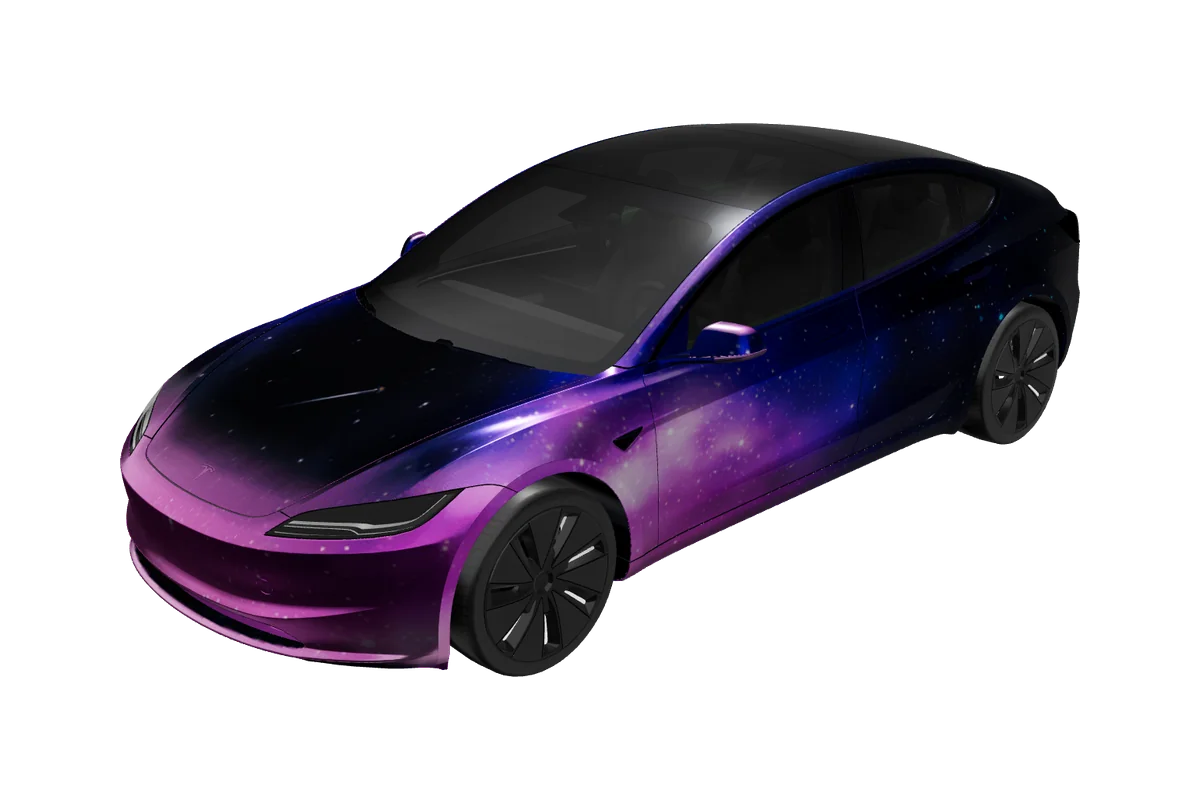
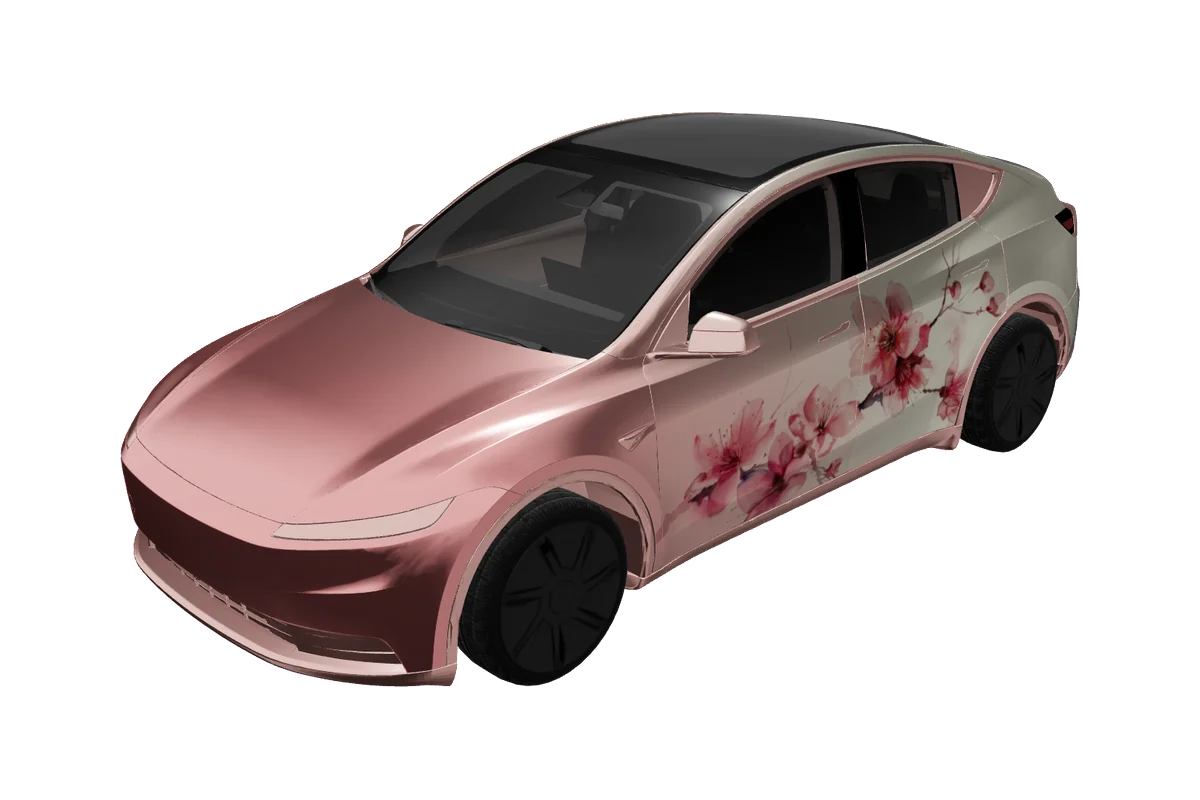
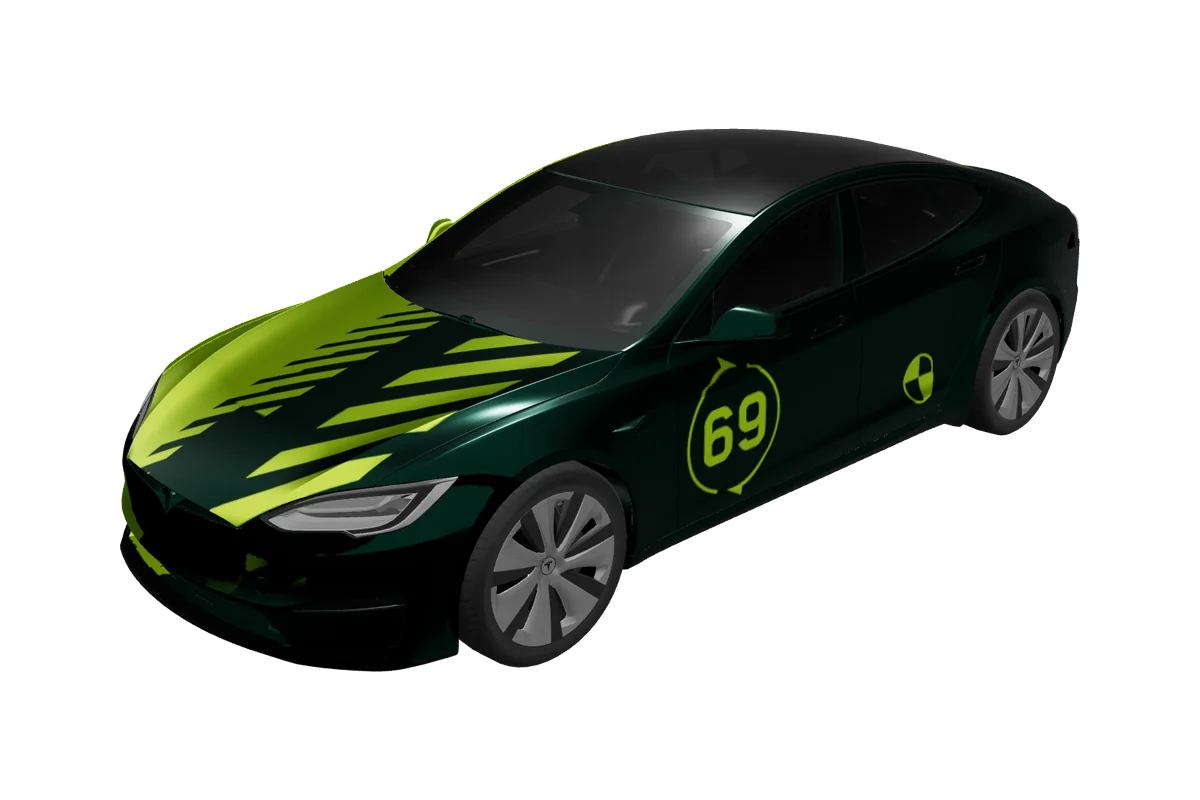
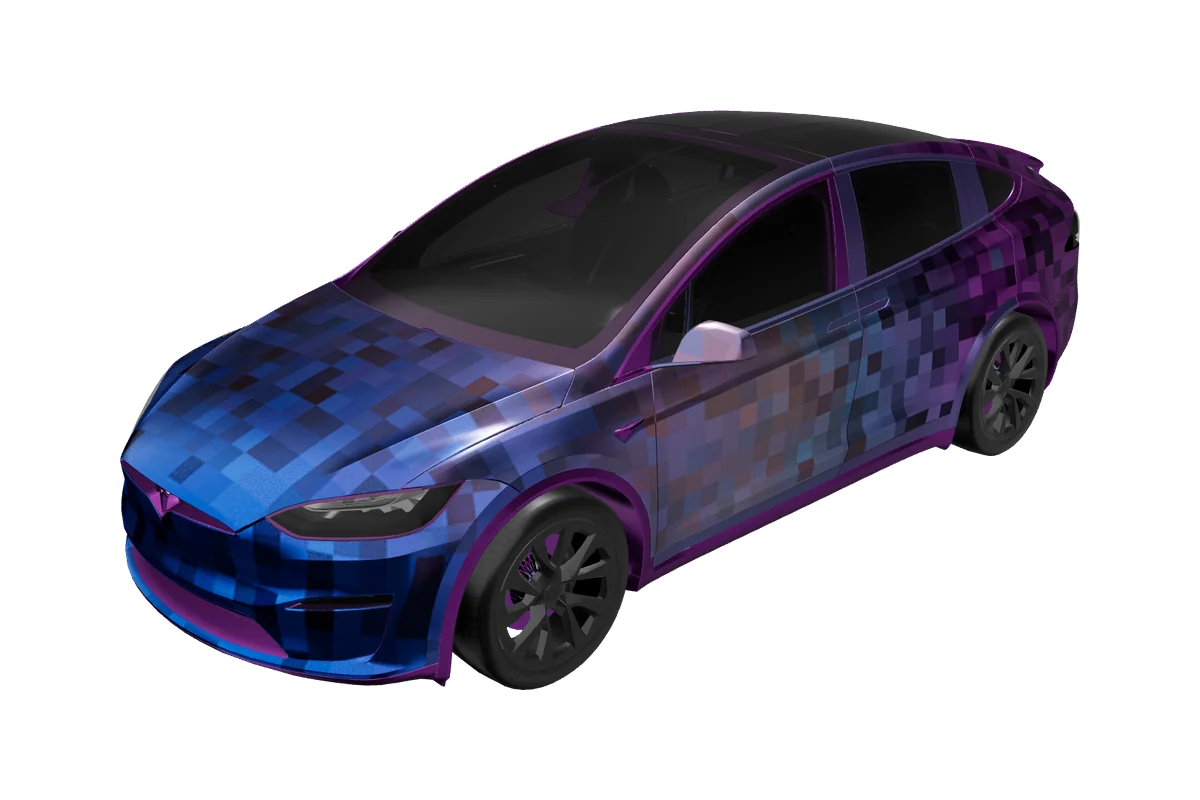
Rotate the car and check how flat artwork reads across real body lines.
A clear path to export
Go from a first idea to a Paint Shop-ready file in four calm, guided steps.
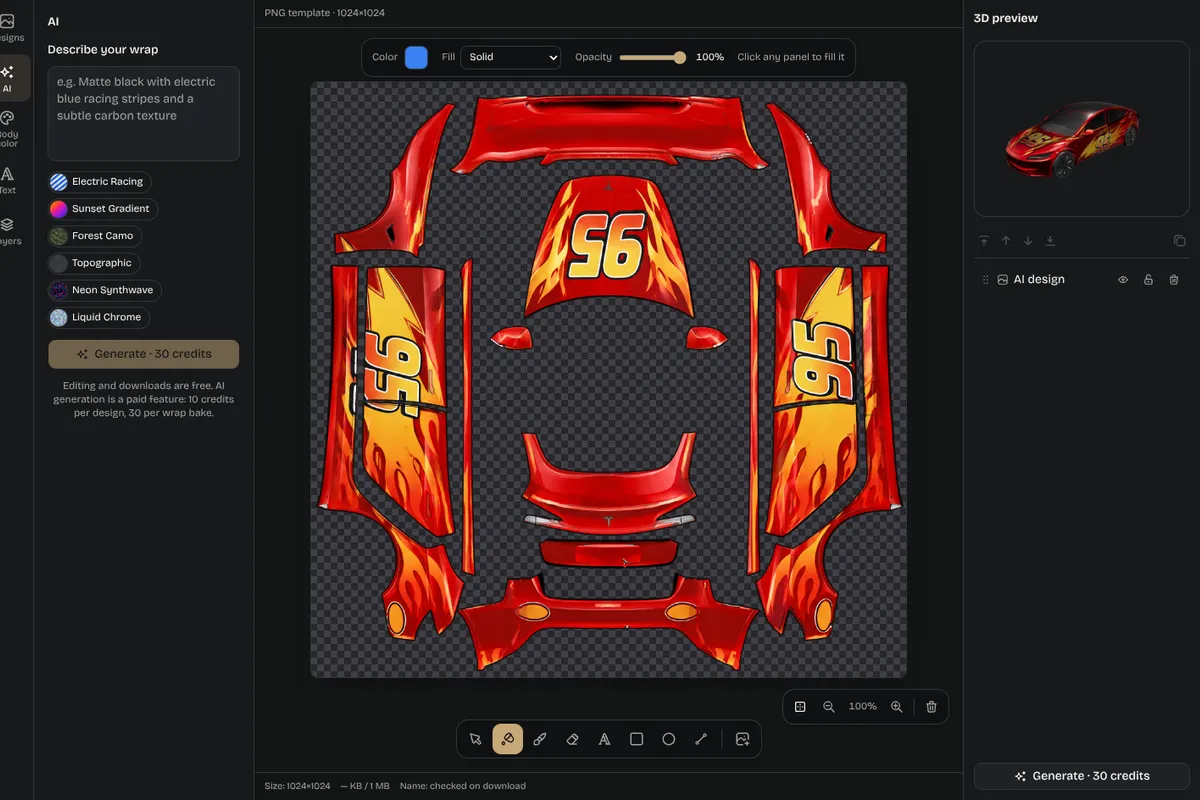
See the translation
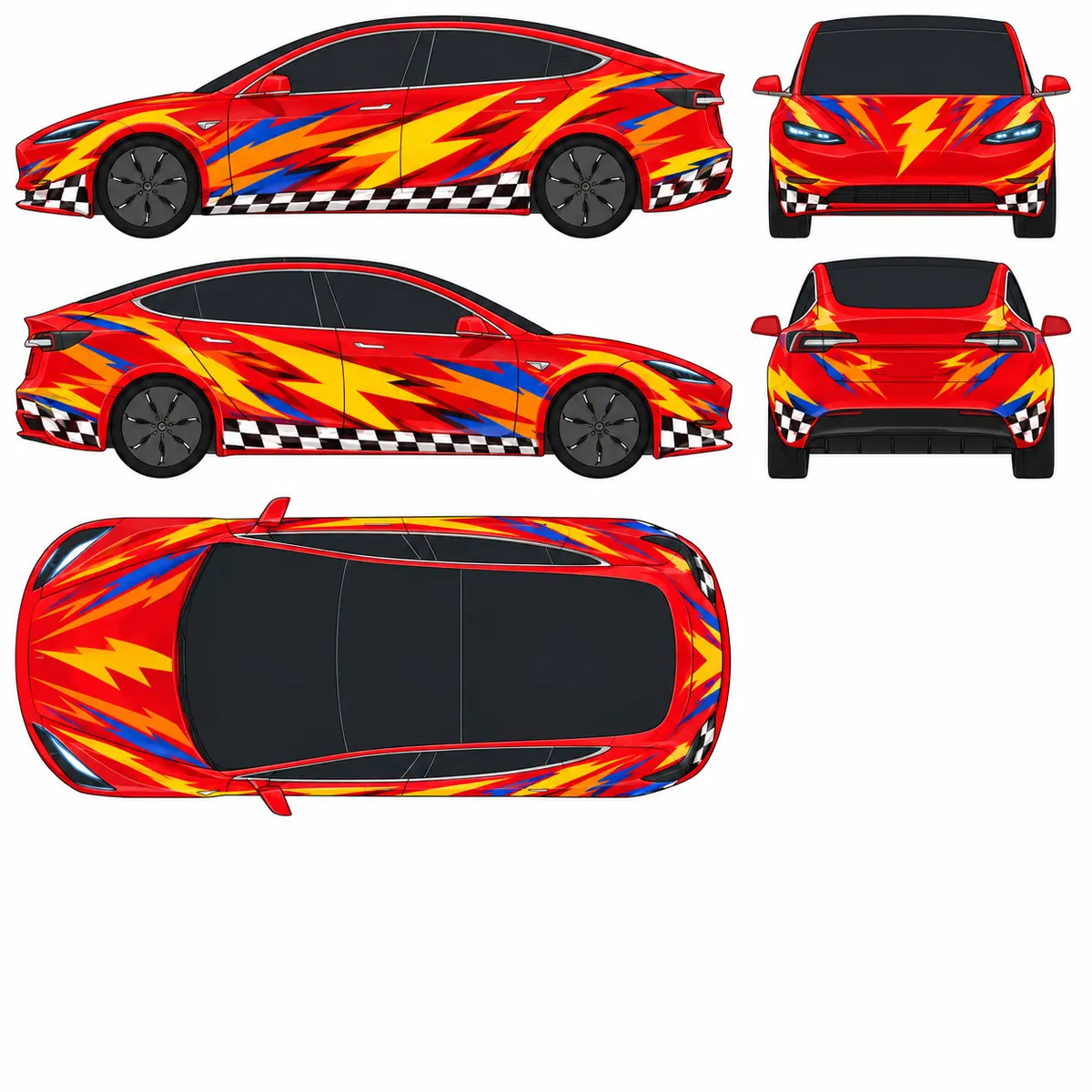
The editor maps your artwork onto the right panels, helping you spot fit, balance, and detail before download. Review both the flat map and rotating 3D preview to catch crowded lettering, seams, or awkward panel transitions before exporting.
Made for more than one driver
Try a color, racing stripe, seasonal look, or fan theme before changing the real car.
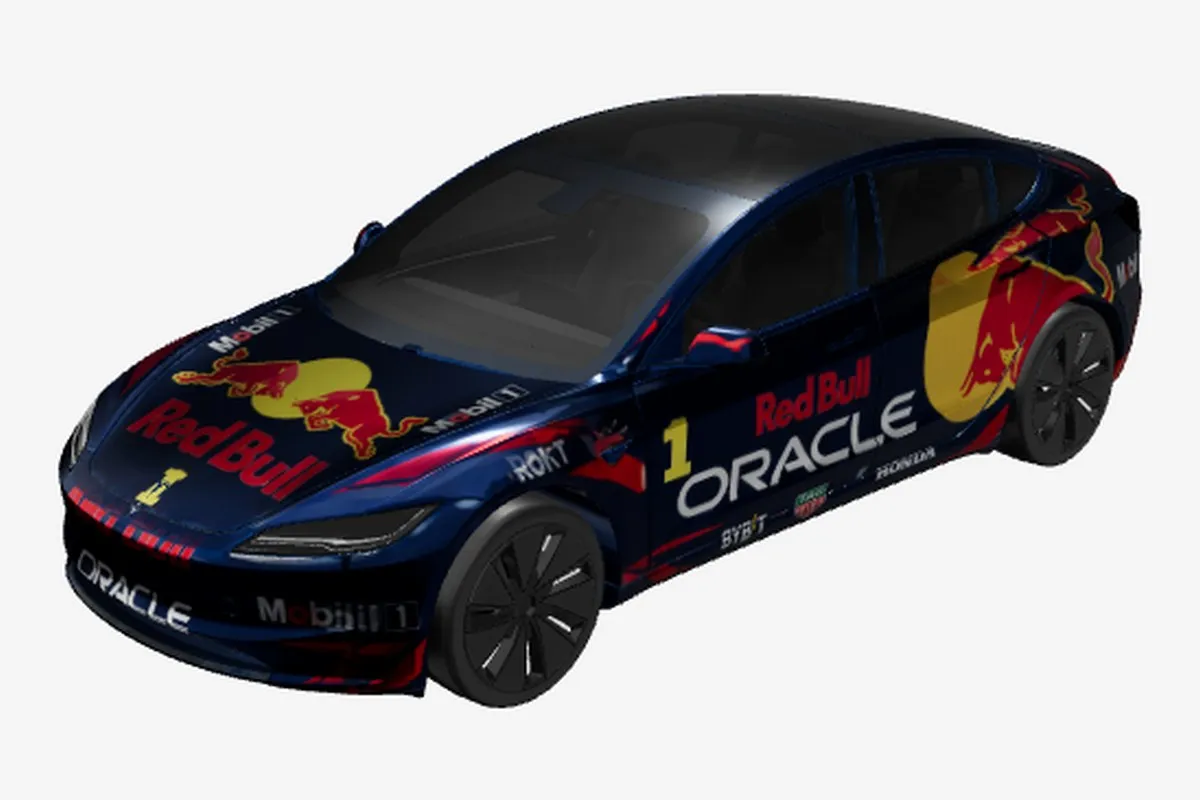
Show clients a confident visual on the correct template before install day.
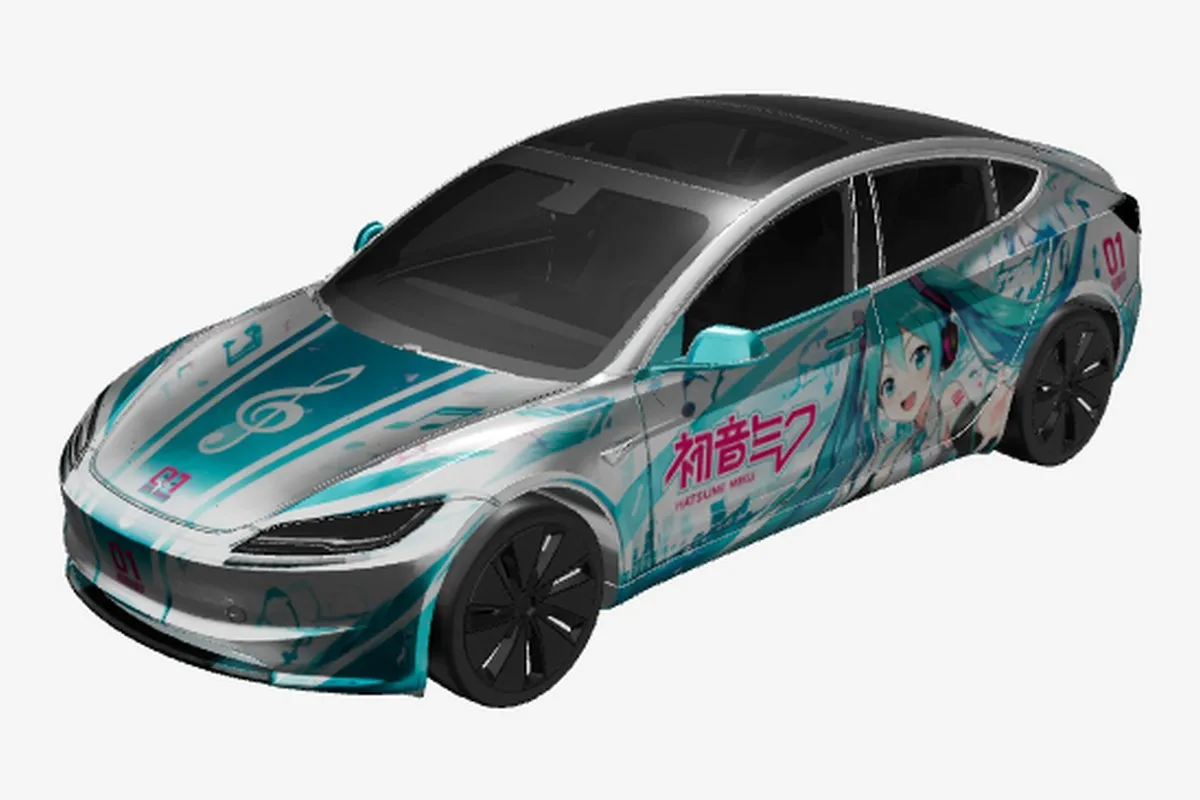
Arrange character art and bold graphics while checking doors, fenders, and roof lines.
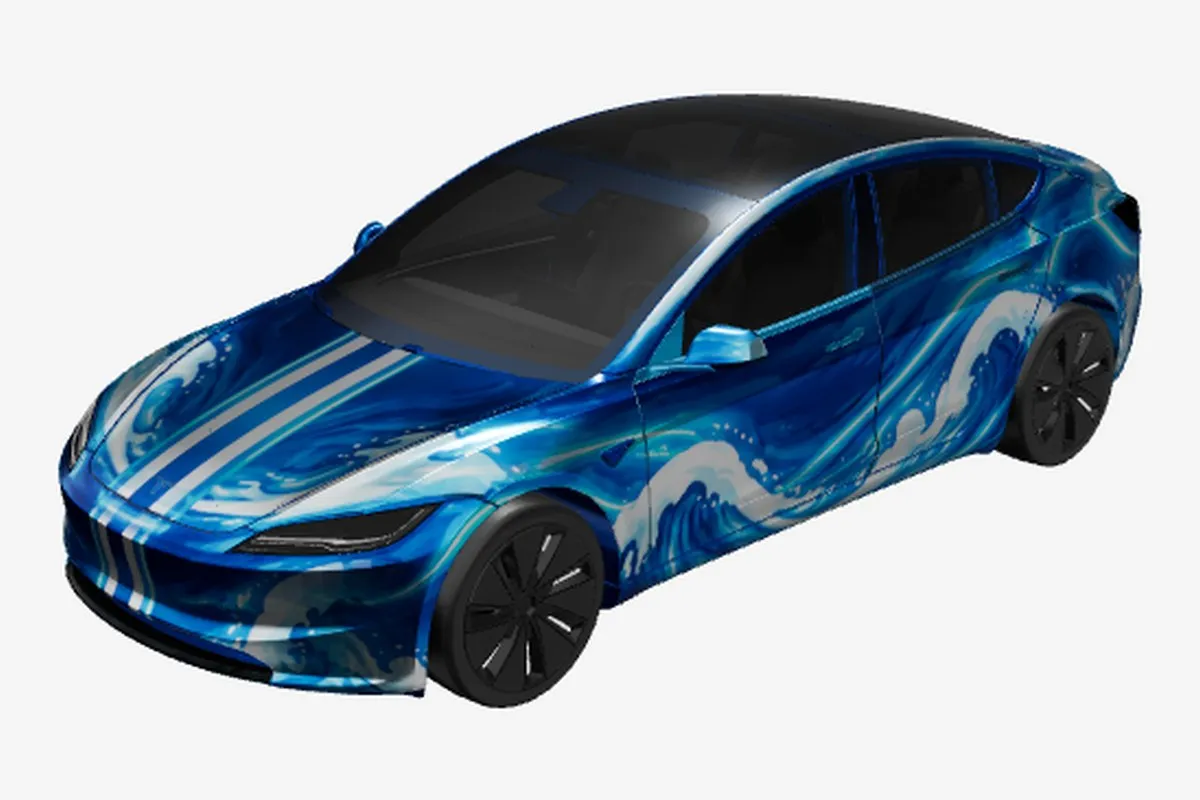
Explore a consistent logo and color direction across a whole group of vehicles.
Start with the right canvas
Choose a canvas sized for the Tesla you actually drive.
No surprises at download
The export checks the selected vehicle texture before it downloads. Keep the original PNG intact, because the dimensions and byte limit are part of the Paint Shop handoff. Before copying it to USB, confirm the selected vehicle matches your car and that the file remains in the root Wraps folder. If you revise the artwork later, export a fresh copy and replace the older file so the car does not load an outdated design.
| Size | 1024 × 1024 (Cybertruck 1024 × 768) |
|---|---|
| Format | PNG |
| File size | Under 1 MB (checked before download) |
| USB folder | A folder named Wraps at the root of the USB drive. |
| In the car | Toybox → Paint Shop → Wraps |
Good to know
Tesla wrap creator