About this design
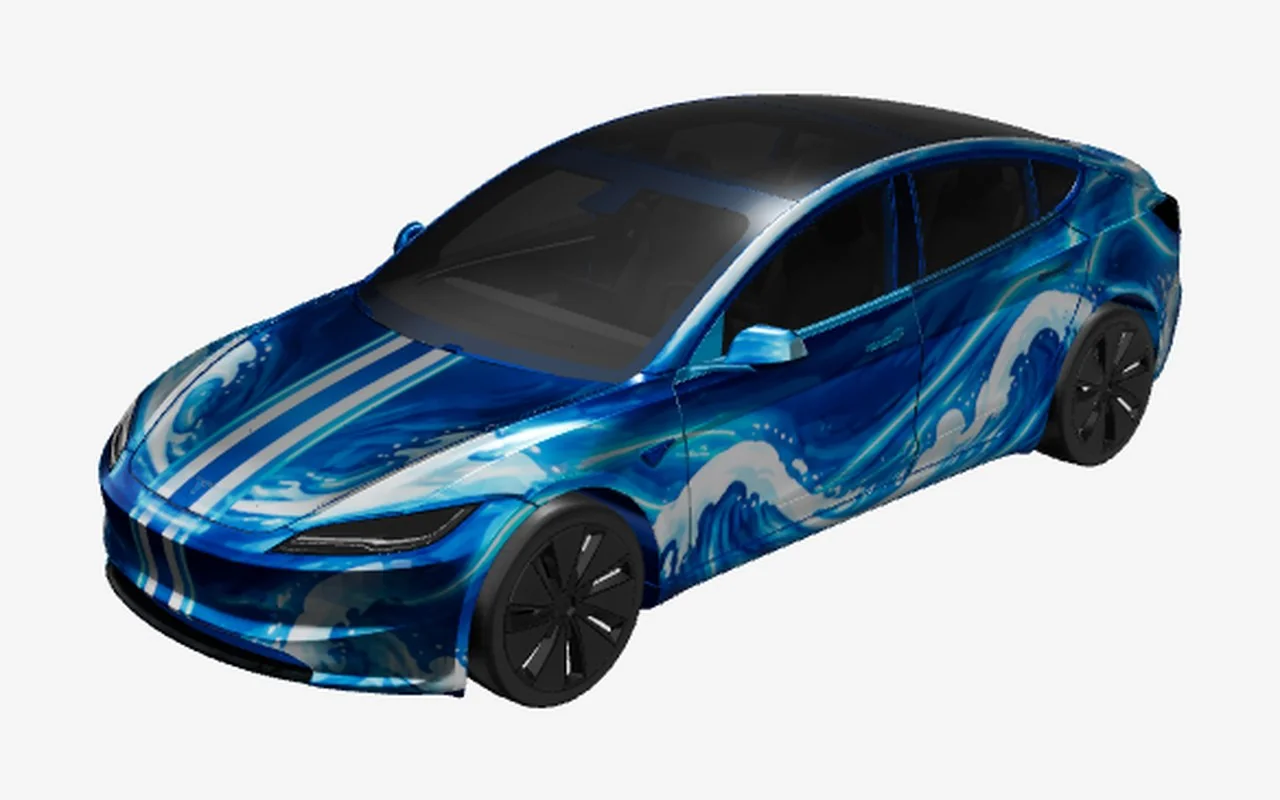
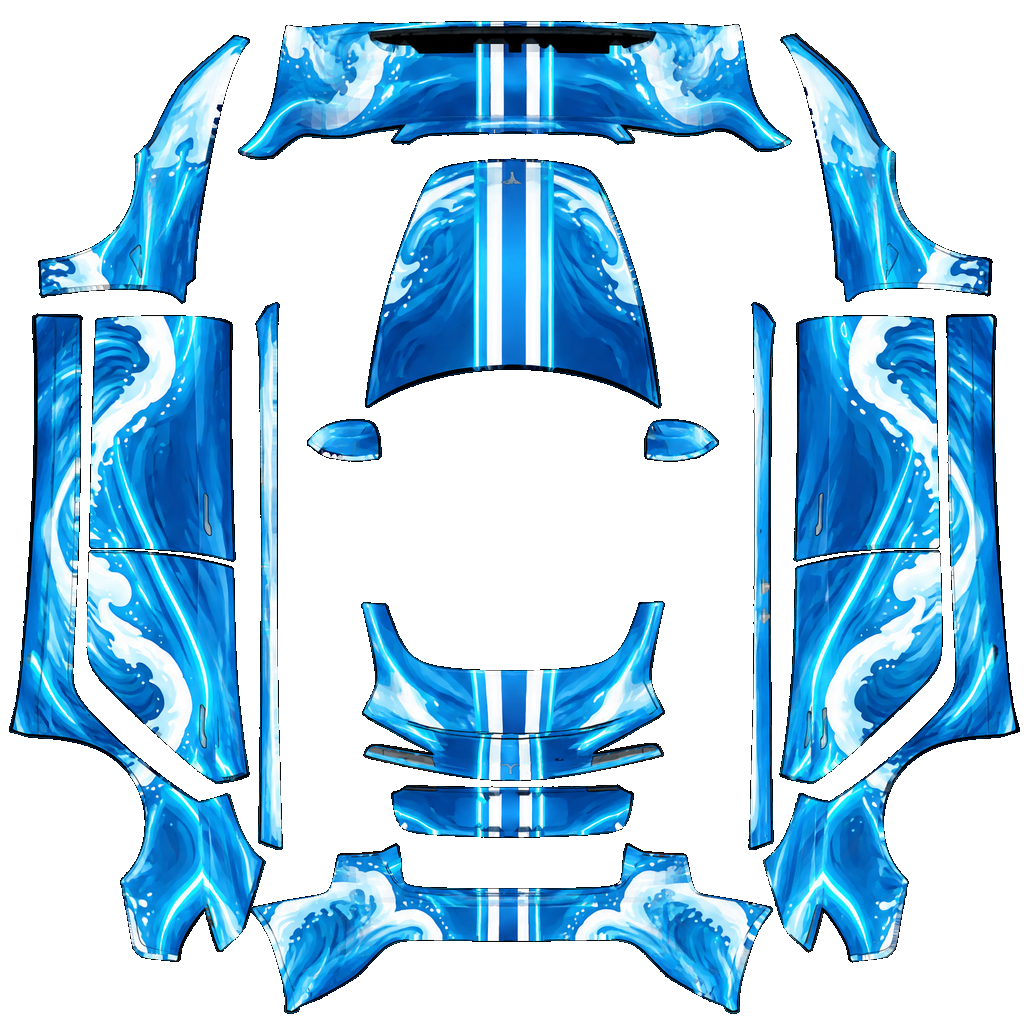
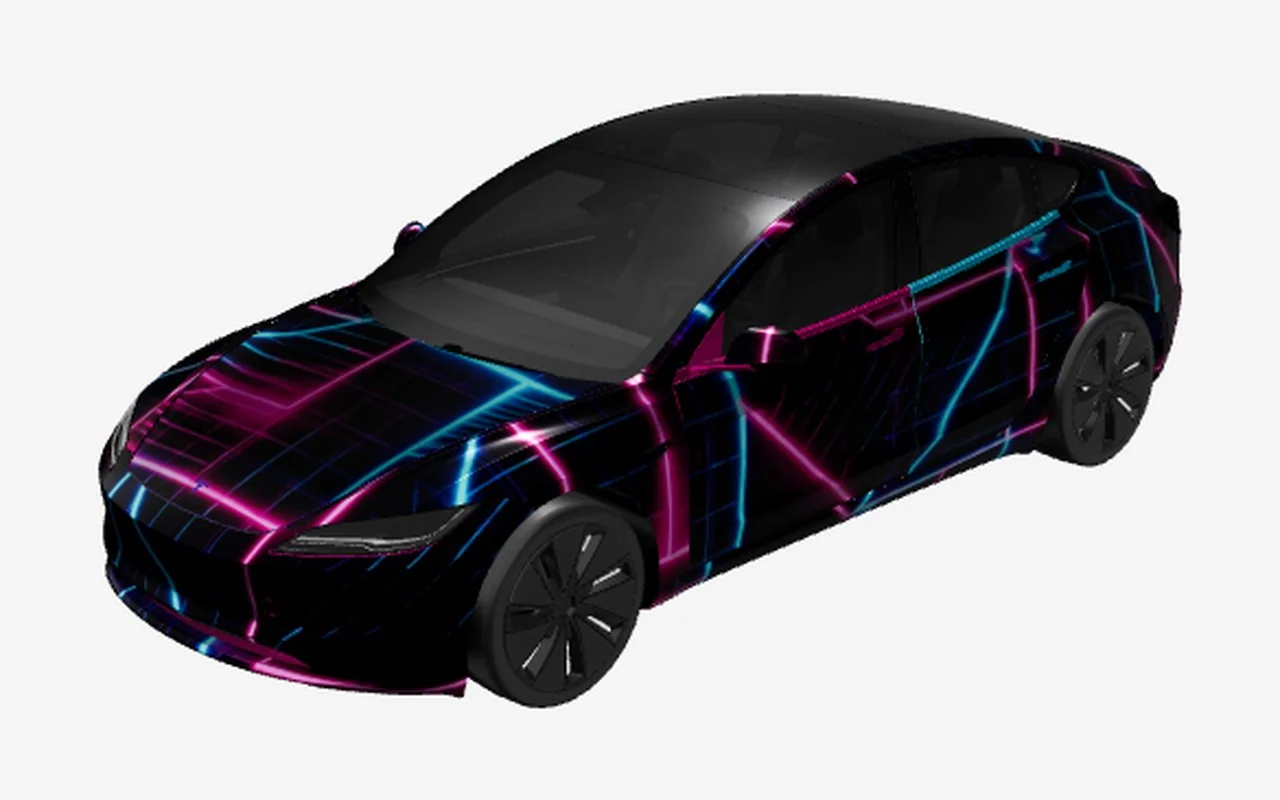
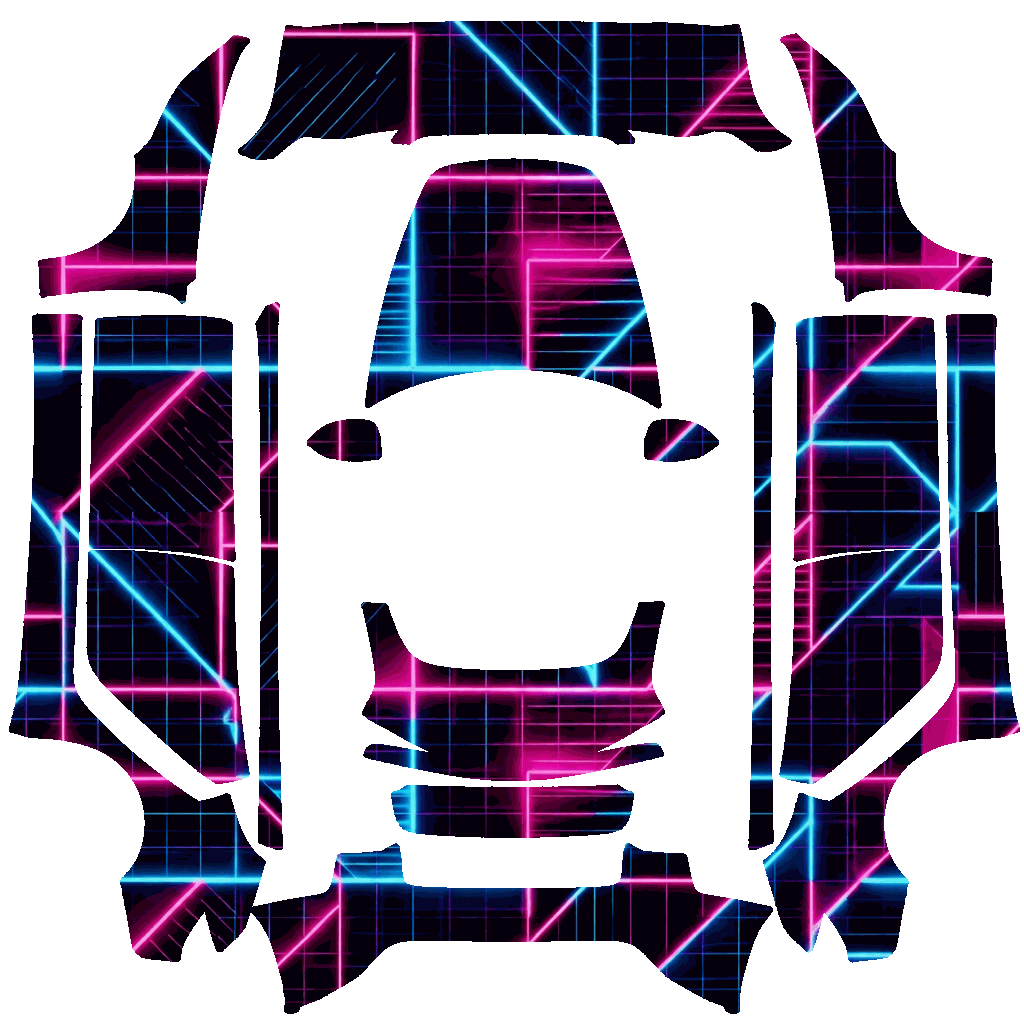
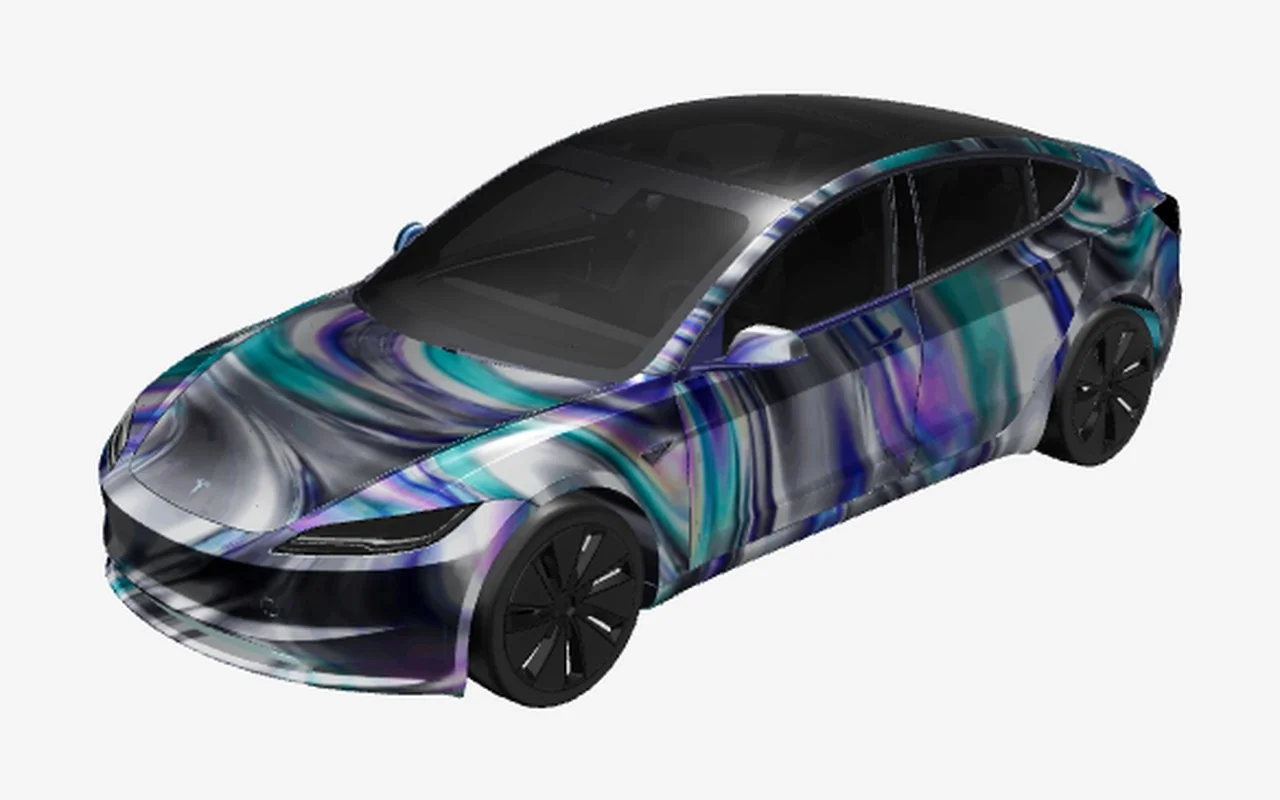
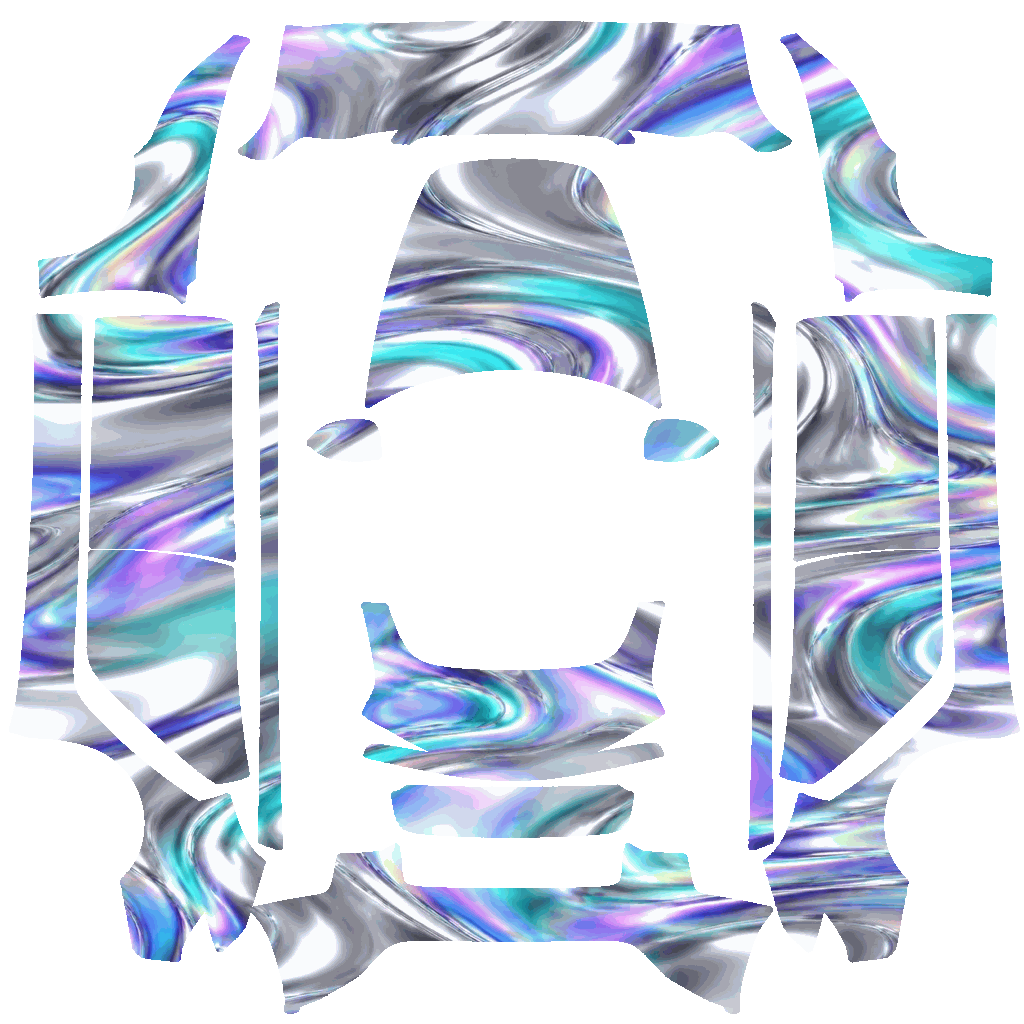
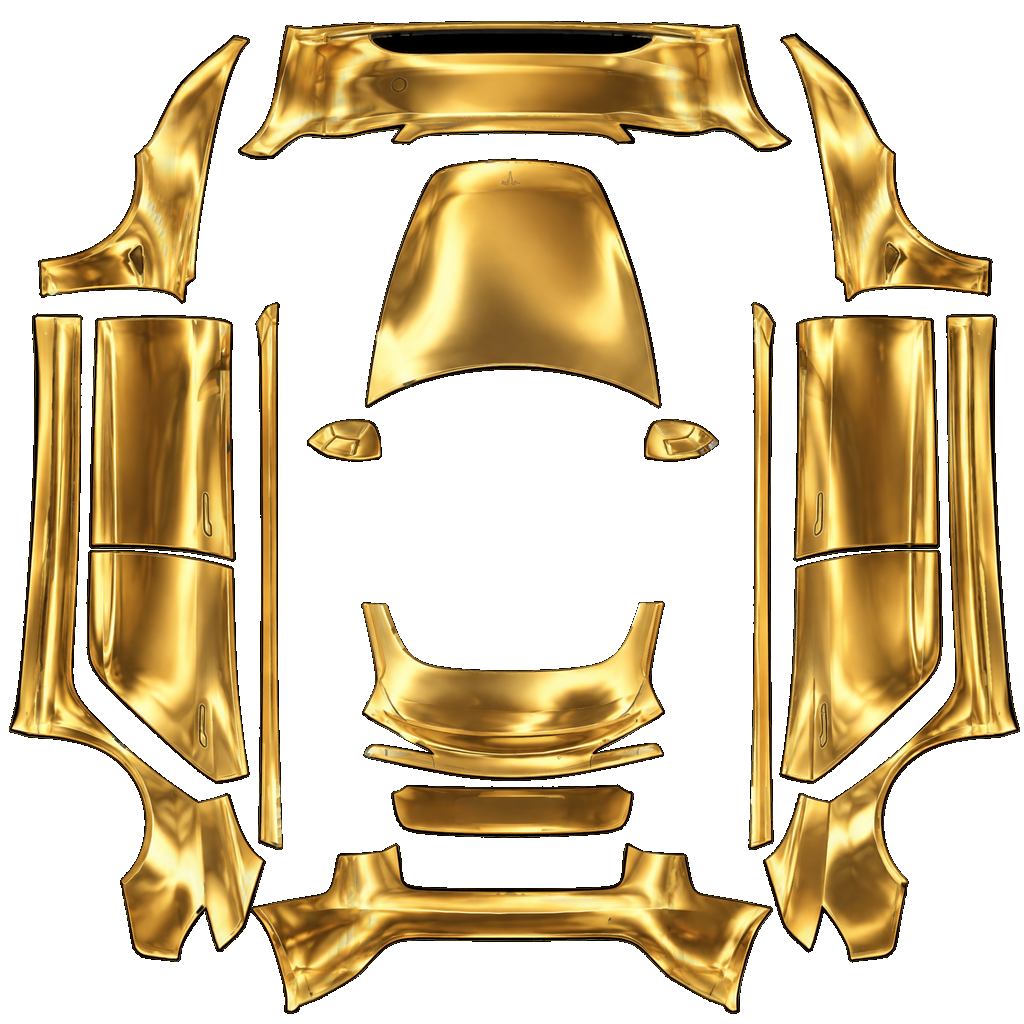
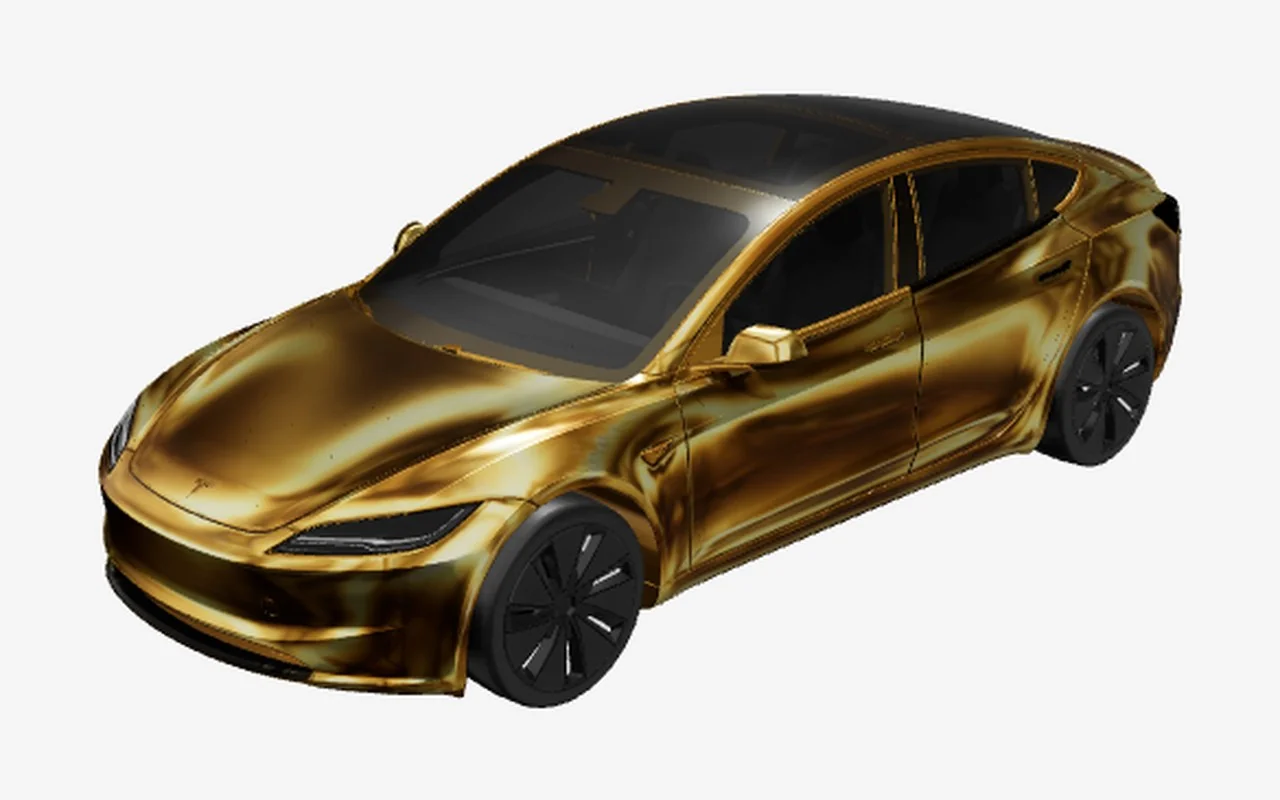
Molten gold chrome that catches every highlight. Liquid Gold is a fan-made chrome direction built for a digital Tesla wrap preview. Its visual brief is specific: Molten gold chrome that catches every highlight. The underlying art direction calls for Mirror liquid gold chrome wrap, molten metallic reflections across every panel. On the vehicle, those cues create a coherent theme rather than a collection of unrelated decals. Look at how the dominant colors travel across the hood, doors, and rear quarter, then switch to the flat PNG to inspect the artwork itself. The concept can work as a complete look or as a starting point for a personal variation in Studio: adjust colors, move layers, or add restrained lettering while keeping the main motif recognizable. Paint color changes contrast, so compare the design against both light and dark body finishes before settling on a version. Panel gaps and curved surfaces interrupt artwork in predictable places; keep essential text and small symbols clear of edges. This is a digital Paint Shop template, not a physical vinyl installation plan or a claim of licensed merchandise. Select the matching vehicle template and retain the original PNG dimensions when downloading. Treat the preview as a useful check, then inspect the saved image before transferring it to the car.
Works on
How to use a design
Frequently asked questions
Are these wraps free to download?
Yes. Editing, 3D preview and PNG downloads are free, and you do not need an account to download. AI generation uses credits from one-time packs. Your first AI wrap is free after sign-up, and credits never expire. Download an existing design as often as you like, or open it in the designer to make your own version.
Will it fit my model?
This file is made for Model 3 2024+ only. Other models and versions use different templates. Choose your exact vehicle in the designer to make a compatible version; changing the PNG dimensions alone will not realign the panels.
Can I change colors?
Open Edit in designer to add your own text, shapes and color layers. The original PNG is a flat image, so individual artwork colors are not separate editable layers. For a new interpretation, change the saved prompt with Remix with AI.