Install guide
How to install a custom wrap in Tesla Paint Shop
Download your design as a Paint Shop PNG, copy it to a USB drive and apply it from Toybox — about five minutes from design to your car screen.
 1
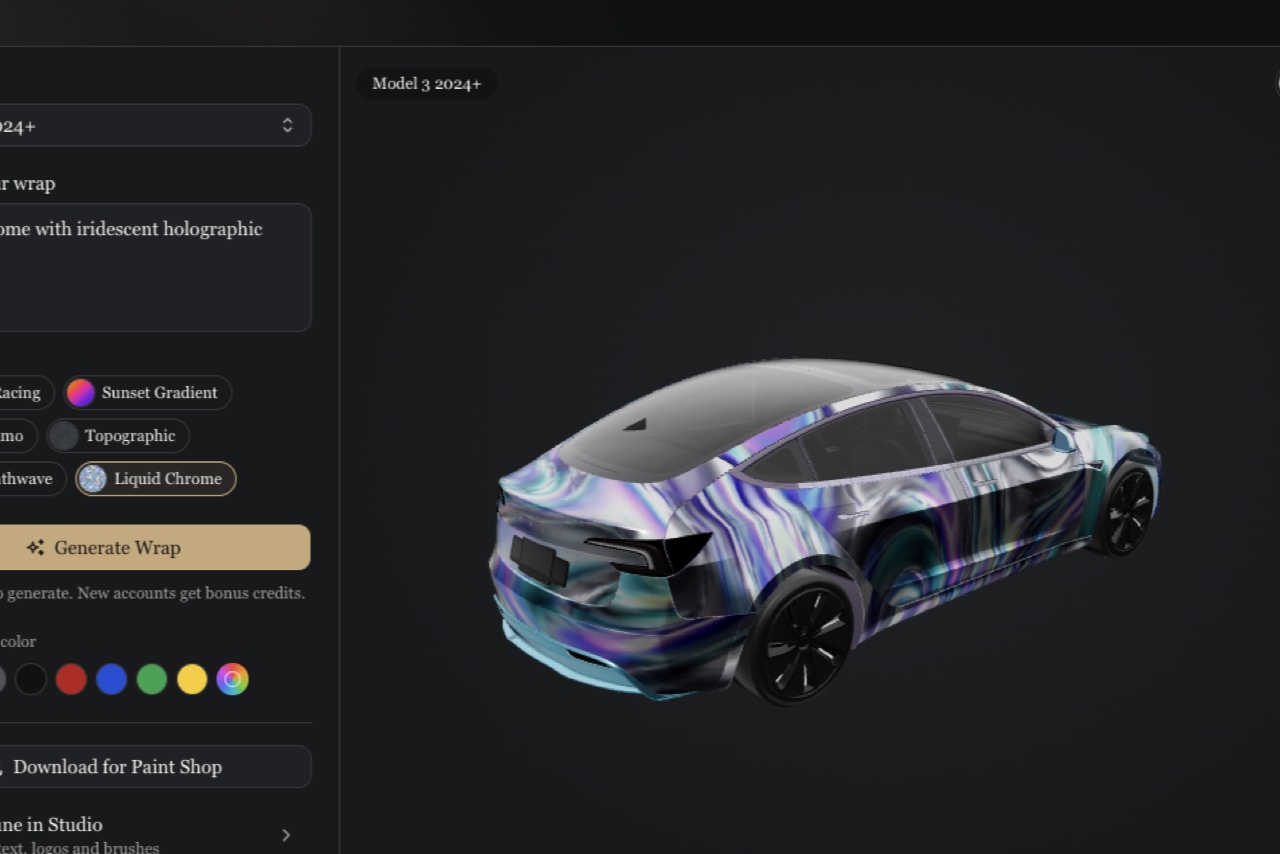
Choose your exact vehicle
Pick the model, year and trim. Each variant uses its own vehicle template to align the artwork with the car panels.
 2
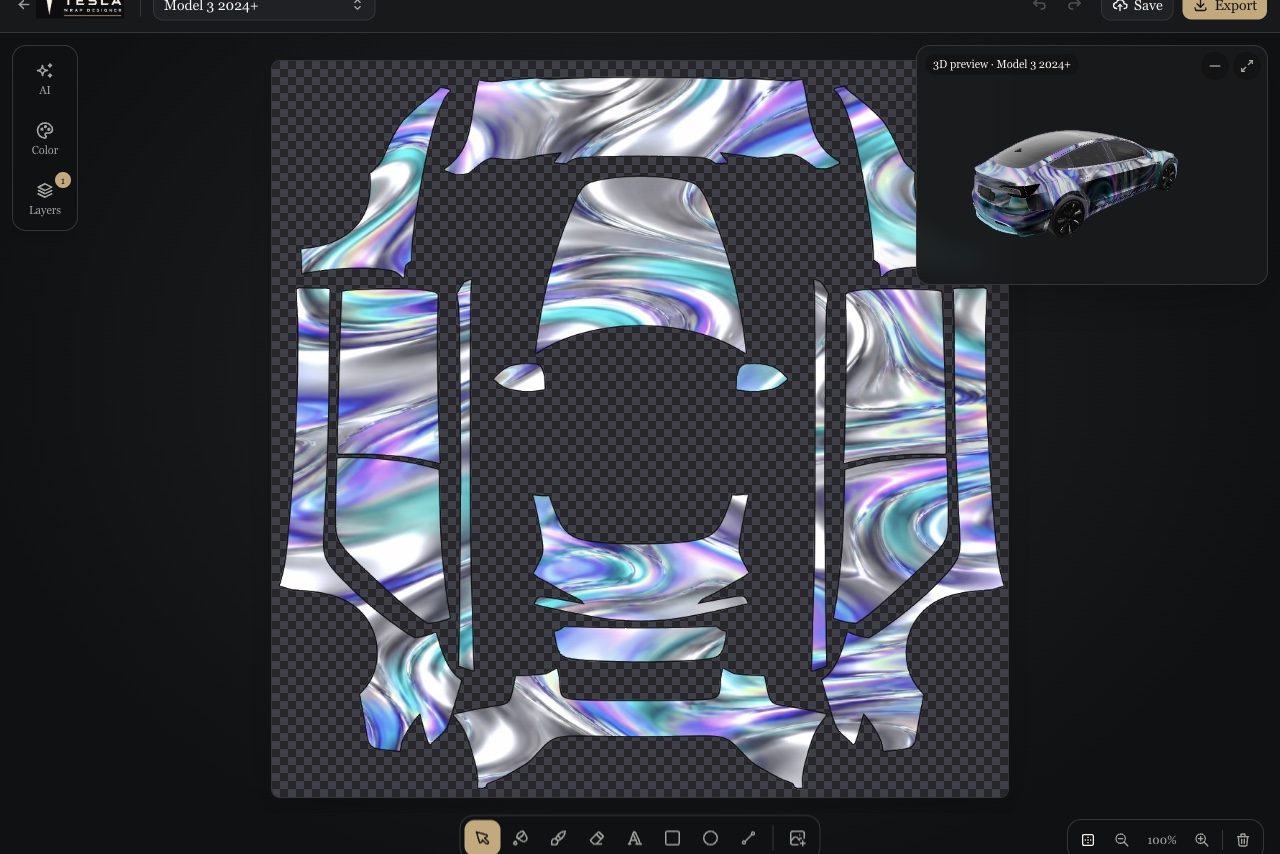
Generate or start from a featured design
Describe a style, or tap “Use this design” on any gallery card to load the exact same wrap into the editor.
 3
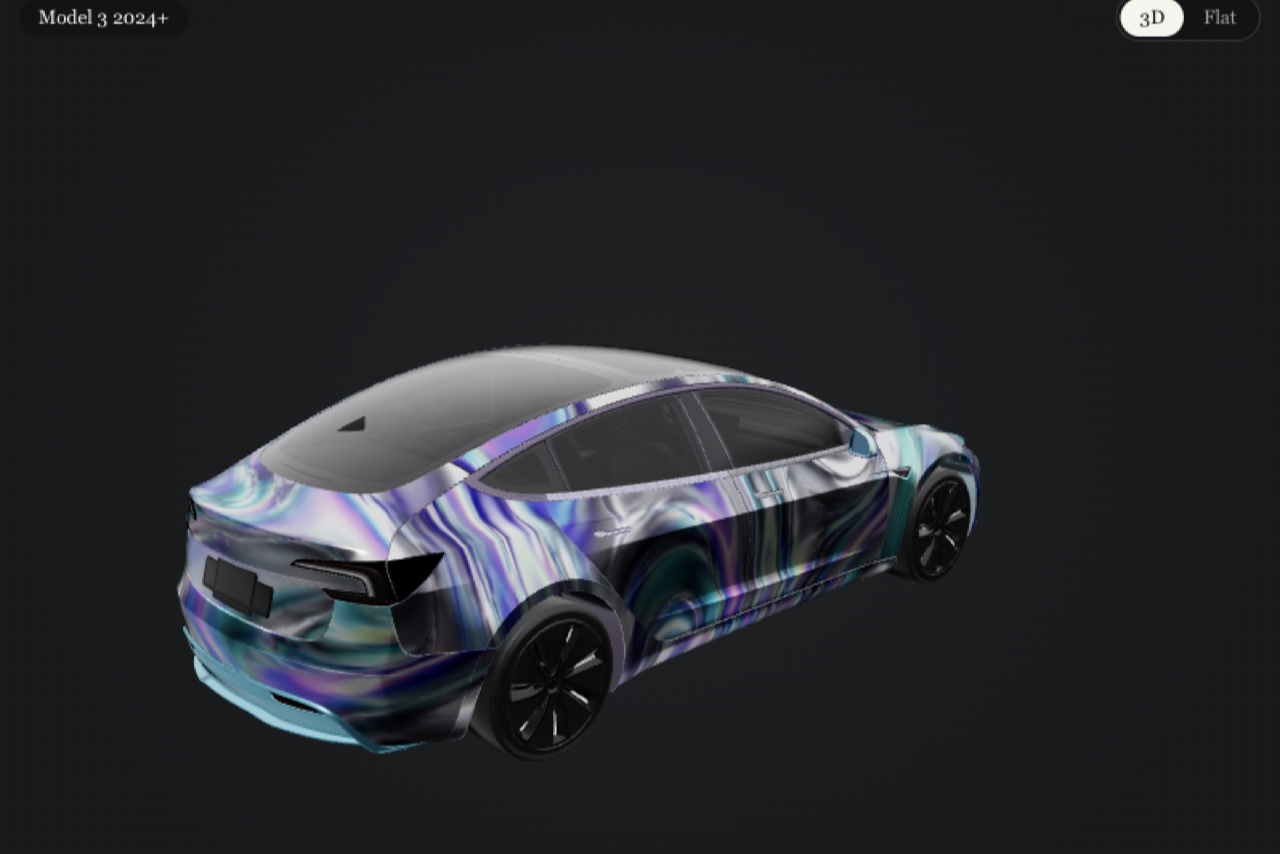
Check every panel in 3D
Rotate the 3D preview to inspect hood, doors and bumpers. What you see is the same PNG you will export.
 4
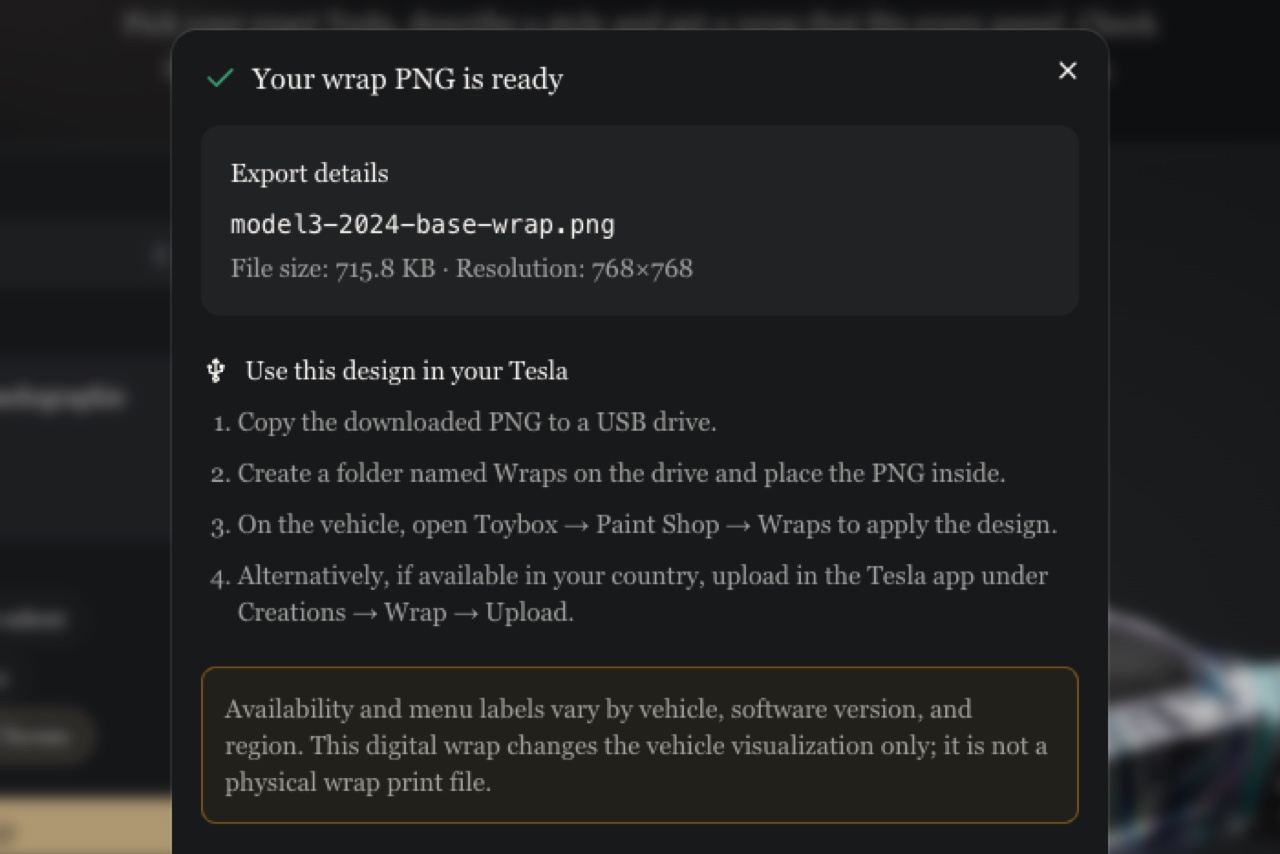
Download the Paint Shop PNG
Click Download PNG. We check the size, format and file name automatically; if the file is too large, simplify the design and try again.