Tesla Paint Shop · Model 3

Tesla Model 3 wraps

Explore Tesla Model 3 wraps for the Highland refresh and earlier sedan, preview art on the matching 3D template, and download a Paint Shop PNG for your car.

Choose your Model 3 variant
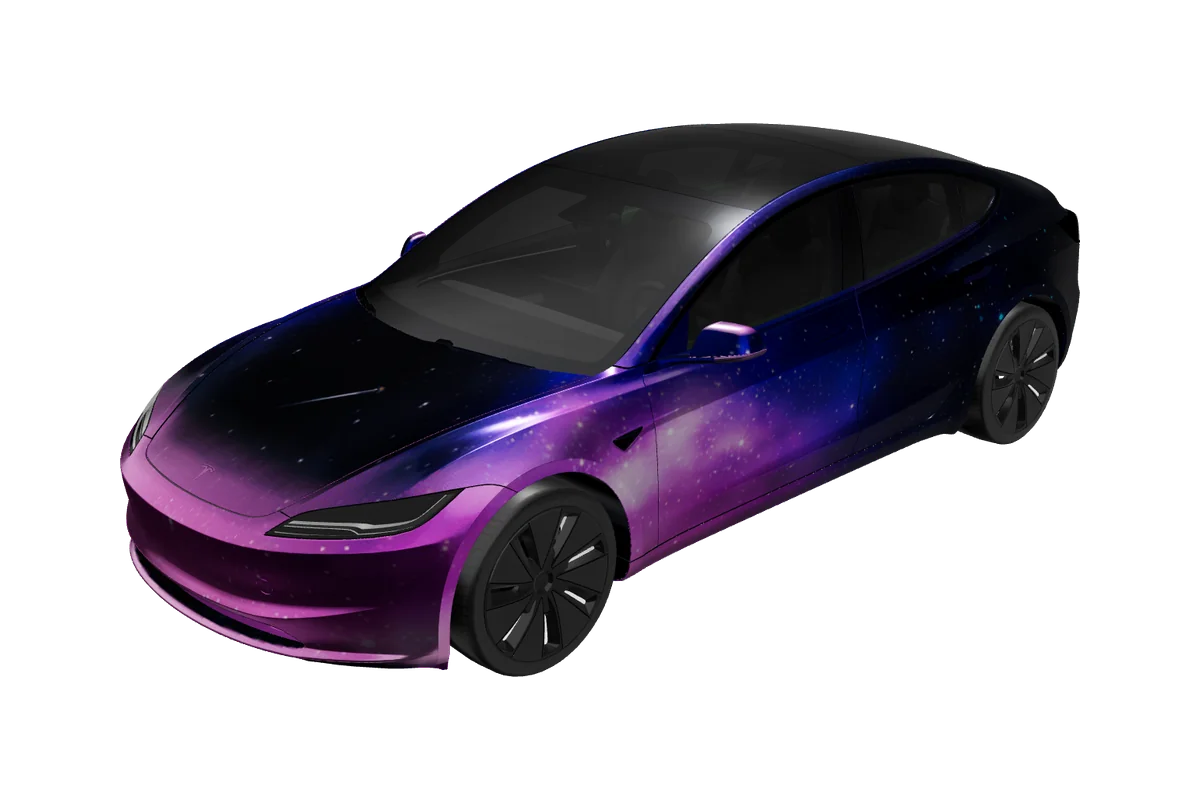
Model 3 Tesla vehicle preview

Paint Shop gallery

Tesla Model 3 wrap designs

16 designs
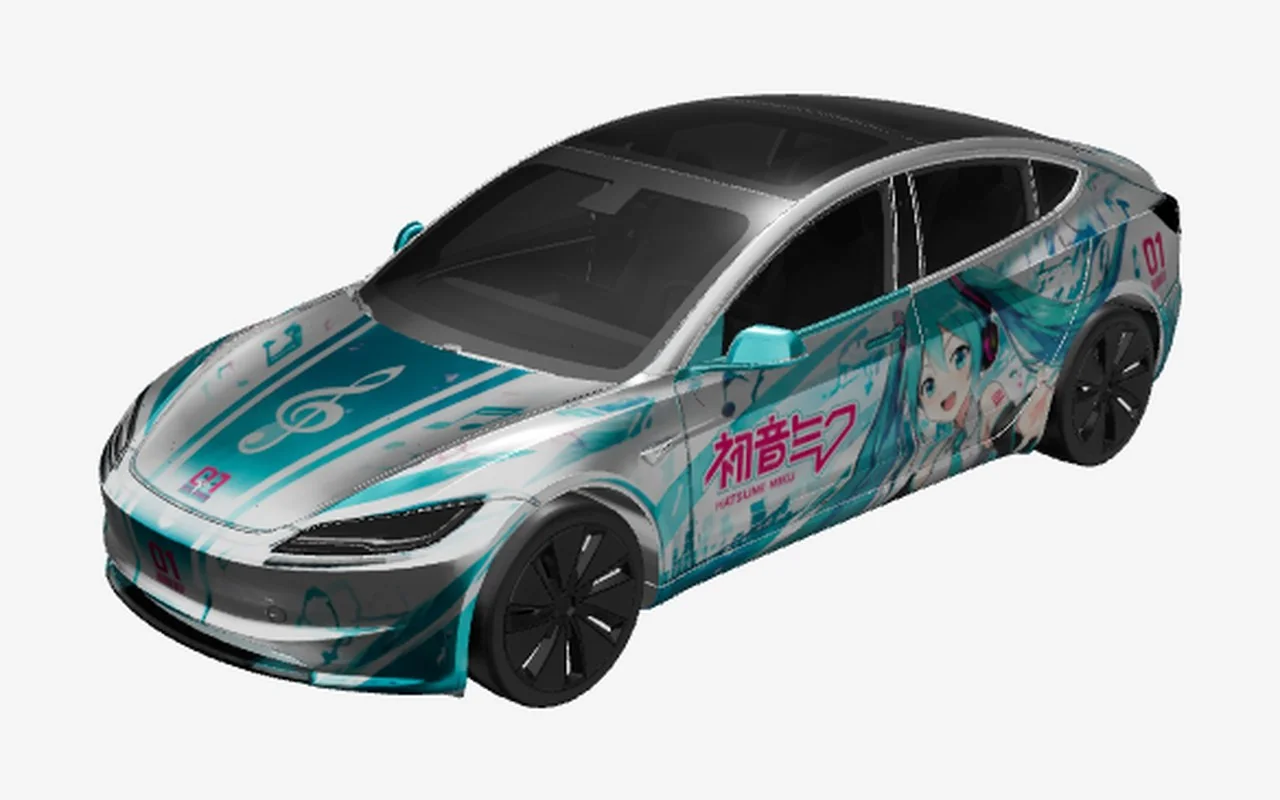
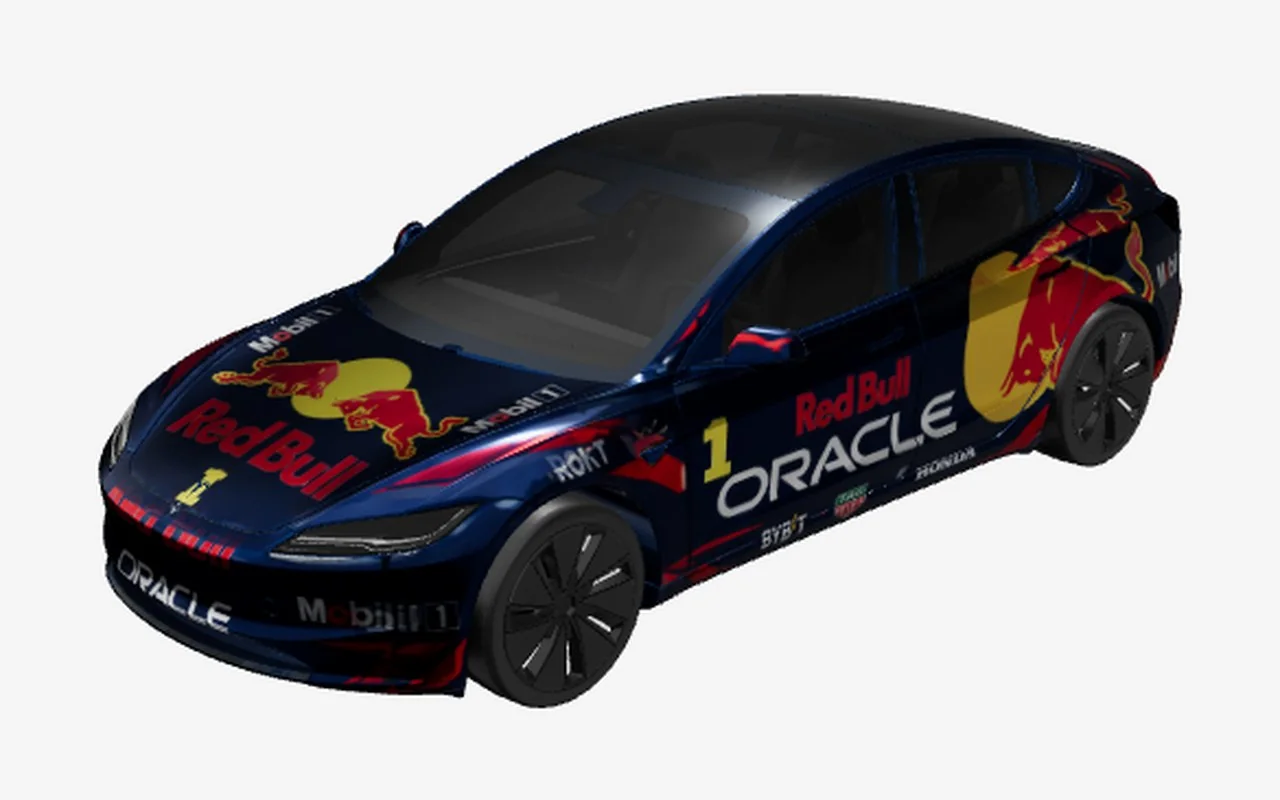
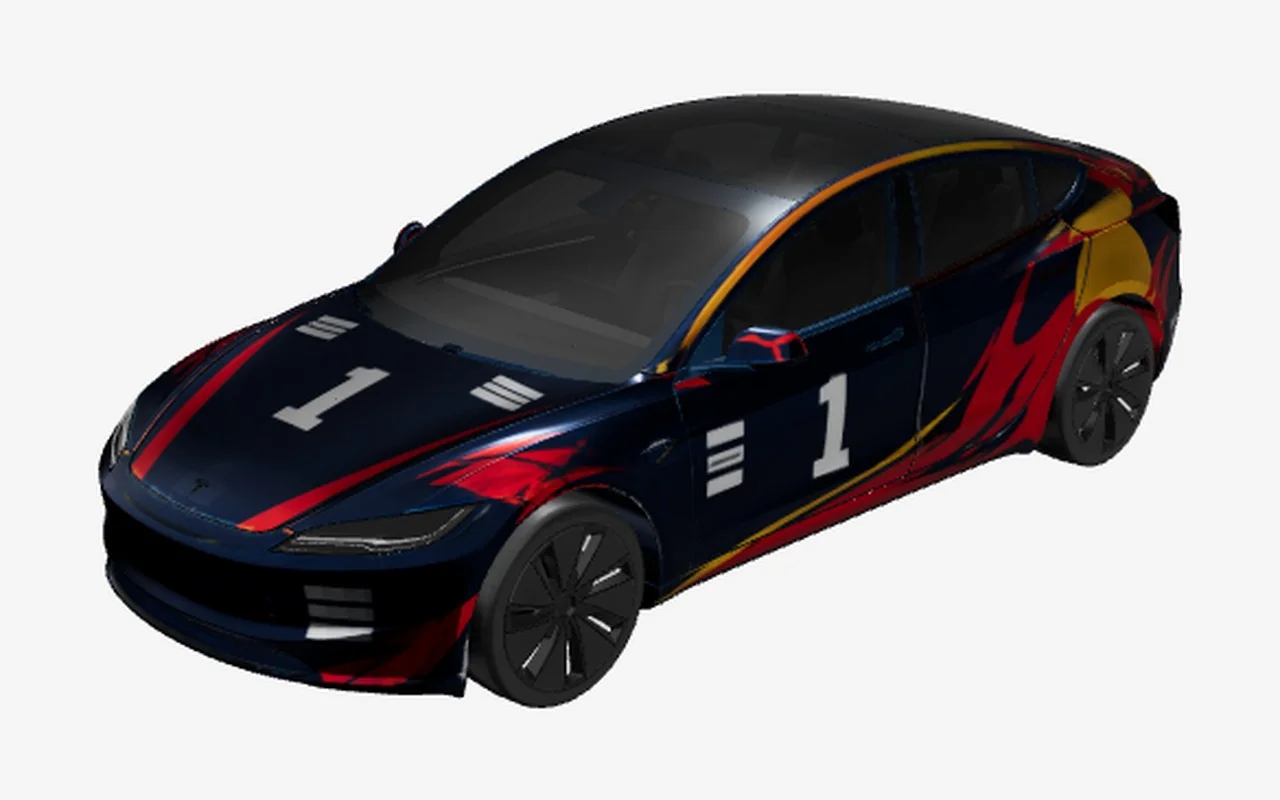
Red Bull RacingFan art

Red Bull Racing

Model 3 2024+ · Racing liveries

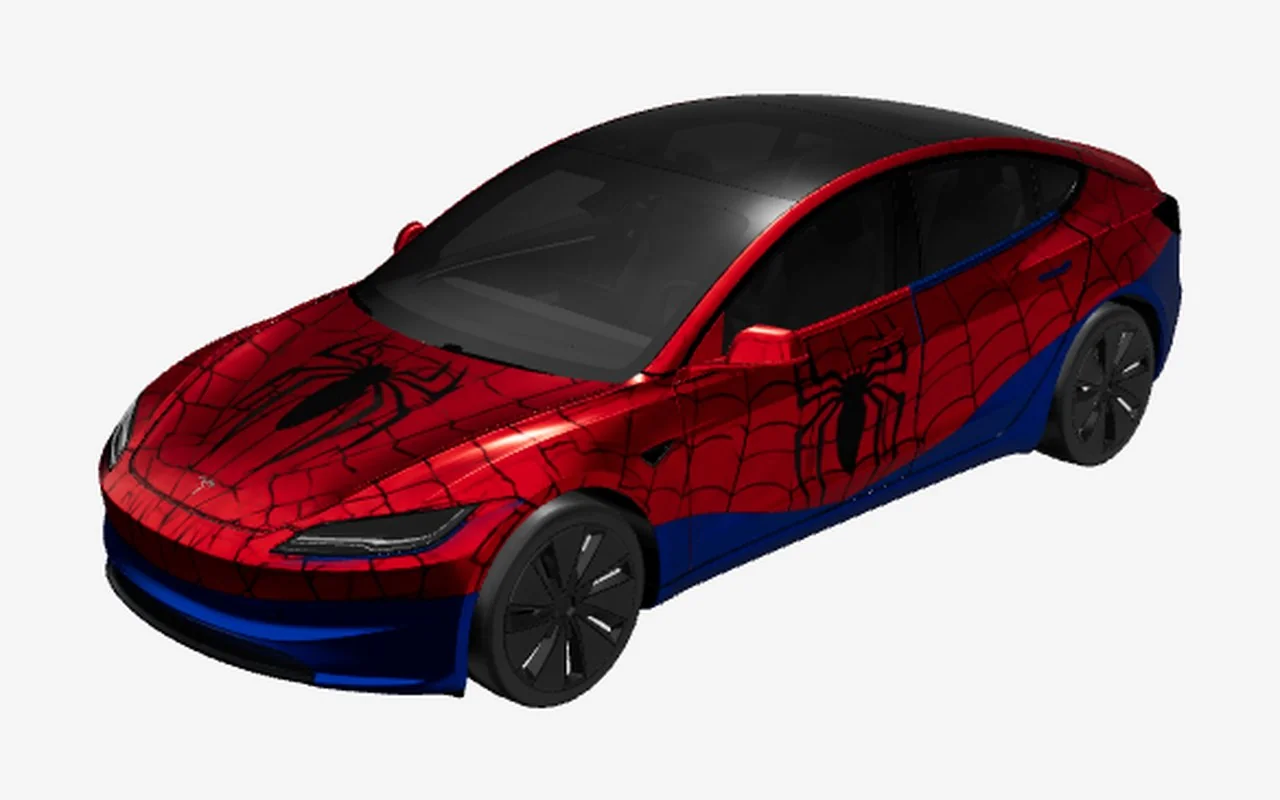
Web SlingerFan art

Web Slinger

Model 3 2024+ · Superheroes

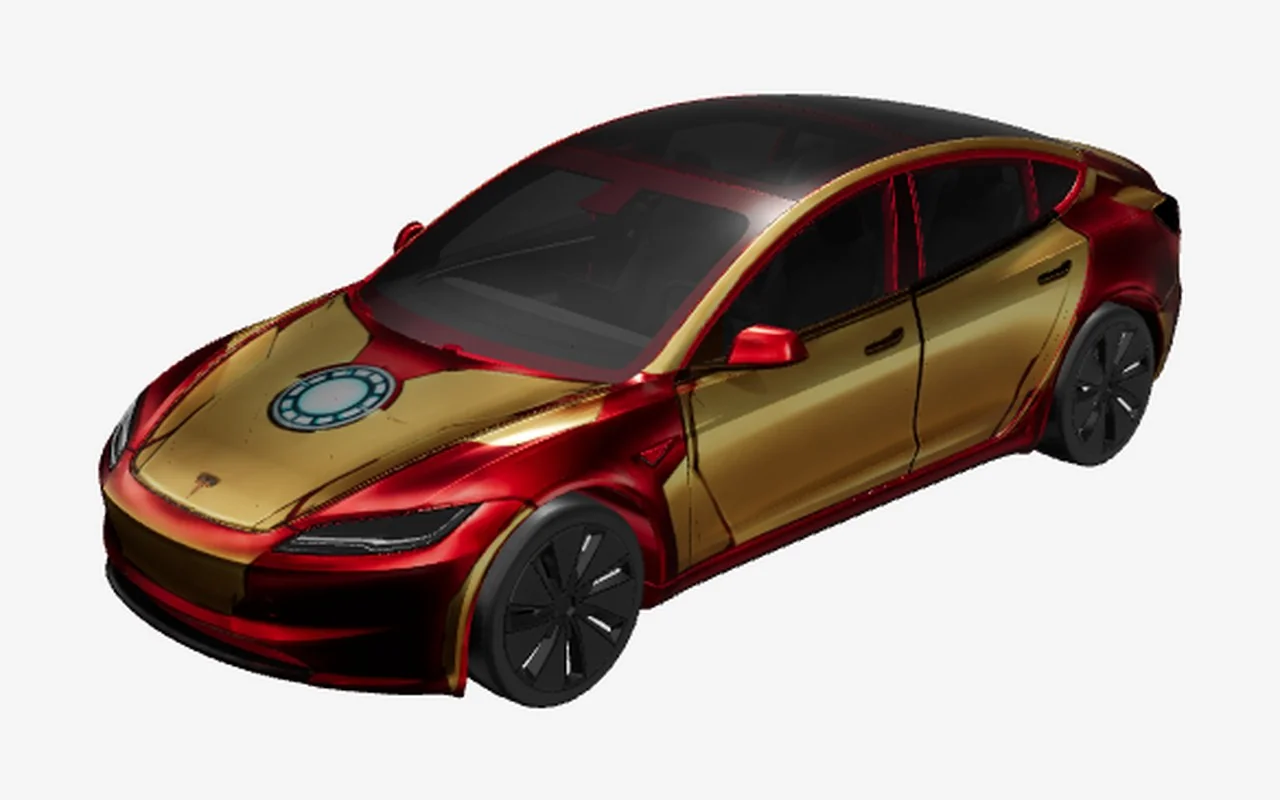
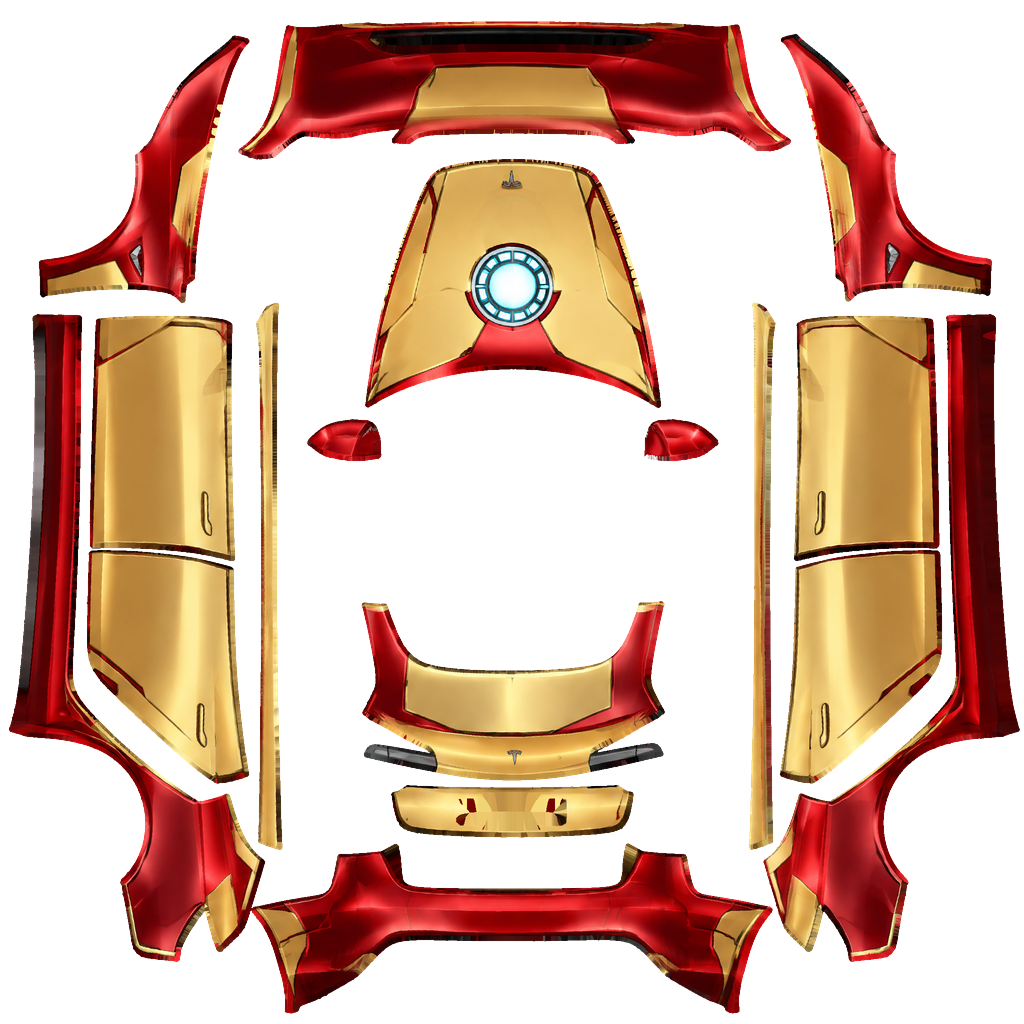
Iron ArmorFan art

Iron Armor

Model 3 2024+ · Superheroes

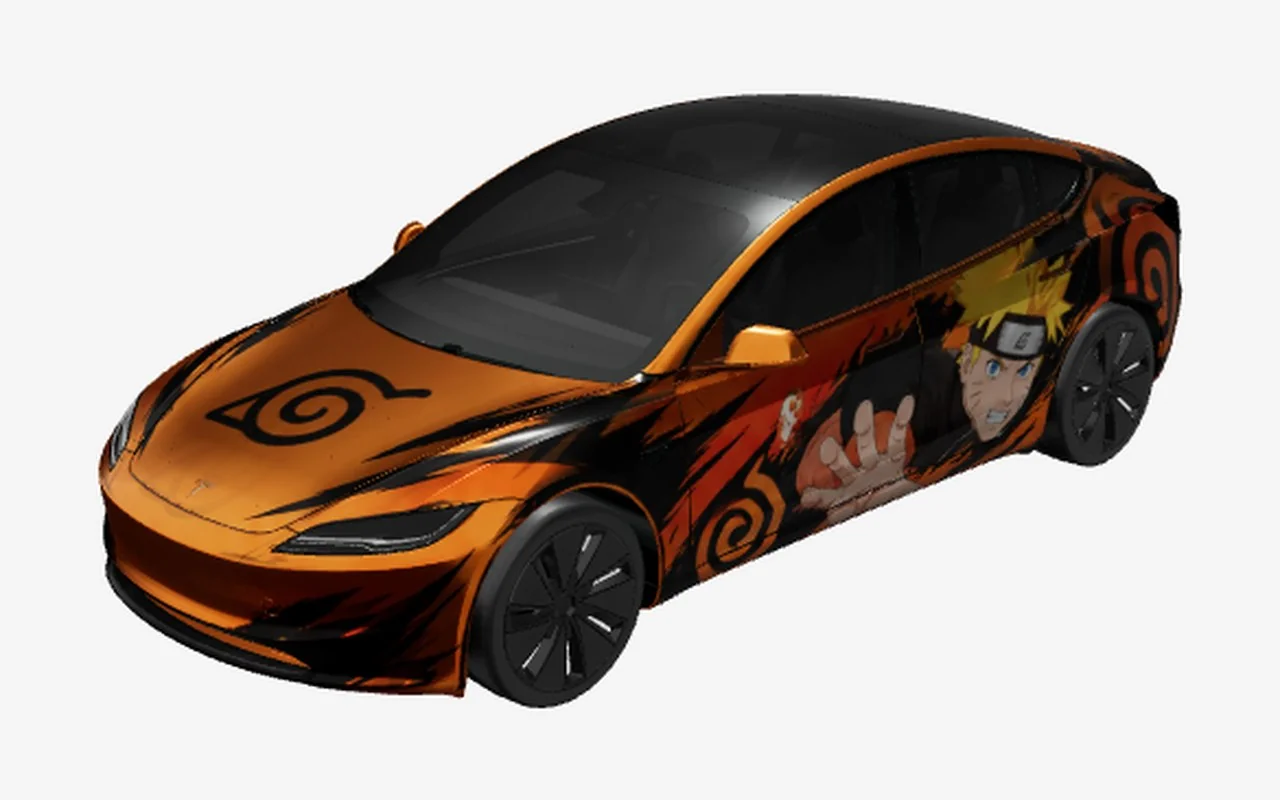
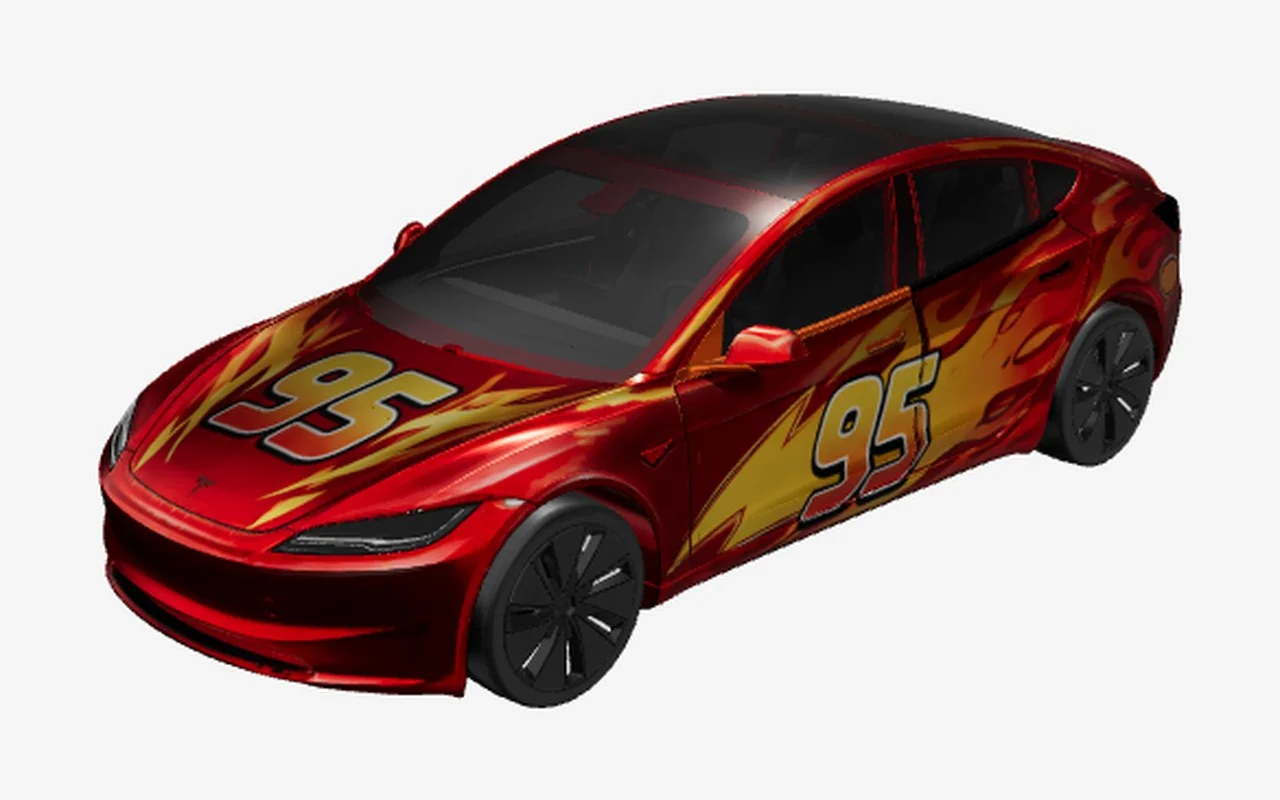
Lightning 95Fan art

Lightning 95

Model 3 2024+ · Movies & cartoons

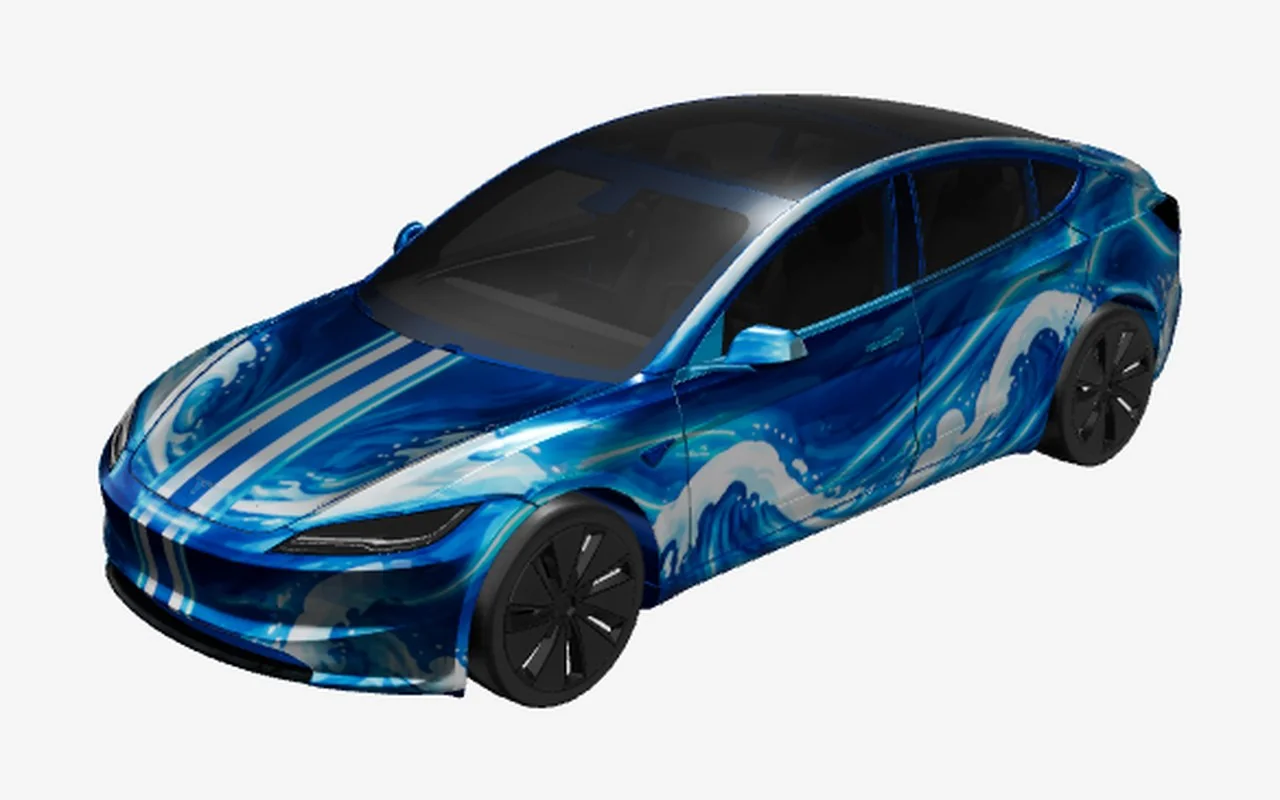
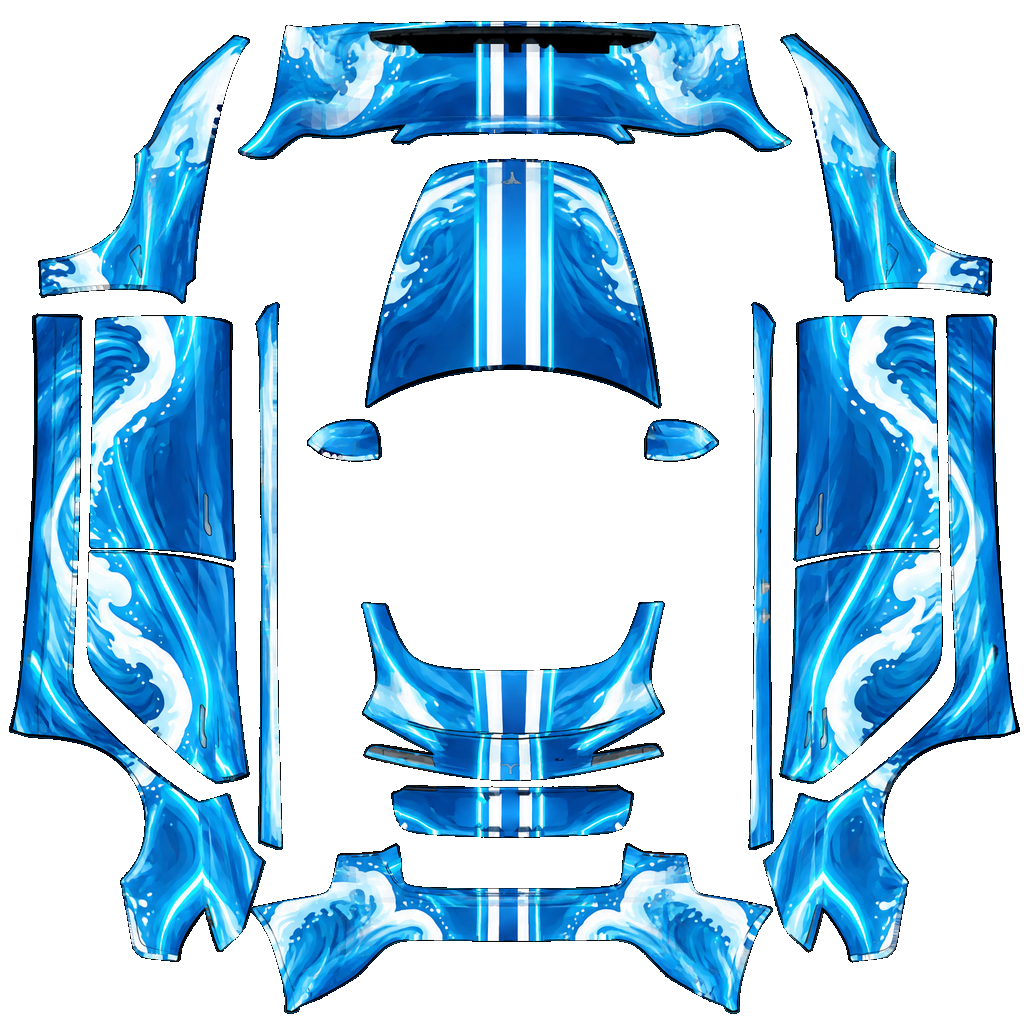
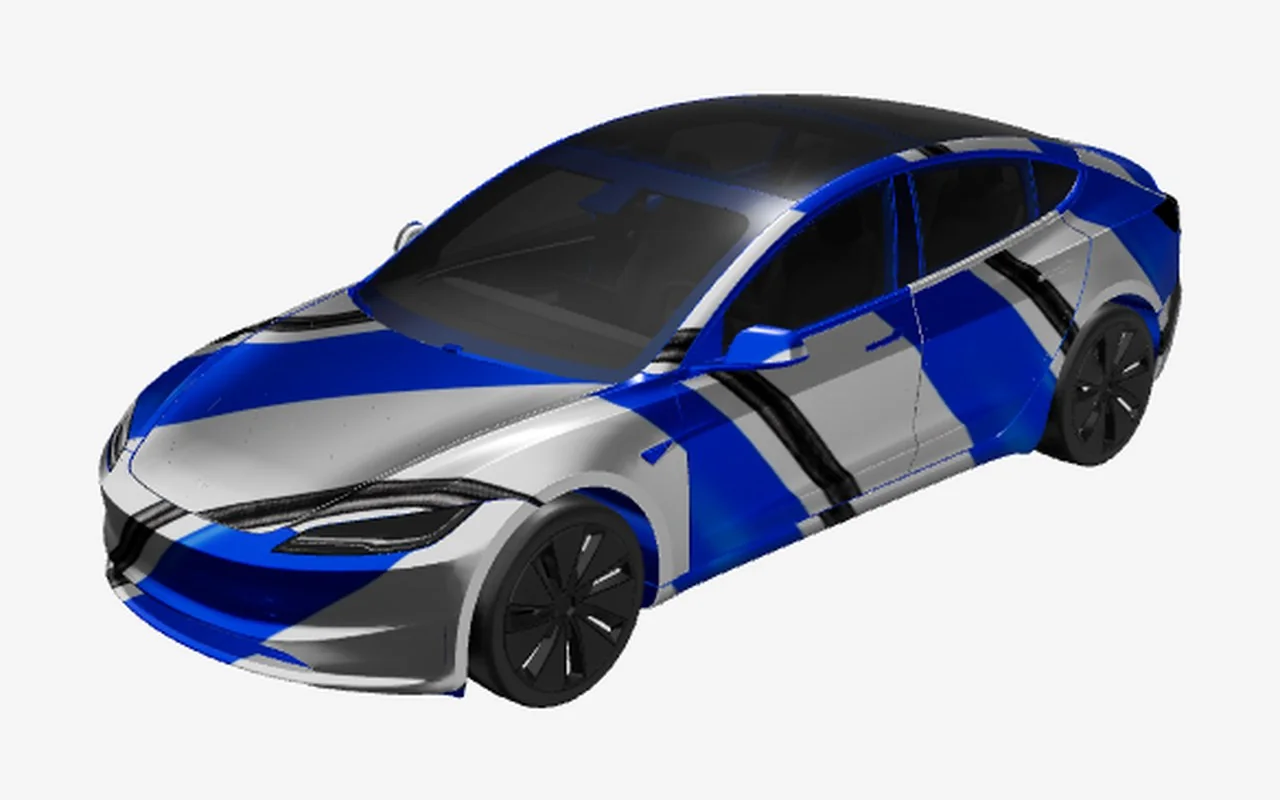
Sapphire Wave

Sapphire Wave

Model 3 2024+ · Clean colors

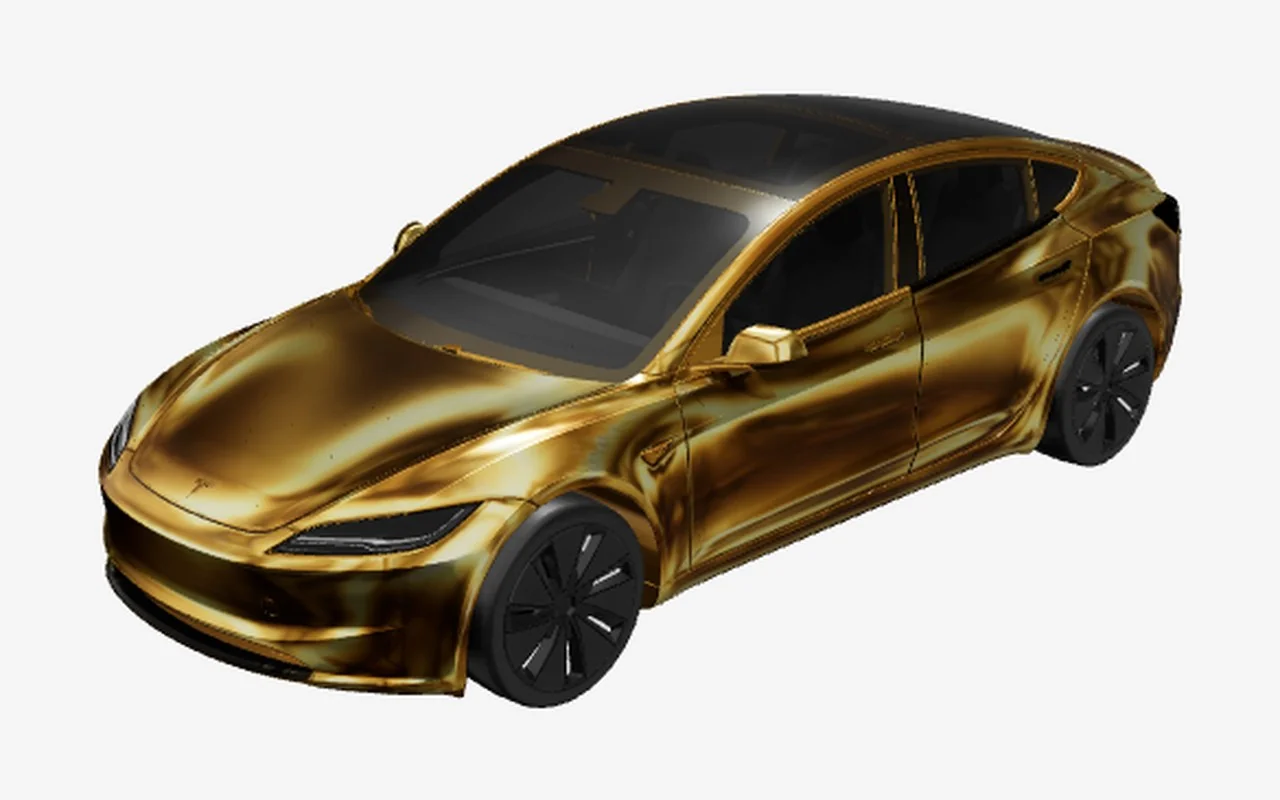
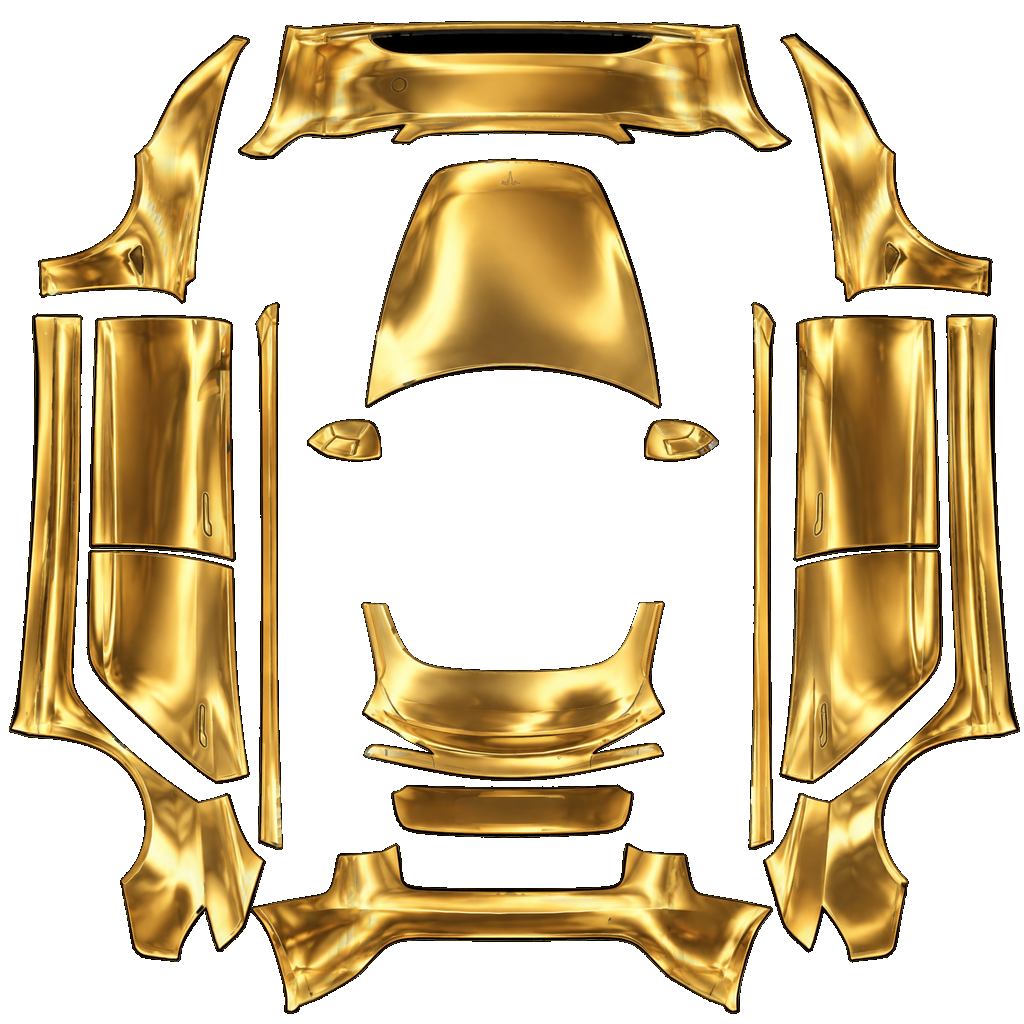
Liquid Gold

Liquid Gold

Model 3 2024+ · Clean colors

Grid Racer

Grid Racer

Model 3 2024+ · Racing liveries

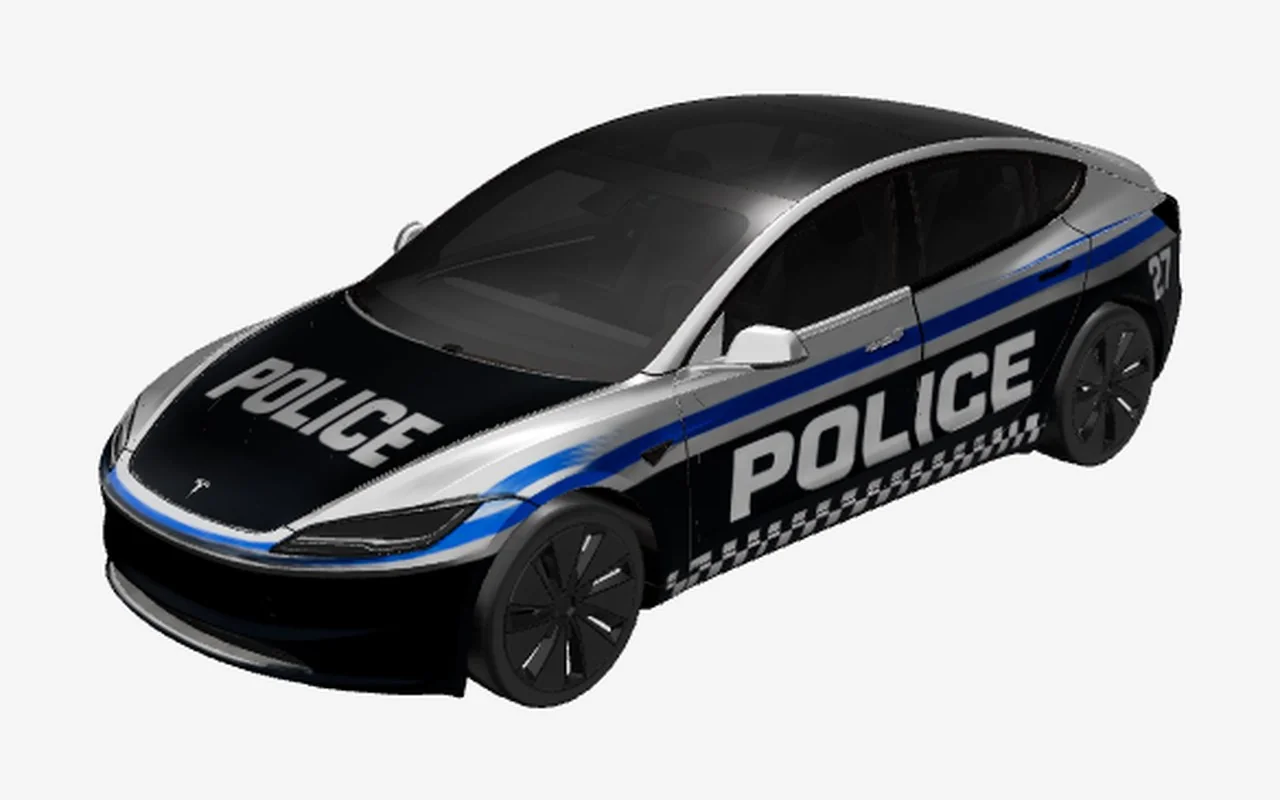
Patrol Blue

Patrol Blue

Model 3 2024+ · Police & service

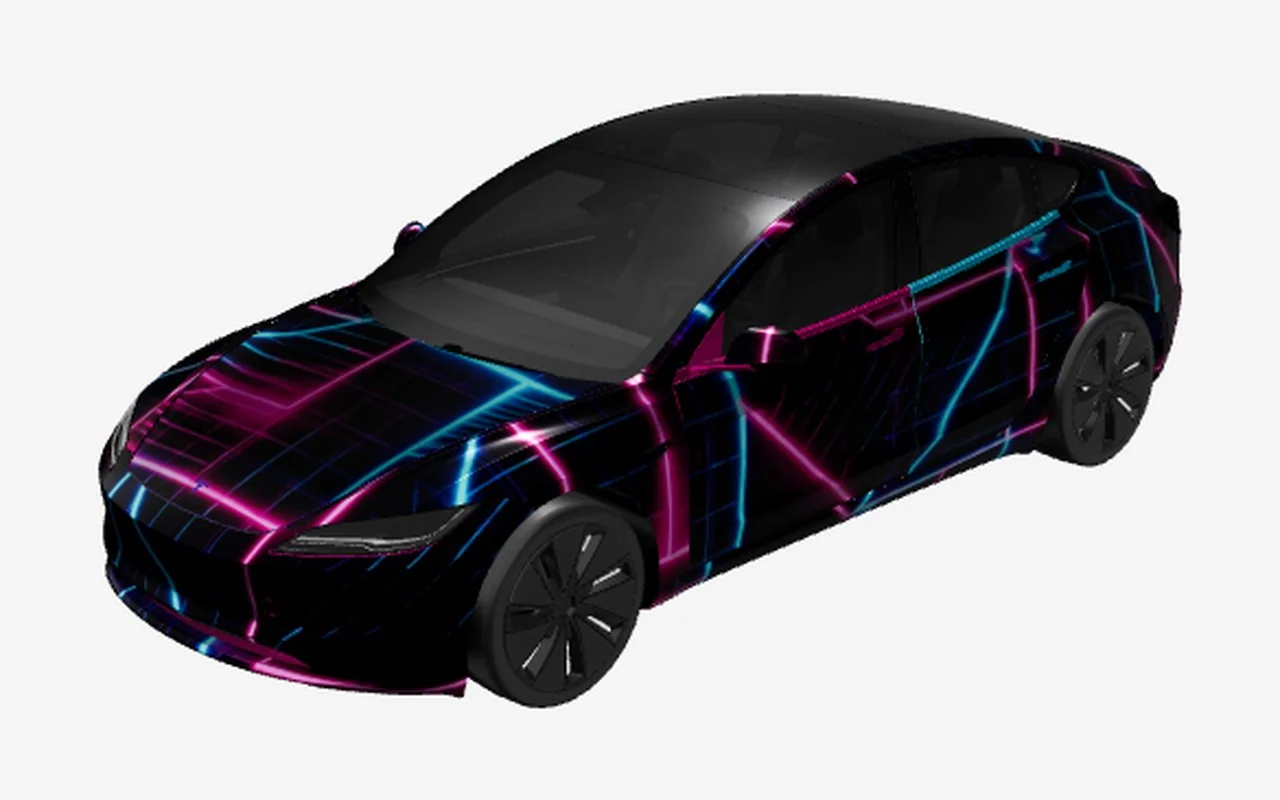
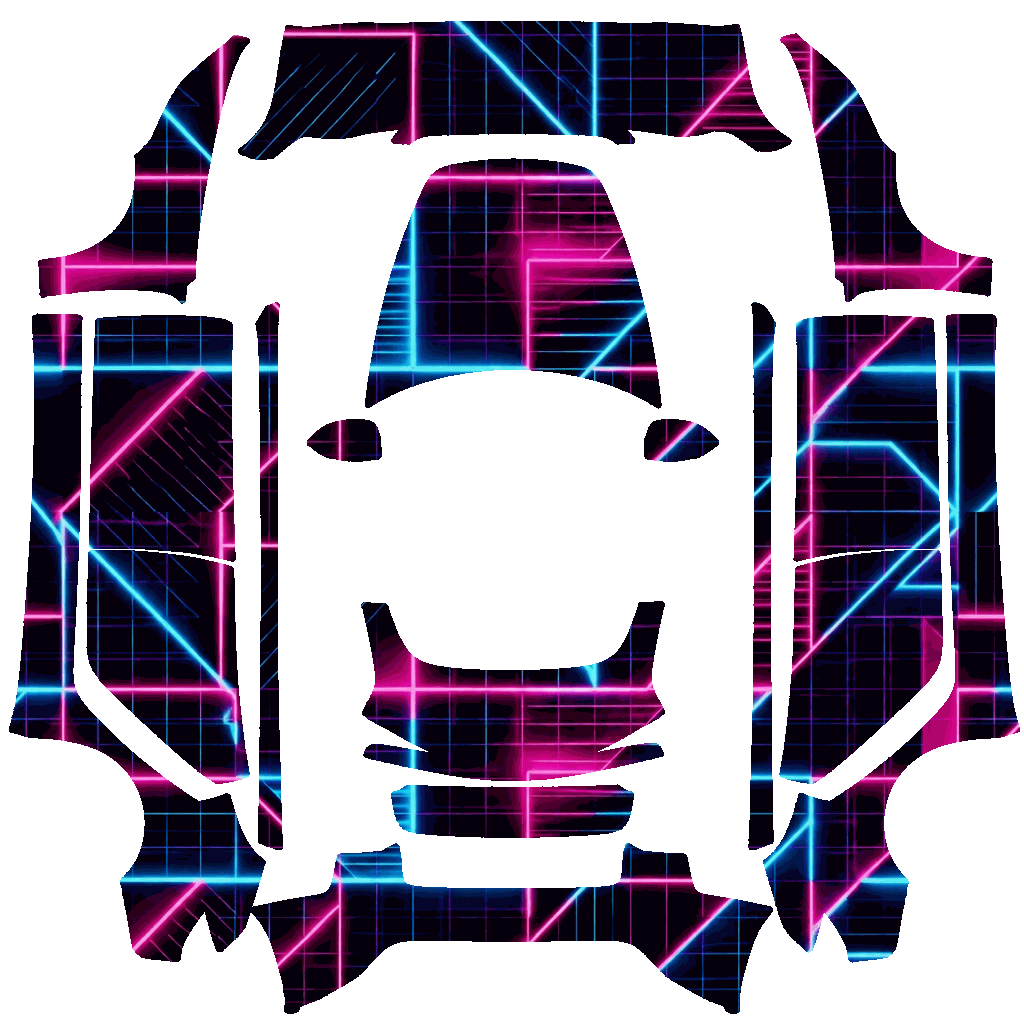
Neon Grid

Neon Grid

Model 3 2024+ · Clean colors

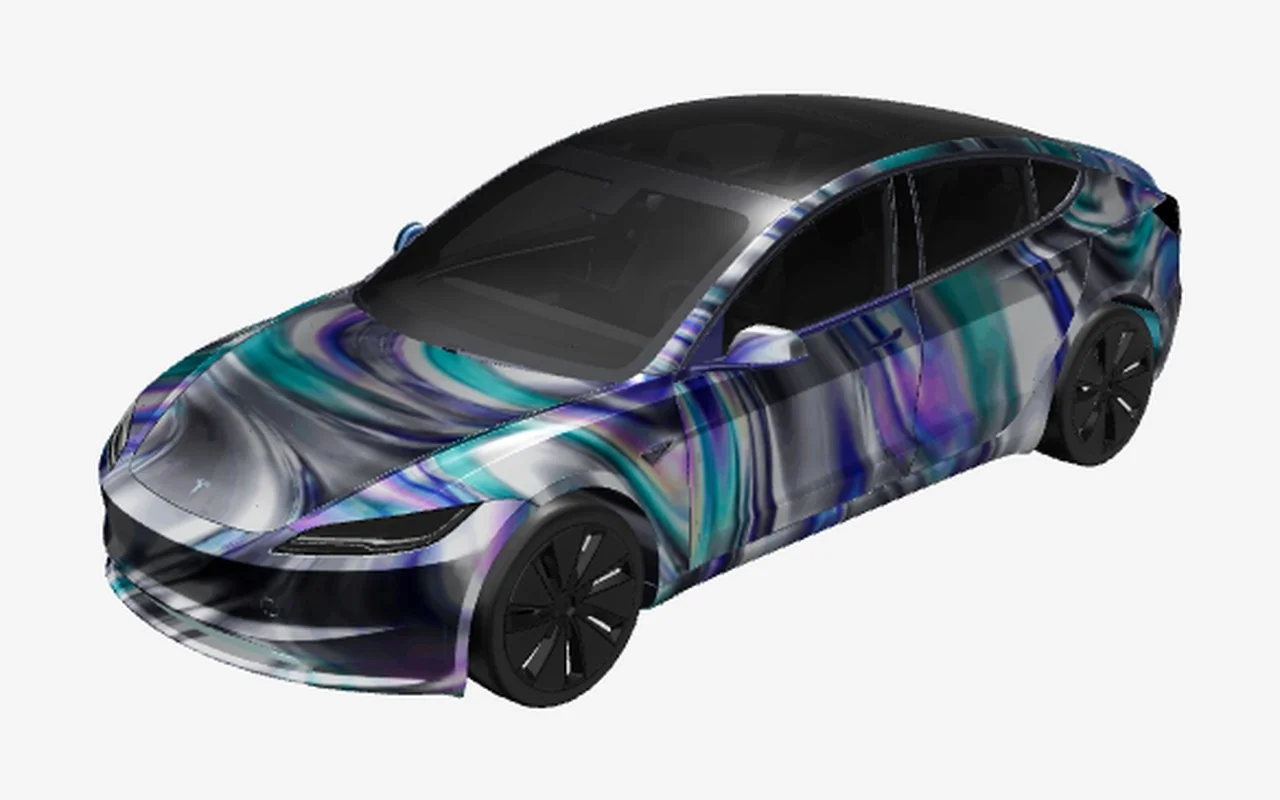
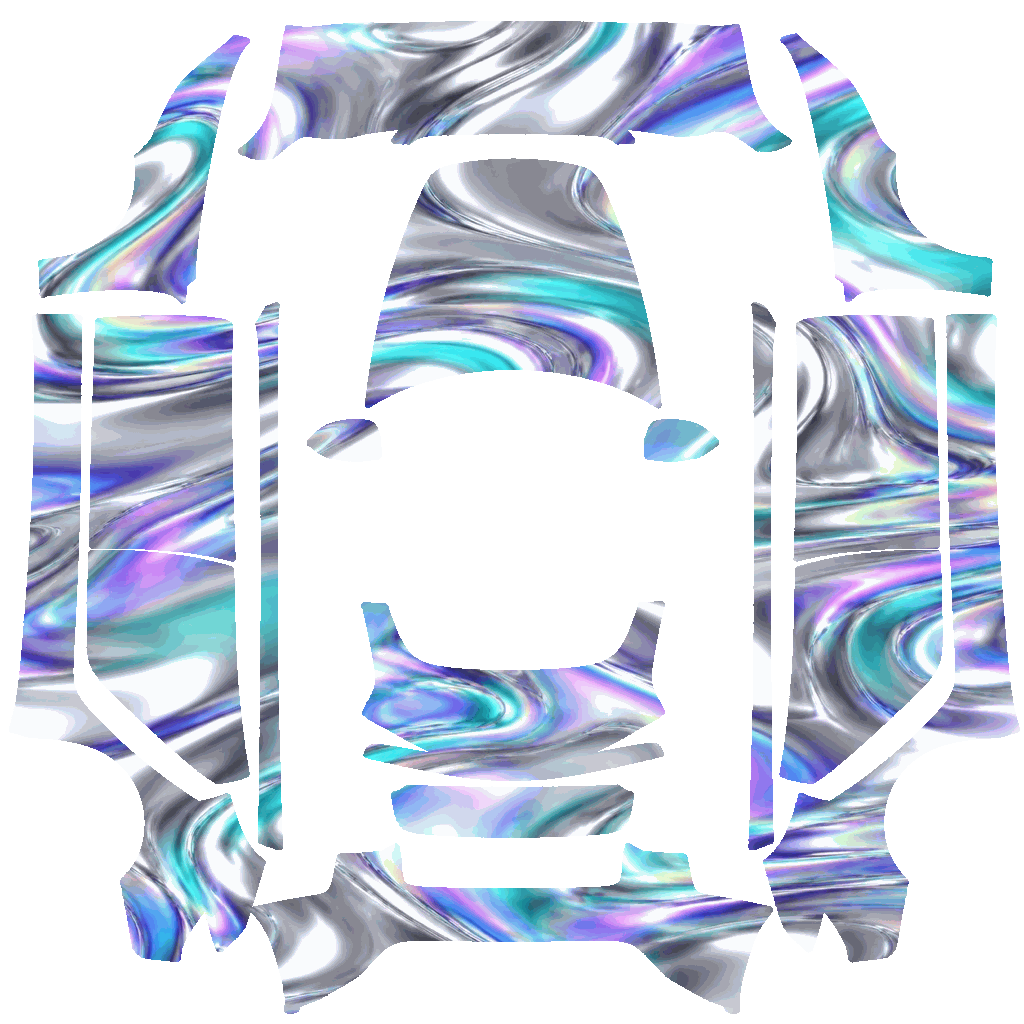
Iridescent Chrome

Iridescent Chrome

Model 3 2024+ · Clean colors

Volt Geometry

Volt Geometry

Model 3 2024+ · Racing liveries

Why it matters

What makes Model 3 wraps different

Body shape

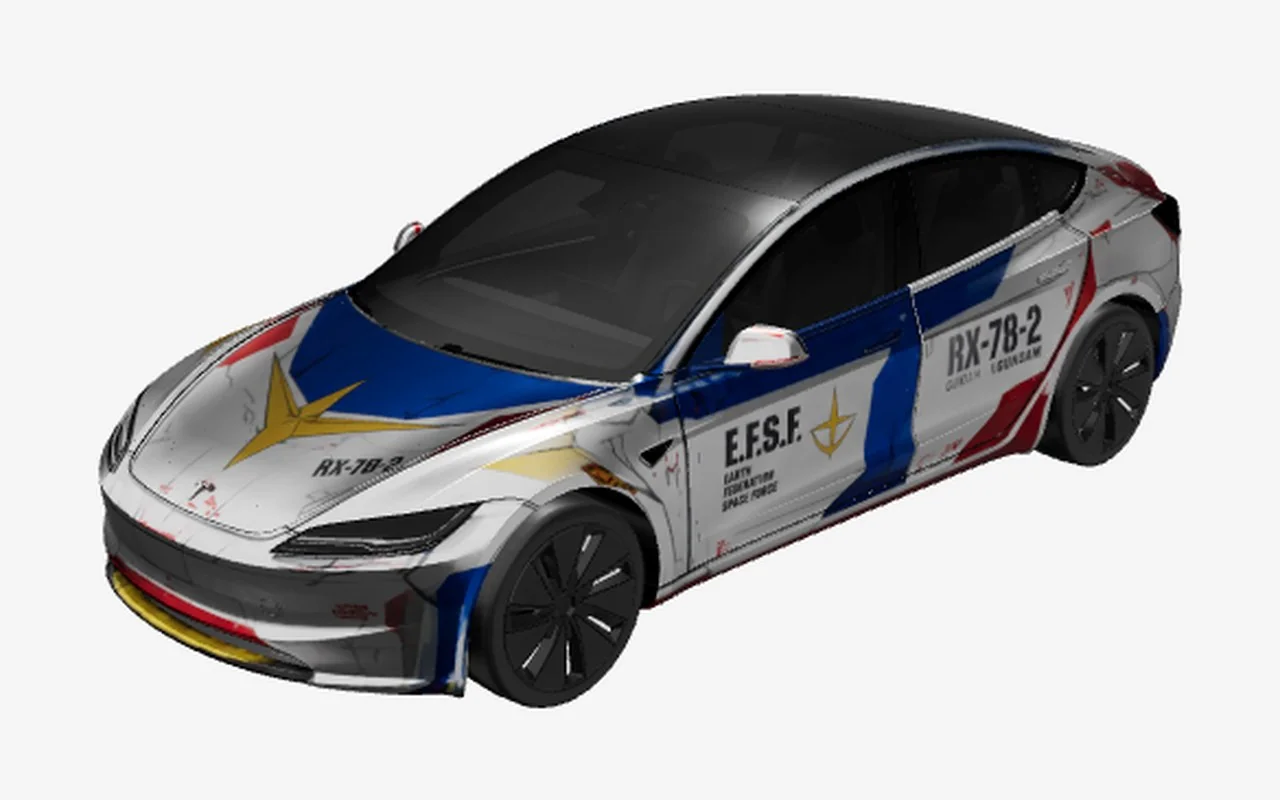
The Model 3 is a low, compact sedan with a long glass roof, short overhangs, and a clean side profile. Its uninterrupted doors can make a stripe or number panel feel especially prominent, while the sloping hood and trunk reward designs that keep their visual weight balanced. Use the vehicle preview to check how a graphic travels from the front fender across the doors and toward the rear quarter; a flat texture alone cannot show every transition clearly.

Generations & variants

This page separates Model 3 2024+ from Model 3 2017–2023, and lists the newer Performance option independently. The Highland-era refresh changes the appearance at the nose, lighting, and rear, so a line that appears to frame the older lamps may land differently on the new template. Select the generation and listed trim closest to your car before opening the editor. The model label is a useful guide, but it is not a substitute for checking the compatibility page when you need to confirm support for a specific vehicle or software release.

Placing graphics

The sedan shape works well for side graphics that use the long door area, hood-to-roof color transitions, or a subtle rear-quarter accent. Keep fine details away from edges and inspect both side views; a balanced driver side can still feel crowded on the passenger side if text or a directional graphic is not planned carefully.

Template to car

From flat template to your Model 3
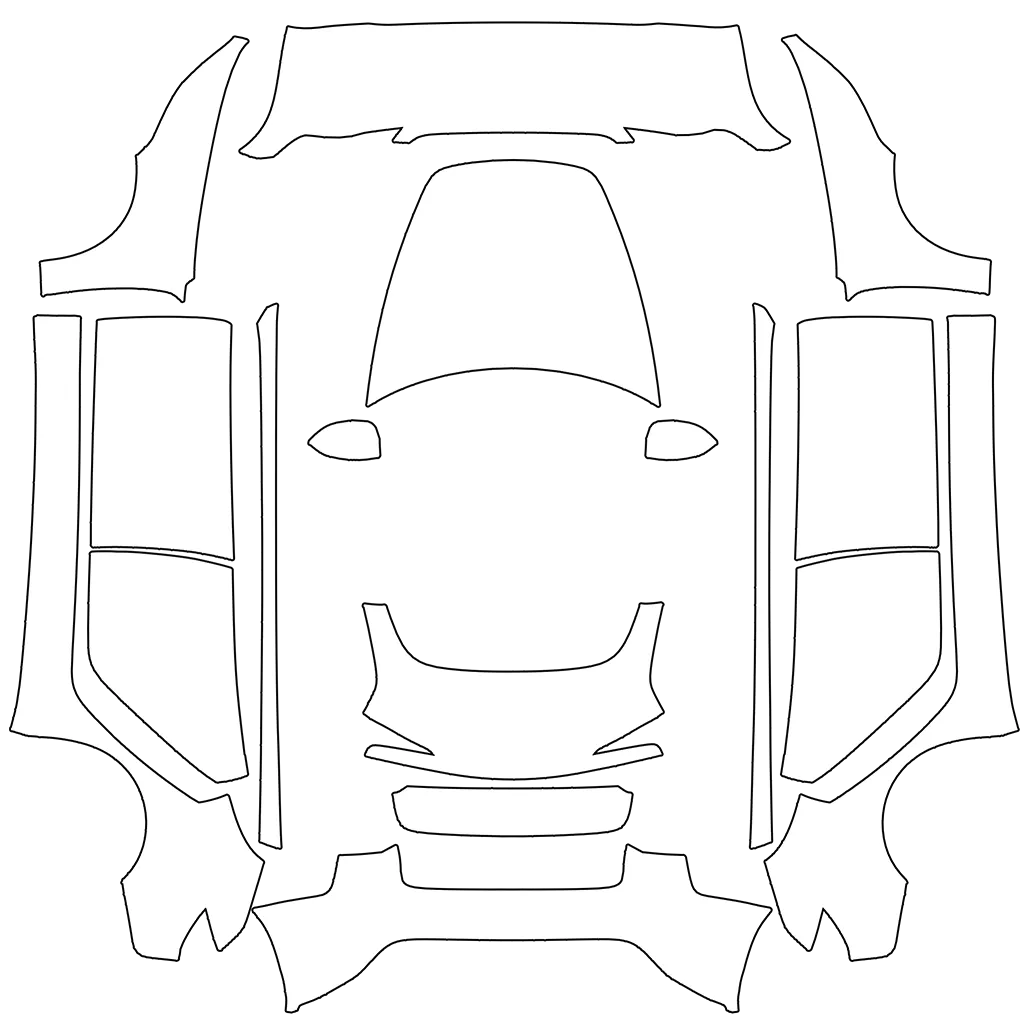
Model 3 flat Paint Shop templateModel 3 Tesla vehicle preview

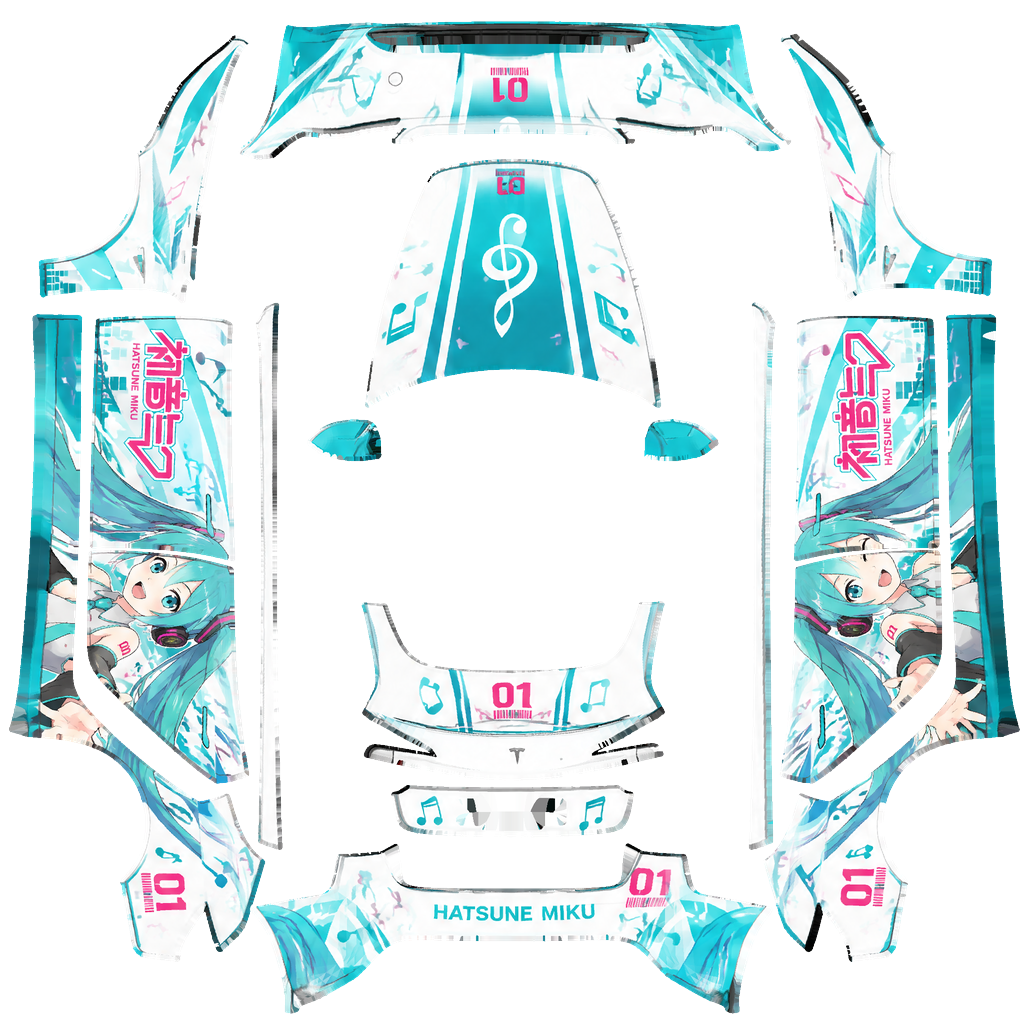
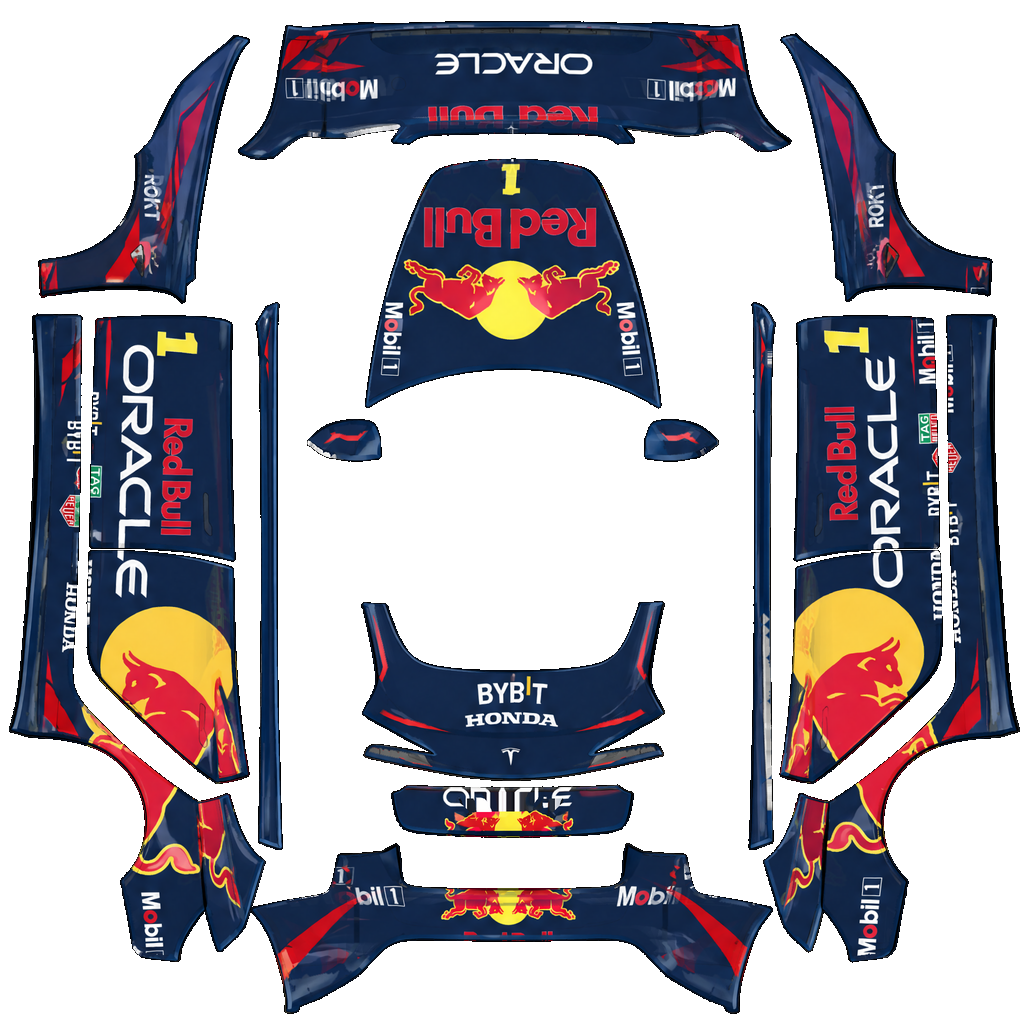
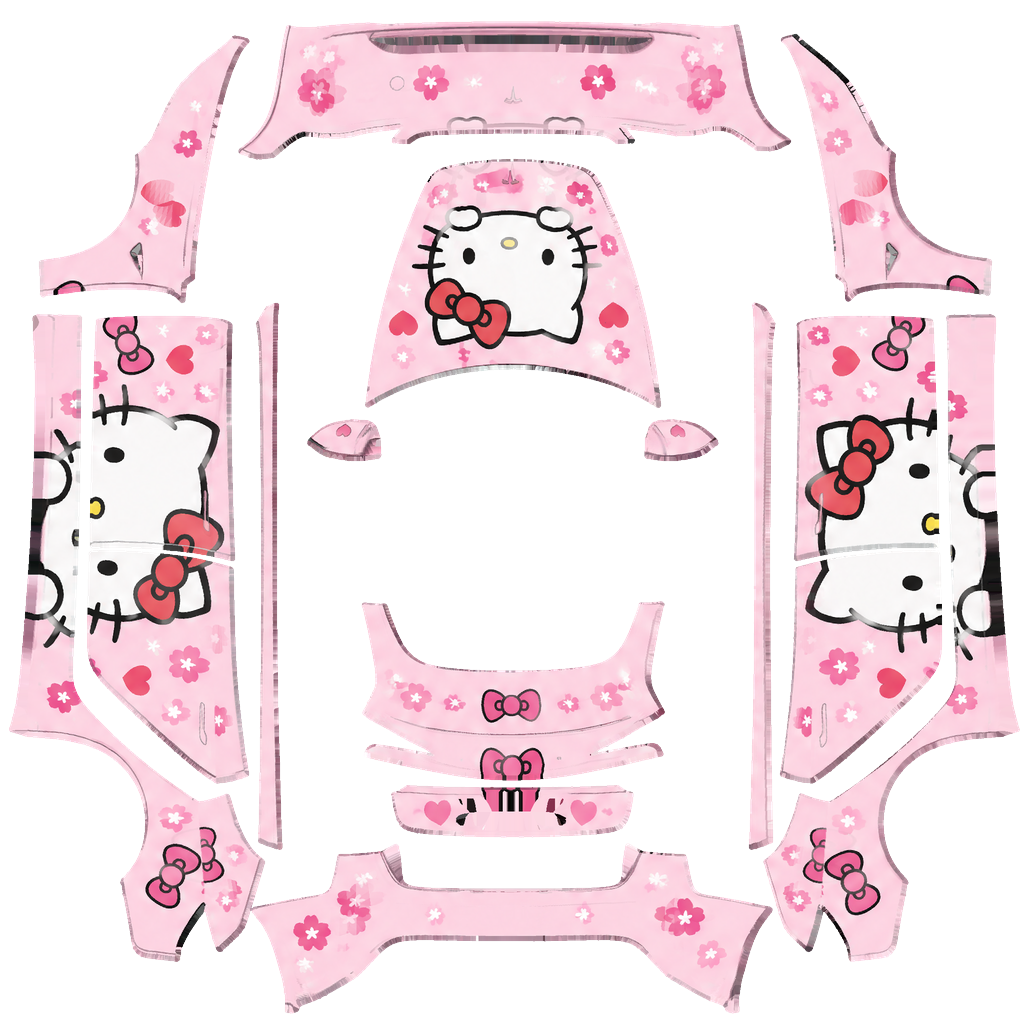
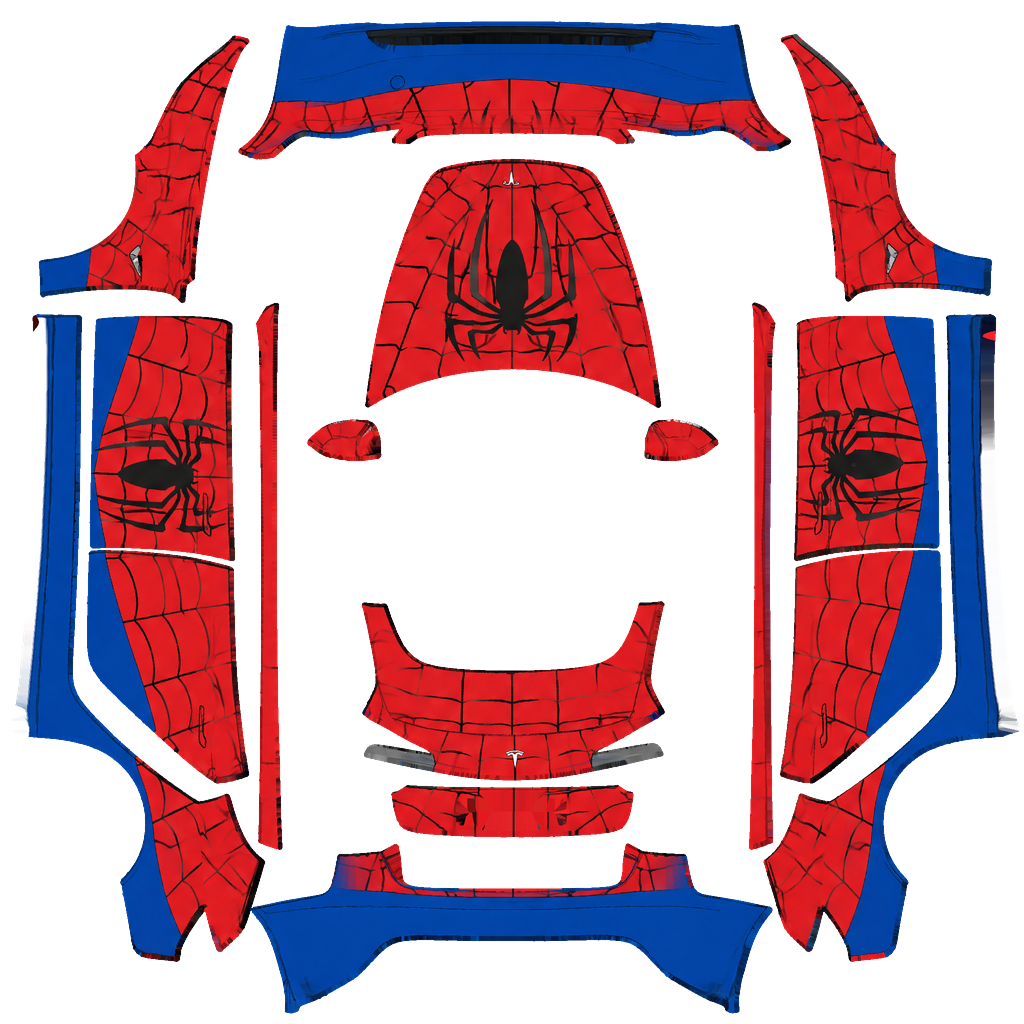
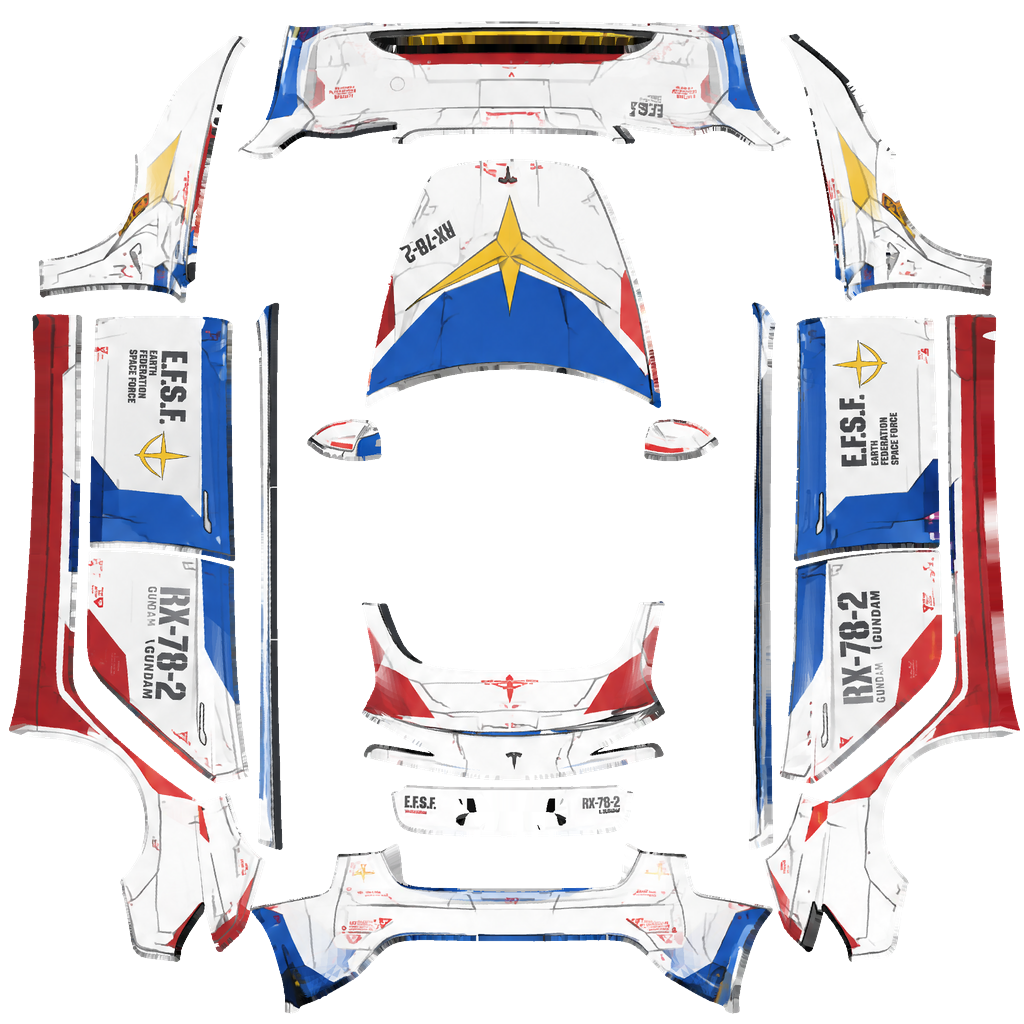
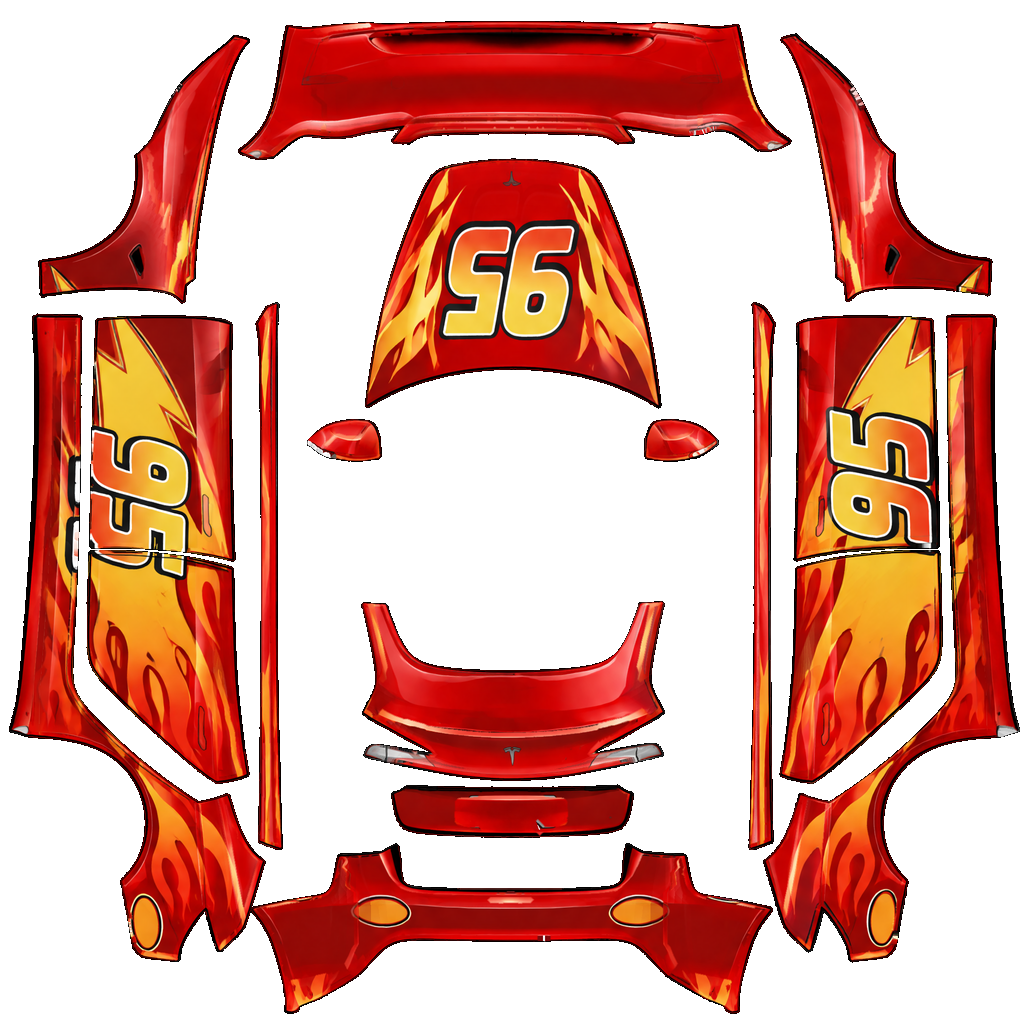
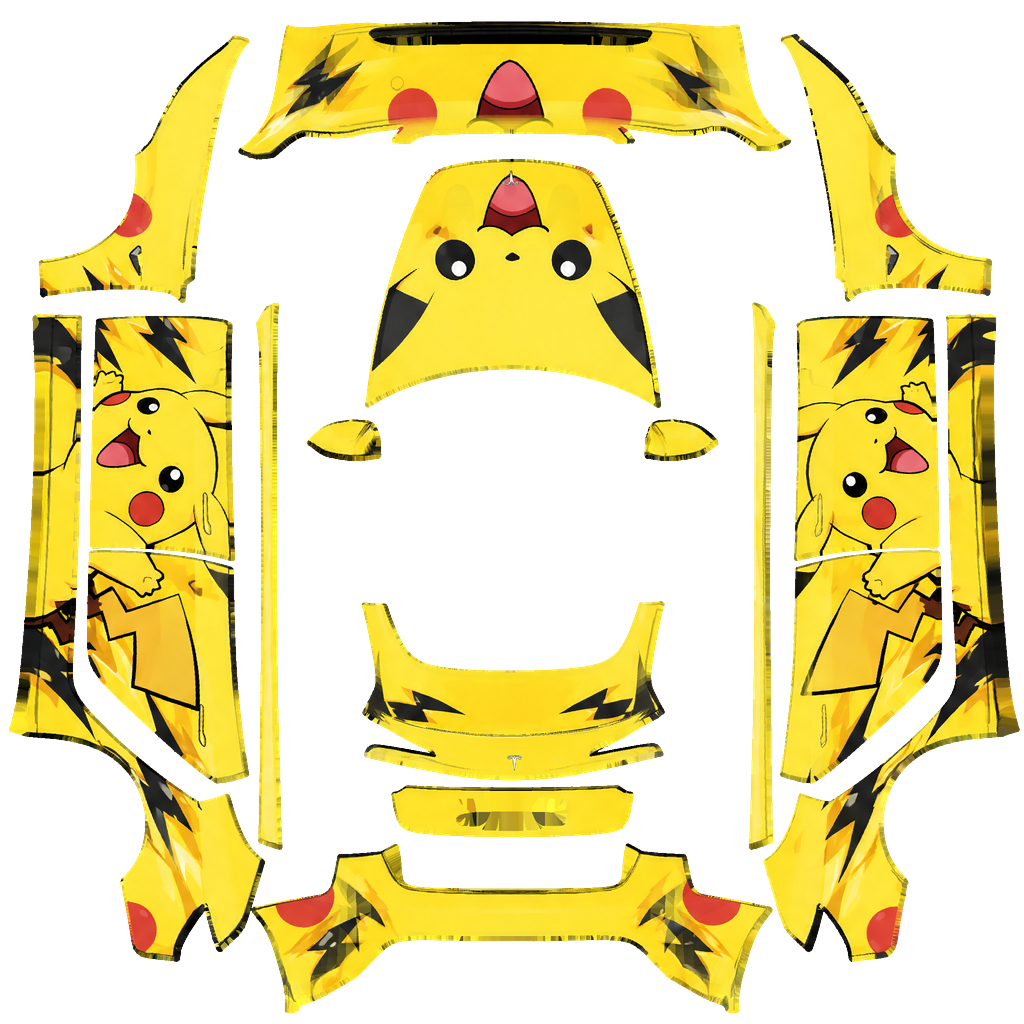
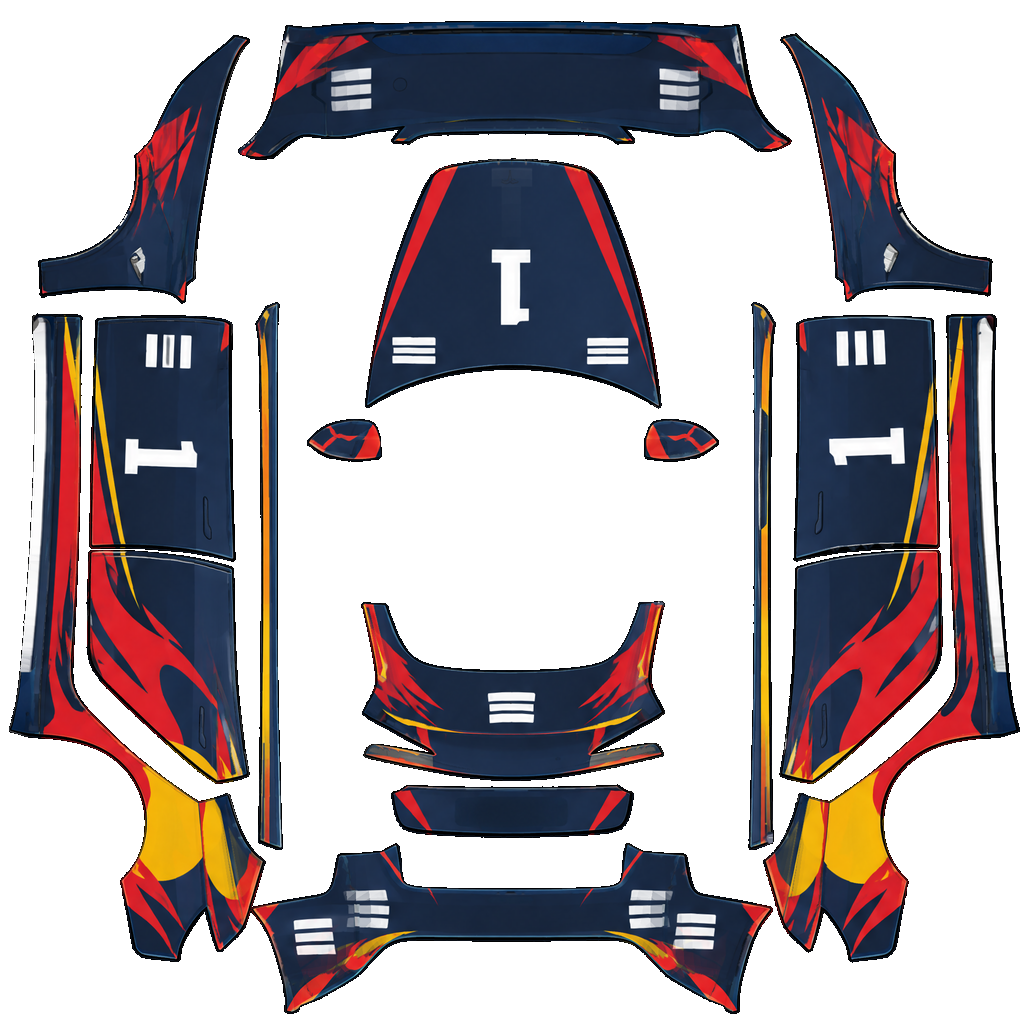
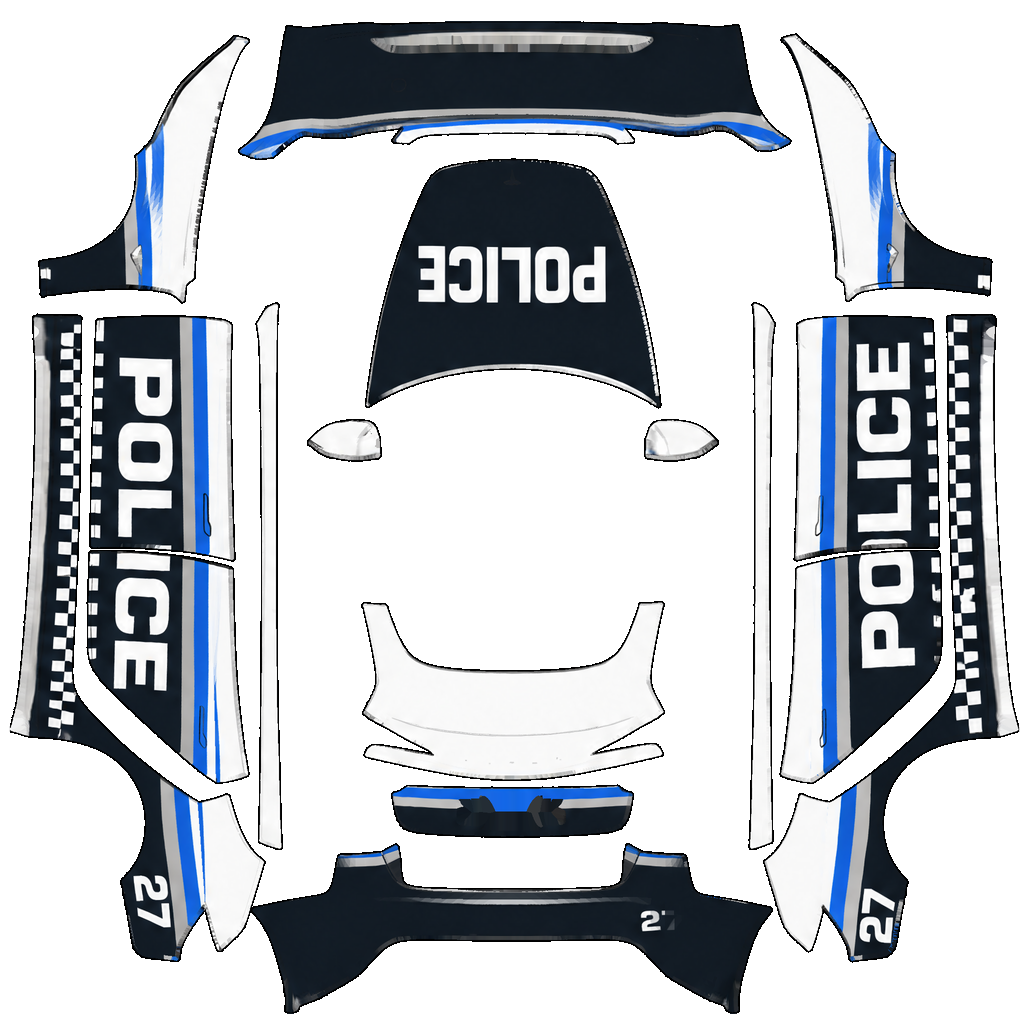
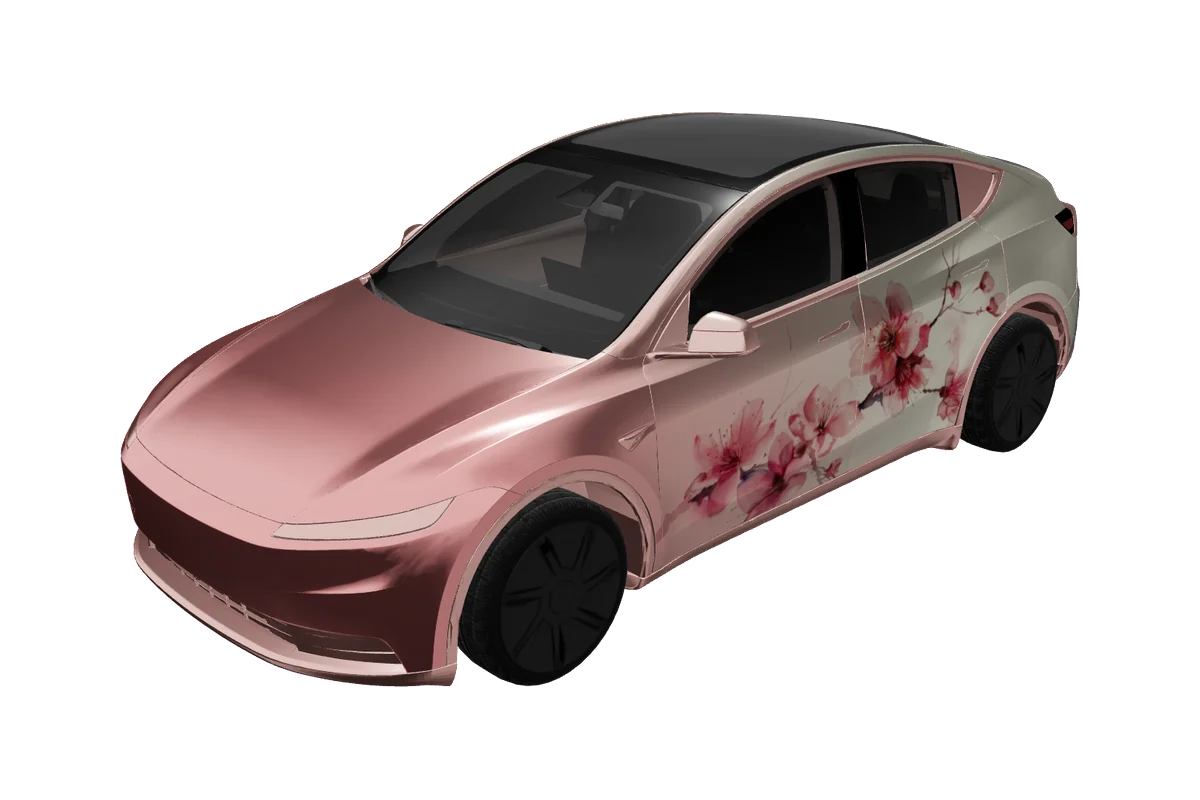
The flat template maps to the matching body panels, while the 3D preview helps you check balance, seams, and detail before export.

Paint Shop export

Model 3 Paint Shop templates and export

VariantsModel 3 2024+, Model 3 2024+ Performance, Model 3 2017–2023
Canvas1024 × 1024
FormatPNG
File sizeUnder 1 MB (1,048,576 bytes)
USB folderWraps
In the carToybox → Paint Shop → Wraps

The Model 3 configurations in this repository specify a 1024 × 1024 export and a maximum of 1,048,576 bytes (1 MiB). Download the generated PNG at its original size and avoid editing it in a tool that may alter its canvas or compression. This file is a digital Paint Shop texture, not physical wrap film, a cut pattern, or a guarantee of real-world color matching.

For the in-car process, use the USB Wraps folder and Toybox/Paint Shop sequence documented in the installation guide. The vehicle itself controls whether the feature is available. Because the earlier and refreshed templates have distinct mappings, keep each export paired with the version selected in the editor. If you cannot find Paint Shop or have a model-year question, check the compatibility page and the instructions shown by the car.

A clear path to export

How to design a Model 3 wrap
01

Choose the variant

Choose your Model 3 generation in the variant chips, then scan the filtered cards for a style worth exploring. You can download a finished card immediately or open it in Studio to adjust its palette and artwork.

02

Edit in Studio

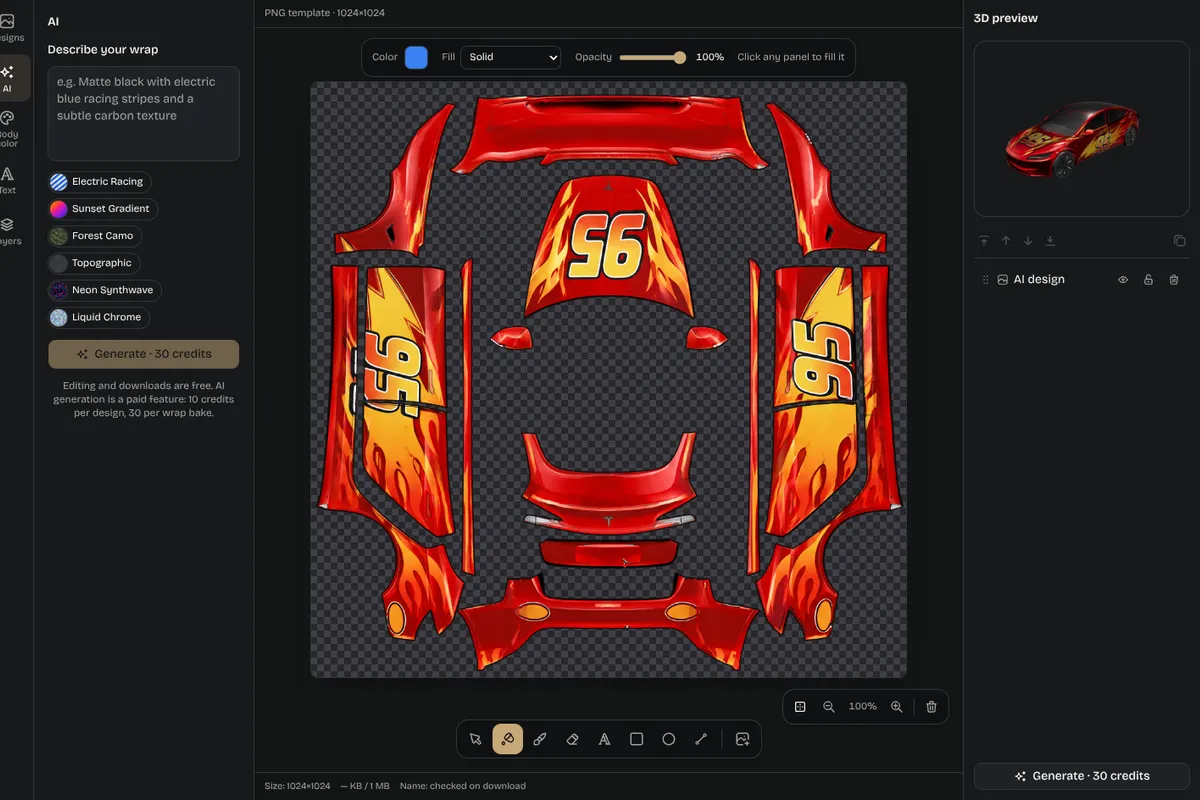
A new concept can begin in the editor with the chosen vehicle already selected. Inspect the 3D angles and switch to the flat PNG so you can catch seams, clipped lettering, and details that become too small at the full-car scale.

03

Check 3D and PNG

Once satisfied, download the PNG without changing its dimensions. Place it in the USB drive’s Wraps folder and follow the install guide’s Toybox and Paint Shop steps.

04

Download and install

The guide is the reference for the folder flow; the compatibility page is the reference for supported vehicles. Availability may differ by vehicle configuration and software, so use the car’s own on-screen guidance.

Editor screenshot with layers panel and 3D preview

Inspiration

Model 3 wrap ideas

Idea 01

The Model 3’s sedan proportions make it a natural canvas for touring-car stripes, restrained sponsor-style blocks, monochrome graphics, and art that uses the long doors as a single field. A two-tone hood can frame the front without overwhelming the cabin; a rear-quarter motif can add interest while keeping the roof visually open. Gallery themes range from racing and anime to bright color studies, giving you varied starting points rather than a prescribed owner trend.

Idea 02

Compare a design on both Model 3 templates before choosing a final direction. The change in front and rear treatment can affect where a stripe seems to begin or end, and a crisp door graphic may sit differently near the revised lights. Preview first, make targeted edits, and check the exported PNG at full size so that fine details remain intentional.

Composition notes

Planning a balanced Model 3 composition

01

A thoughtful Model 3 concept usually benefits from a clear visual anchor. Decide whether the hood, door, or rear quarter carries the main graphic, then use secondary lines to lead the eye without repeating the same motif everywhere. The long side profile makes alignment easy to notice: a stripe that rises on the front door but drops on the rear door can look accidental unless the change deliberately follows the body. Use the 3D preview to judge the complete side and both three-quarter angles, not just the most flattering camera position.

02

The variant selector also provides a practical comparison tool. Open the 2024+ template and the 2017–2023 template separately when you are deciding how an idea might adapt. The refresh has its own model option, including a 2024+ Performance configuration, so keep the exported file associated with the selection that produced it. A design card is a starting point; Studio gives you a route to change the color or arrangement for a different listed template rather than silently reusing the original mapping.

03

When artwork contains lettering, inspect it at the scale someone would see while walking past the car. Avoid placing a critical word where a door seam cuts through it, and keep small labels away from the edges of the flat canvas. A high-contrast color pairing can help the main motif remain legible, but check the PNG as well as the rendered car because those views answer different questions. Save the unaltered export, follow the documented USB folder layout, and let the vehicle’s own Paint Shop screen determine the next step.

Pick your model

Explore more Tesla wrap designs
Good to know

Frequently asked questions

Start designing

Ready to design your Model 3 wrap?