Tesla Paint Shop · Model Y

Tesla Model Y wraps

Browse Tesla Model Y wraps made for the right generation, preview designs on a 3D vehicle, and download Paint Shop PNG templates for your selected variant.

Choose your Model Y variant
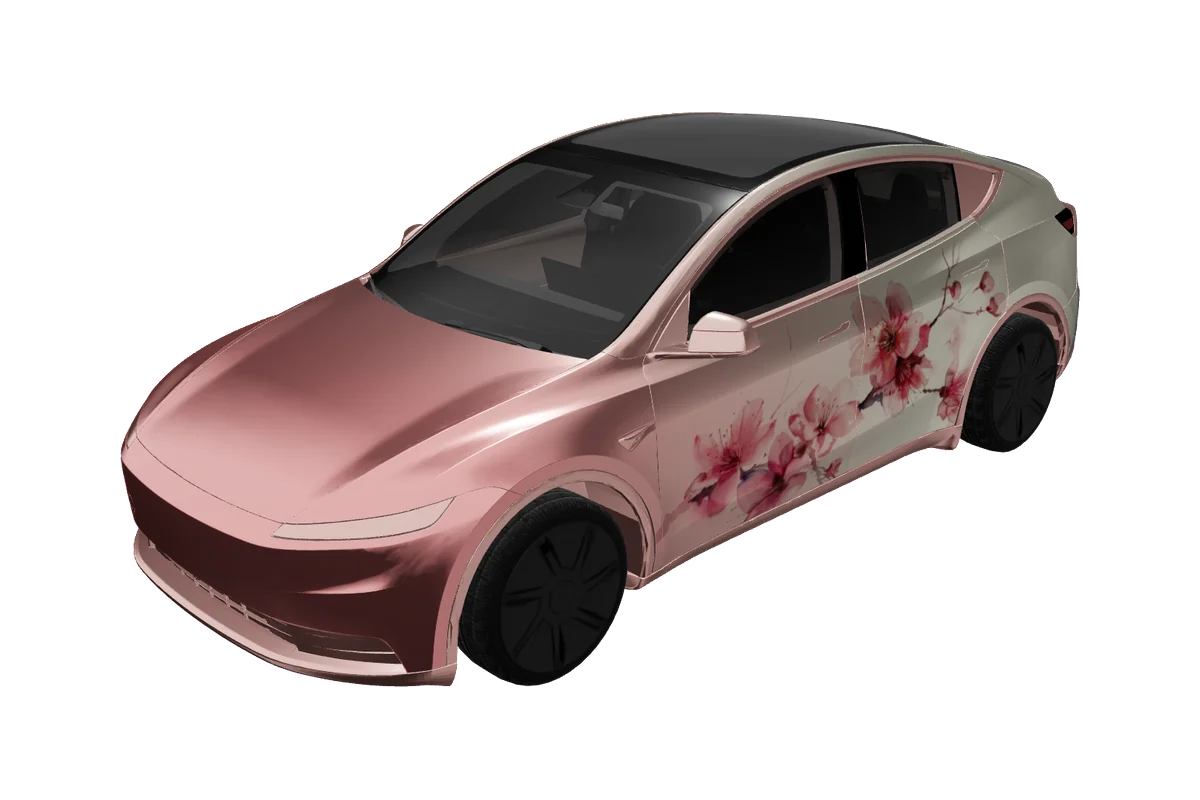
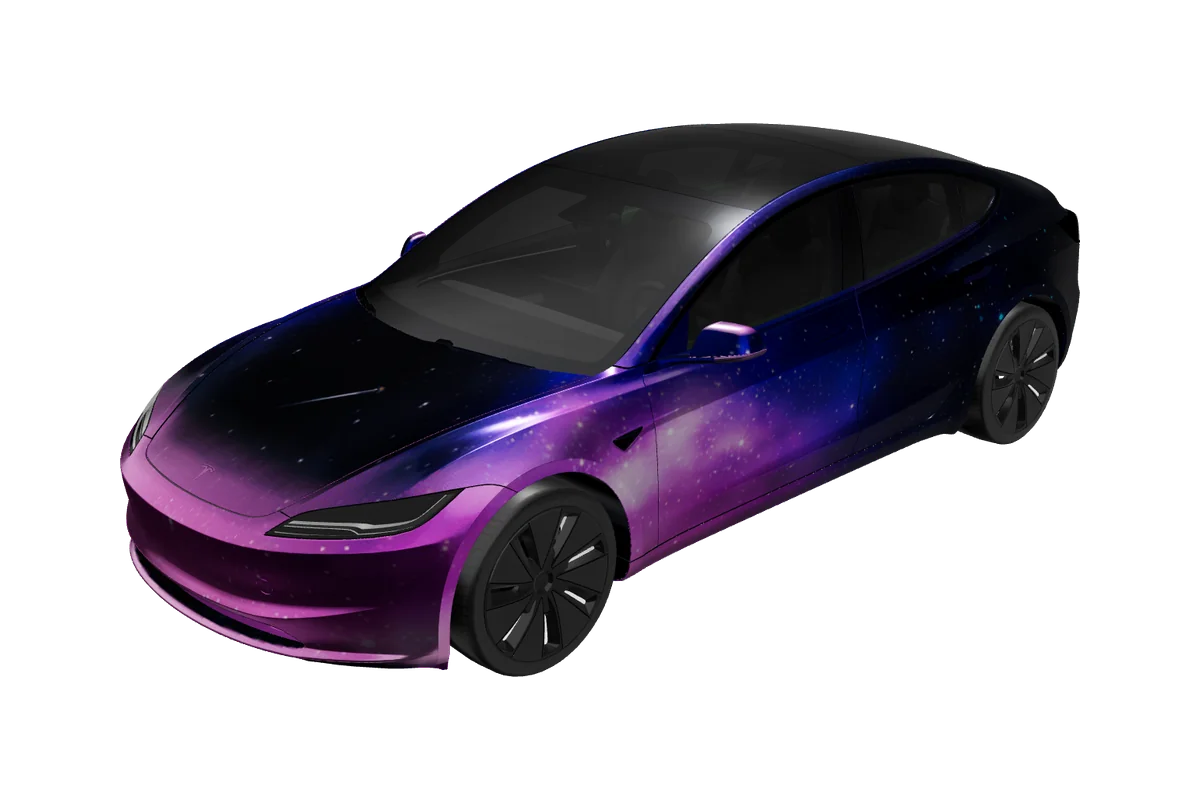
Model Y Tesla vehicle preview

Paint Shop gallery

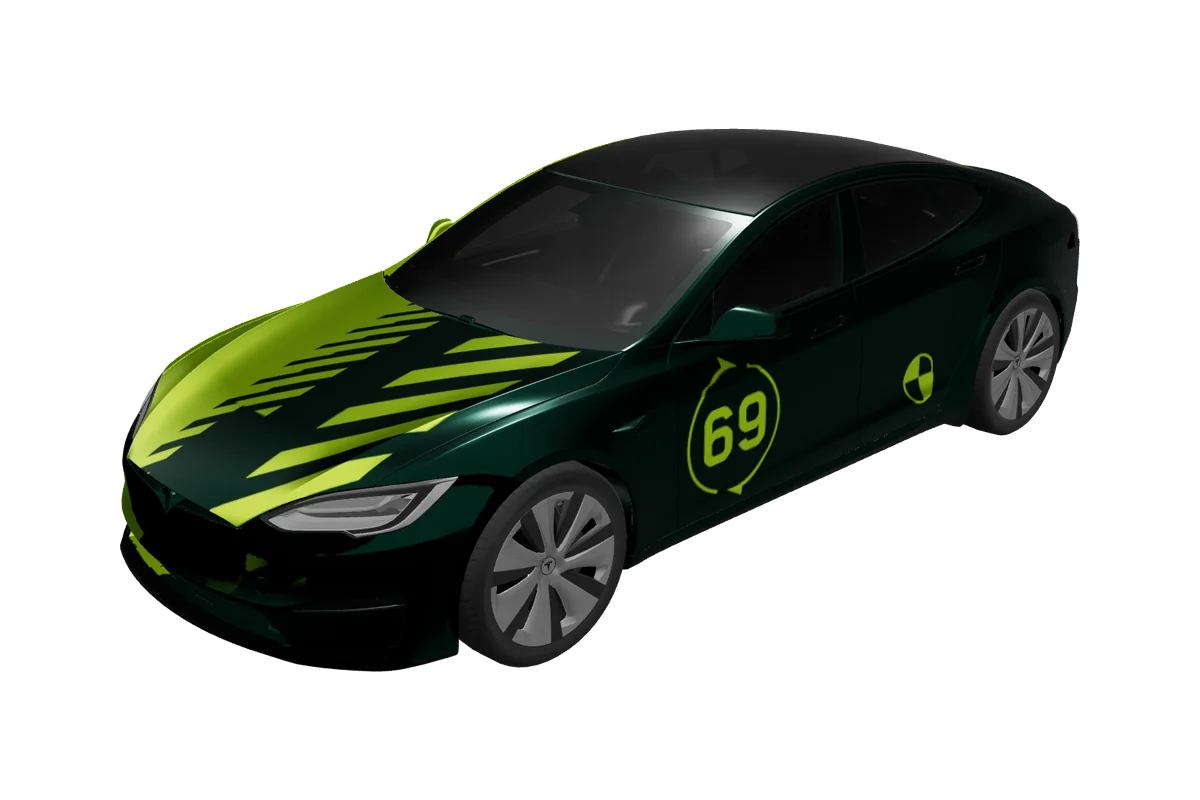
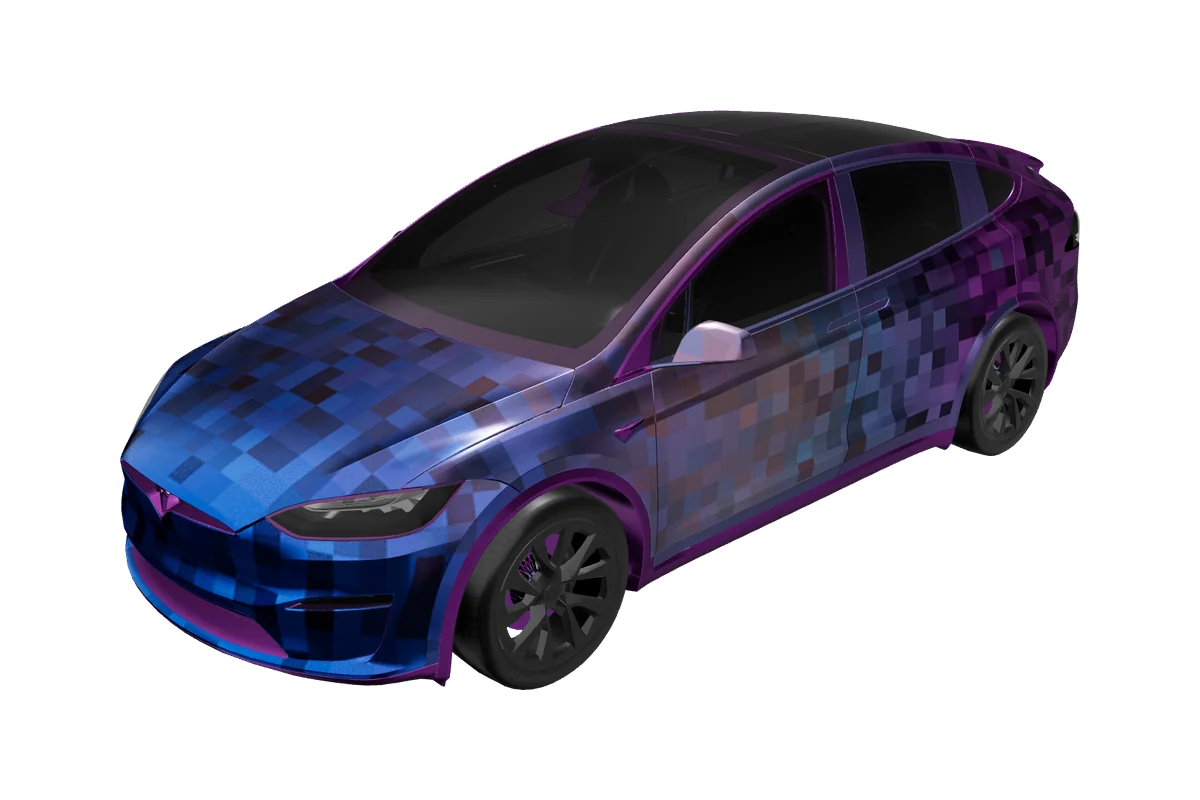
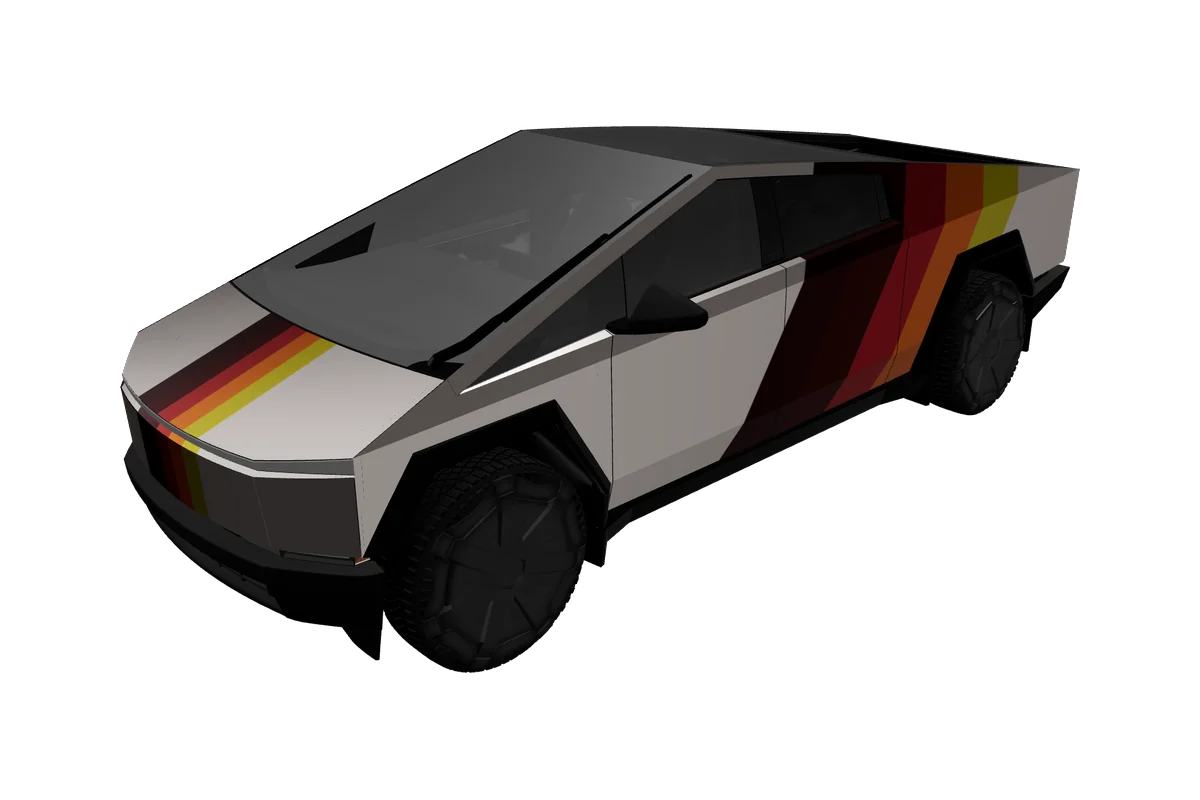
Tesla Model Y wrap designs

3 designs
Why it matters

What makes Model Y wraps different

Body shape

The Model Y combines a tall crossover cabin, a broad tailgate, and large, gently curved side panels. That shape gives a graphic room to read from a distance, but it also means a motif can look different across the front doors, rear doors, and liftgate. Our gallery connects designs to the selected vehicle template so you can inspect the result on the matching 3D body rather than judging only a flat texture.

Generations & variants

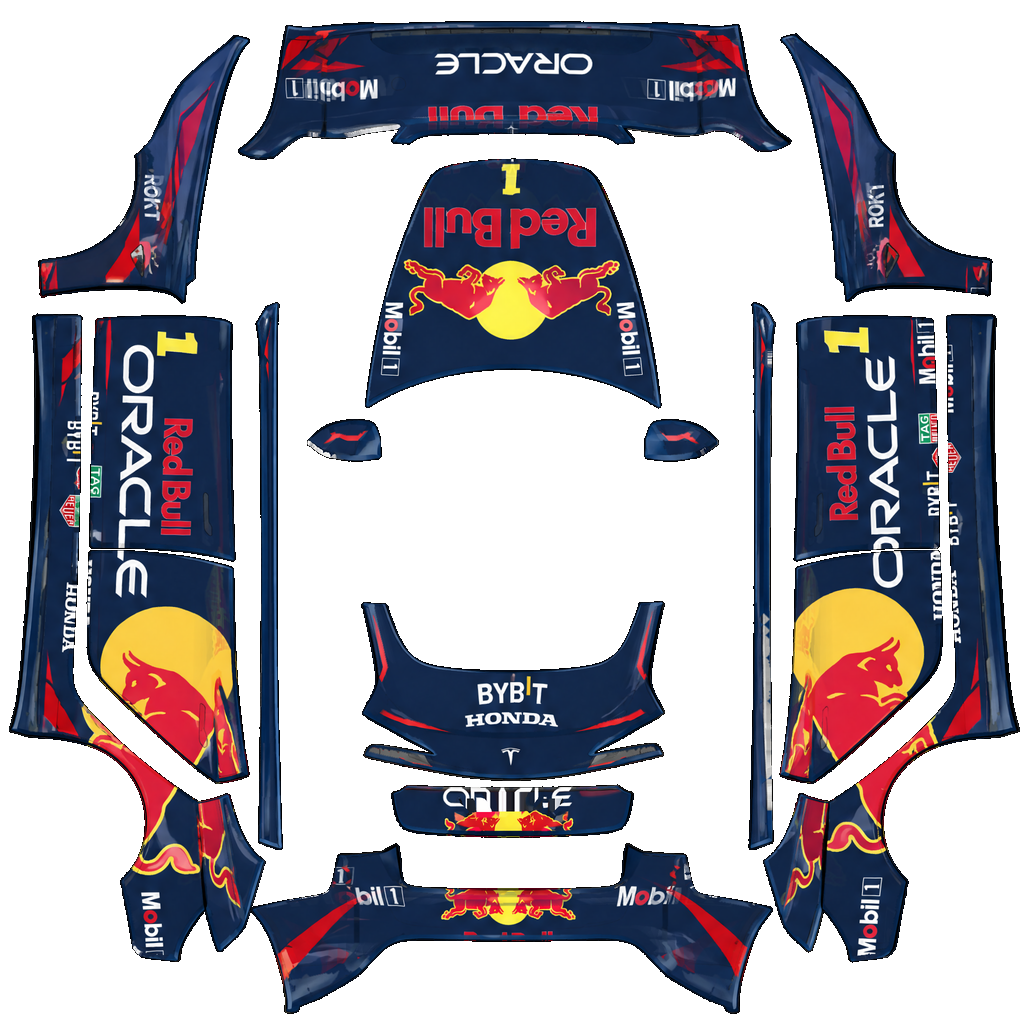
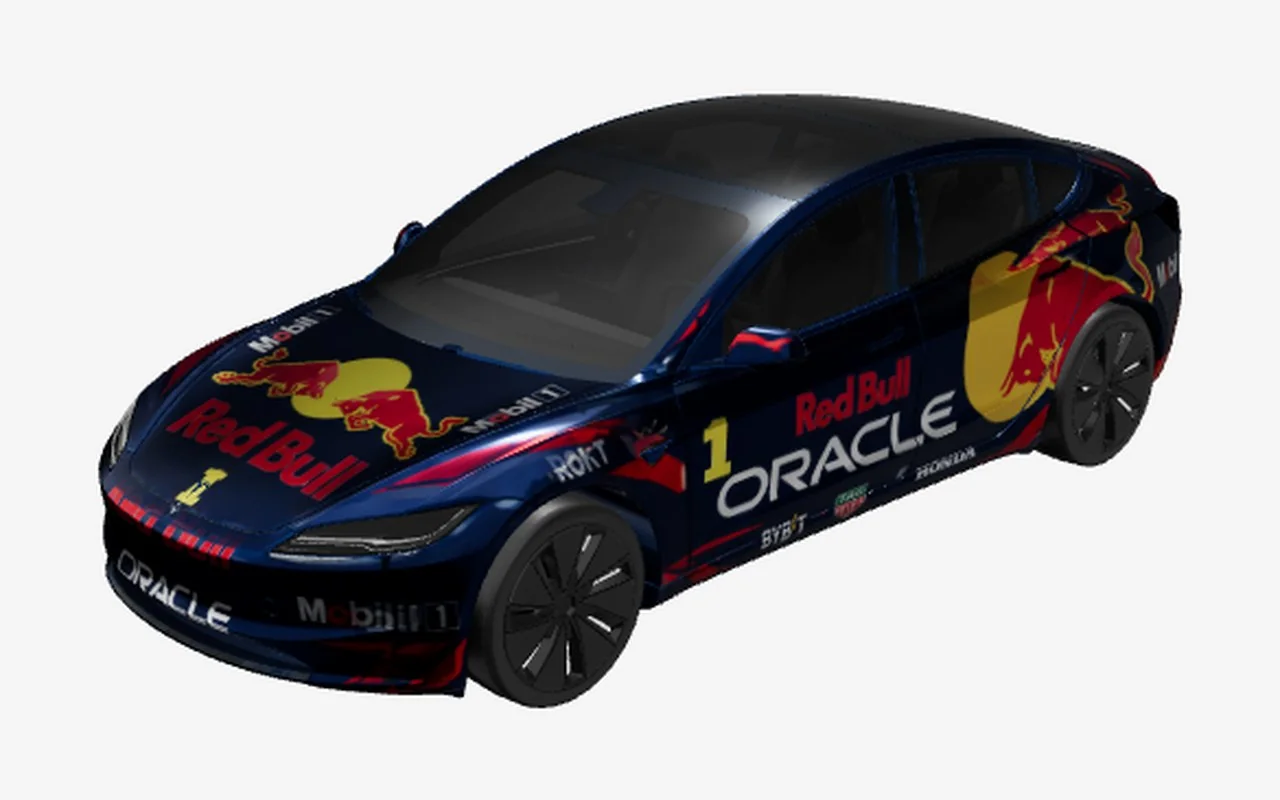
Until Model Y-specific UV renders ship, a few gallery entries reuse the site's existing real UV artwork on a shared digital template and are labeled honestly on their detail pages (for example /design/red-bull-racing-model-y). Treat those as composition previews, not claims of a finished Model Y-only bake.

Placing graphics

Model Y owners need to pay particular attention to generation. The 2025+ refresh is represented by Standard, Premium, and Performance options in our vehicle list, while Model Y L and the 2020–2024 template are separate choices. The refreshed front and rear styling changes where color blocks and lines meet the lamps and bumpers. A design that feels balanced on the earlier body may need a different placement on the newer shape. Choose the closest listed variant before editing, and treat the preview as a design check, not a promise that every car-year combination is interchangeable.

For a large SUV silhouette, broad two-tone fields, a low beltline stripe, and a restrained roof-to-tail graphic are easy ideas to evaluate. Thin details should be checked at both the front quarter and rear three-quarter angles. Keep important lettering away from panel boundaries; digital UV mapping can make a line appear to continue differently around a corner than it does in a flat image.

Template to car

From flat template to your Model Y
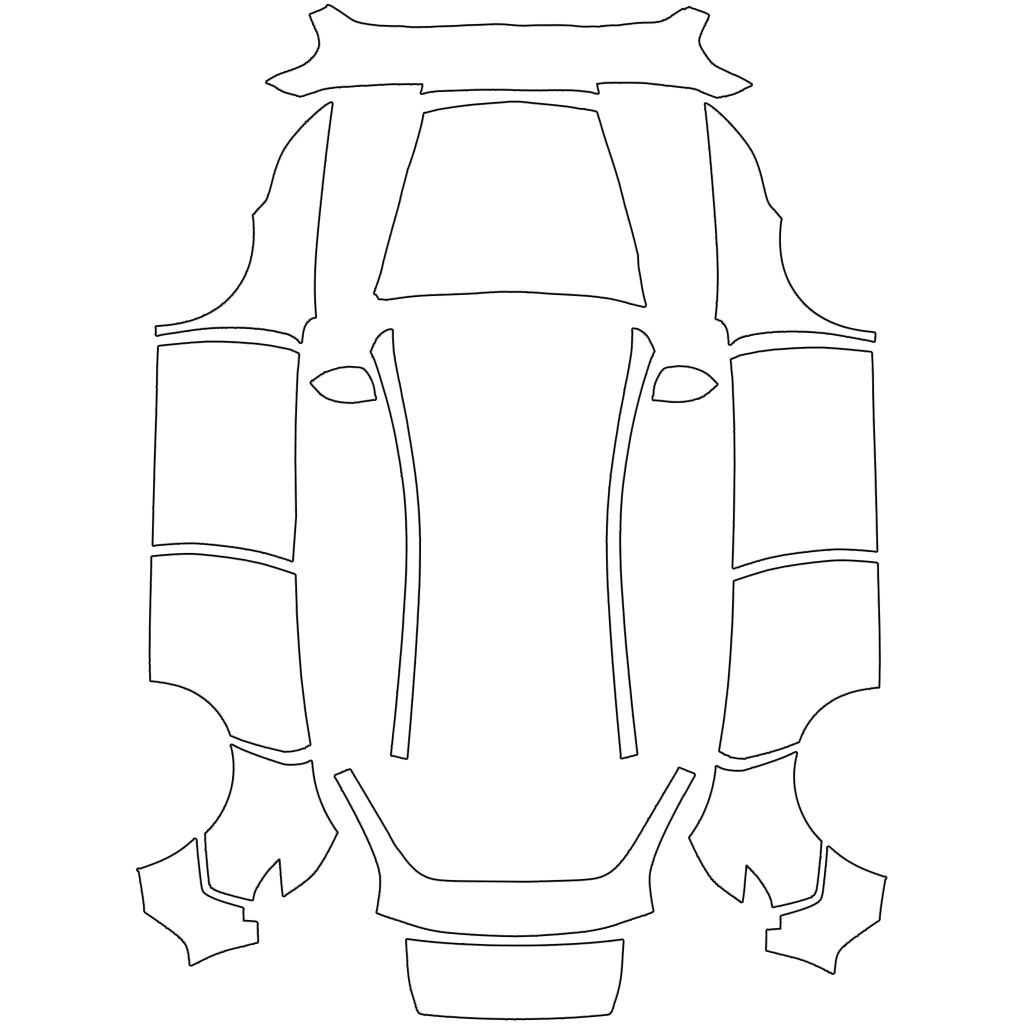
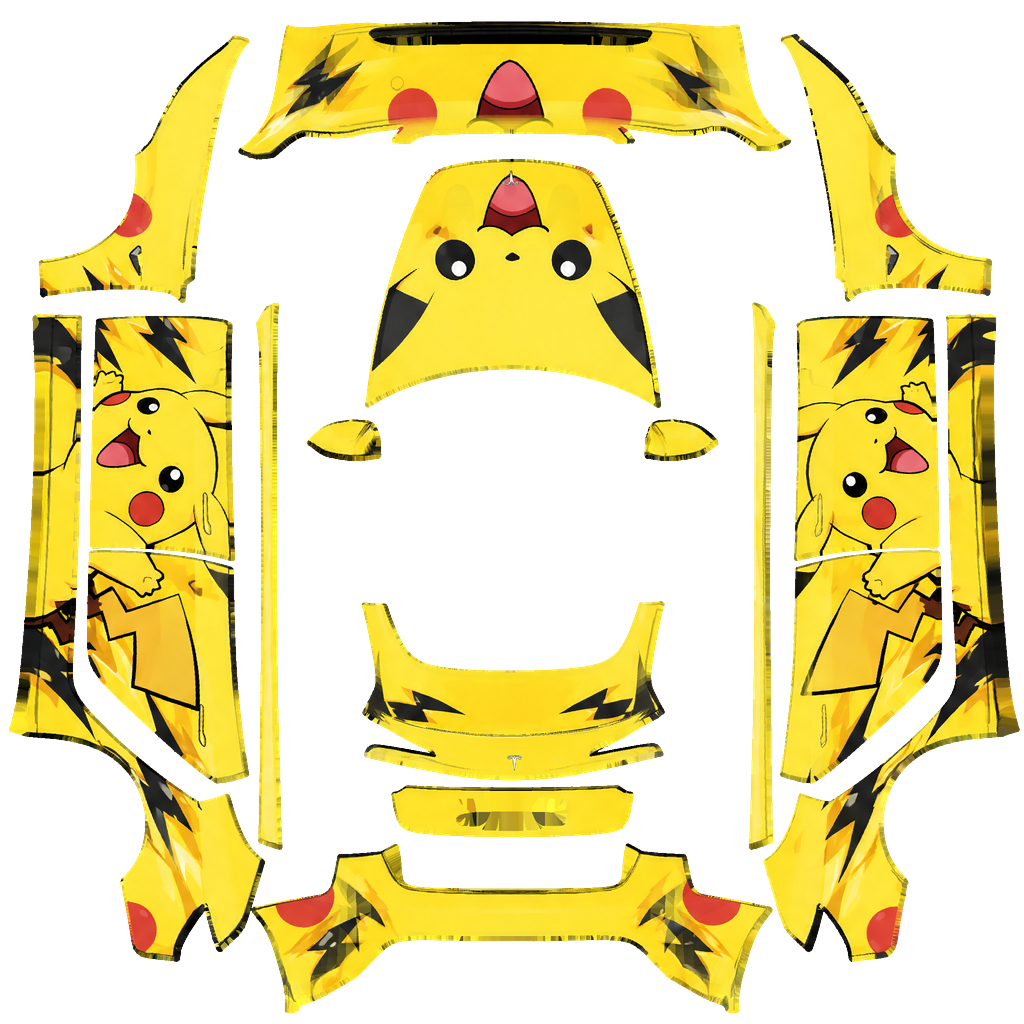
Model Y flat Paint Shop templateModel Y Tesla vehicle preview

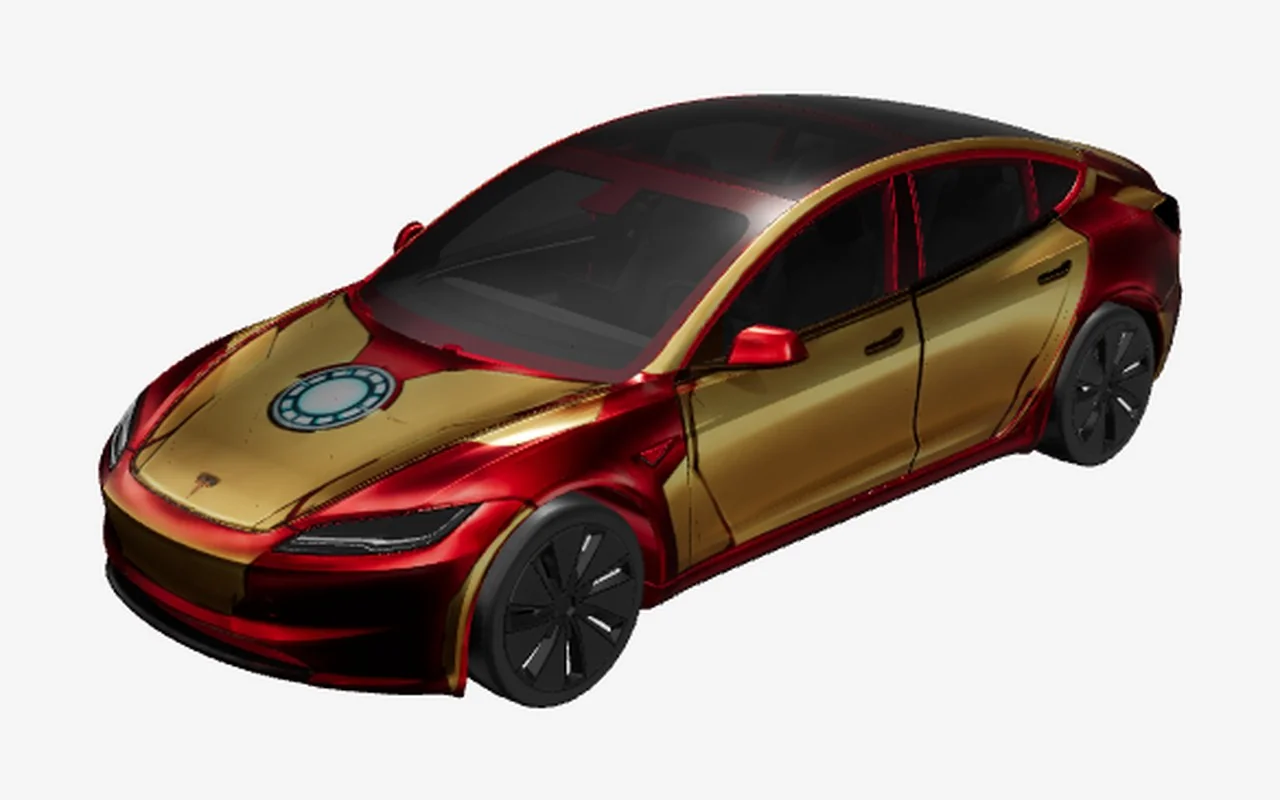
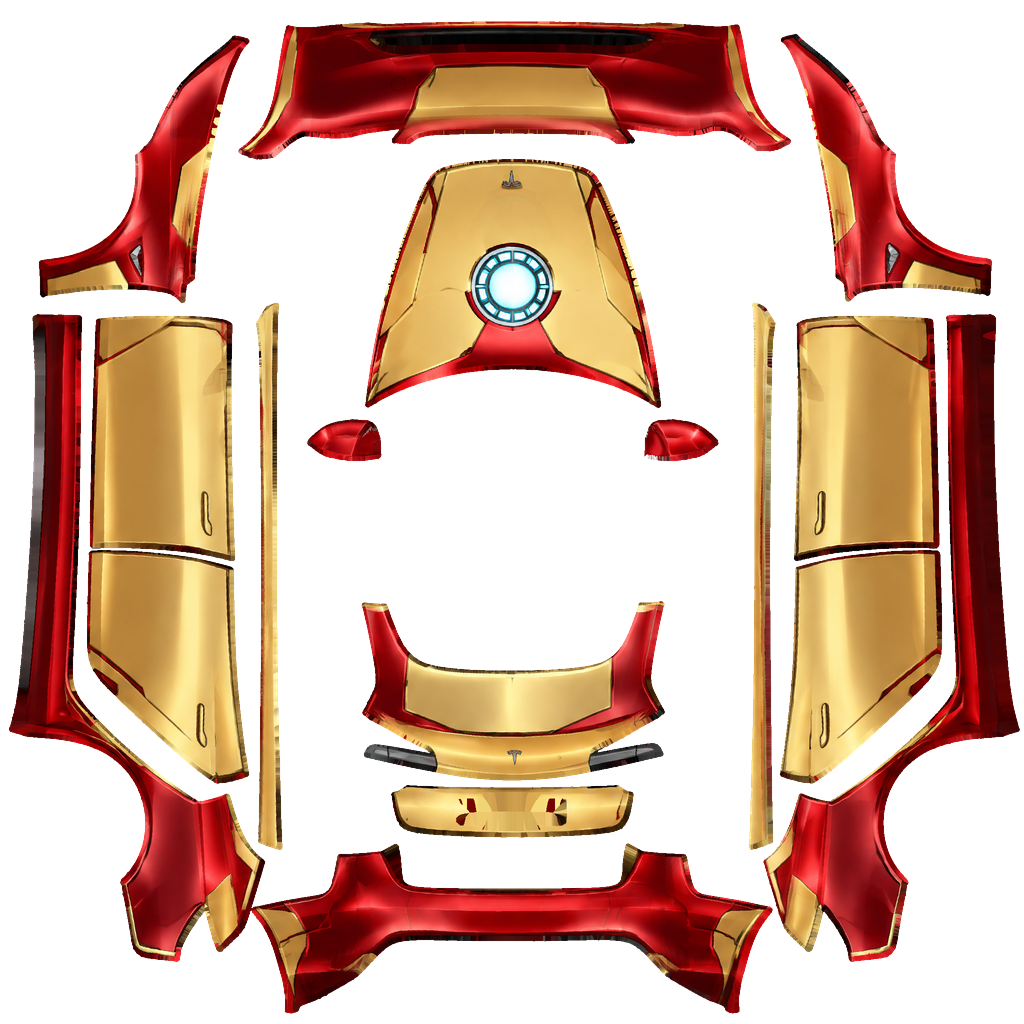
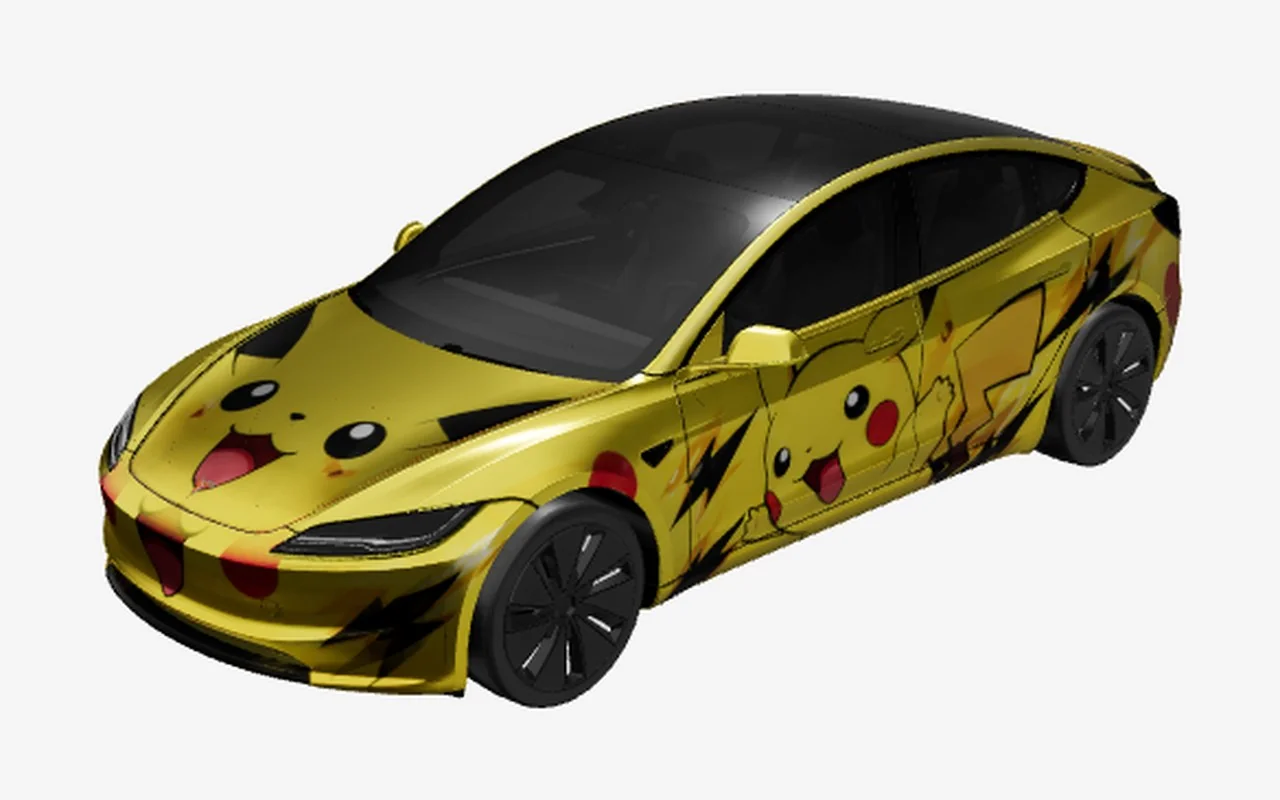
The flat template maps to the matching body panels, while the 3D preview helps you check balance, seams, and detail before export.

Paint Shop export

Model Y Paint Shop templates and export

VariantsModel Y 2025+ Standard, Model Y 2025+ Premium, Model Y 2025+ Performance, Model Y L, Model Y 2020–2024
Canvas1024 × 1024
FormatPNG
File sizeUnder 1 MB (1,048,576 bytes)
USB folderWraps
In the carToybox → Paint Shop → Wraps

The Model Y templates listed in this editor export a square 1024 × 1024 PNG and use a maximum file size of 1,048,576 bytes (1 MiB), according to the vehicle configuration in this repository. Download from the design card or editor without resizing or recompressing the file. The template is a digital Paint Shop image, not a physical vinyl pattern or an installation-ready cut file.

Keep the downloaded PNG intact and follow the vehicle-side Paint Shop workflow. The install guide describes copying the file into the USB drive’s Wraps folder, then opening Toybox and Paint Shop in the car; follow prompts shown by your own vehicle. Availability can vary, so check the compatibility guide if Paint Shop is absent or the model-year fit is uncertain. Do not assume that the L, refreshed, and earlier templates share the same UV layout just because they are all Model Y variants.

A clear path to export

How to make a Model Y wrap
01

Choose the variant

Start with the chip that matches your Model Y: select the year or trim template first, then browse the gallery for a visual direction.

02

Edit in Studio

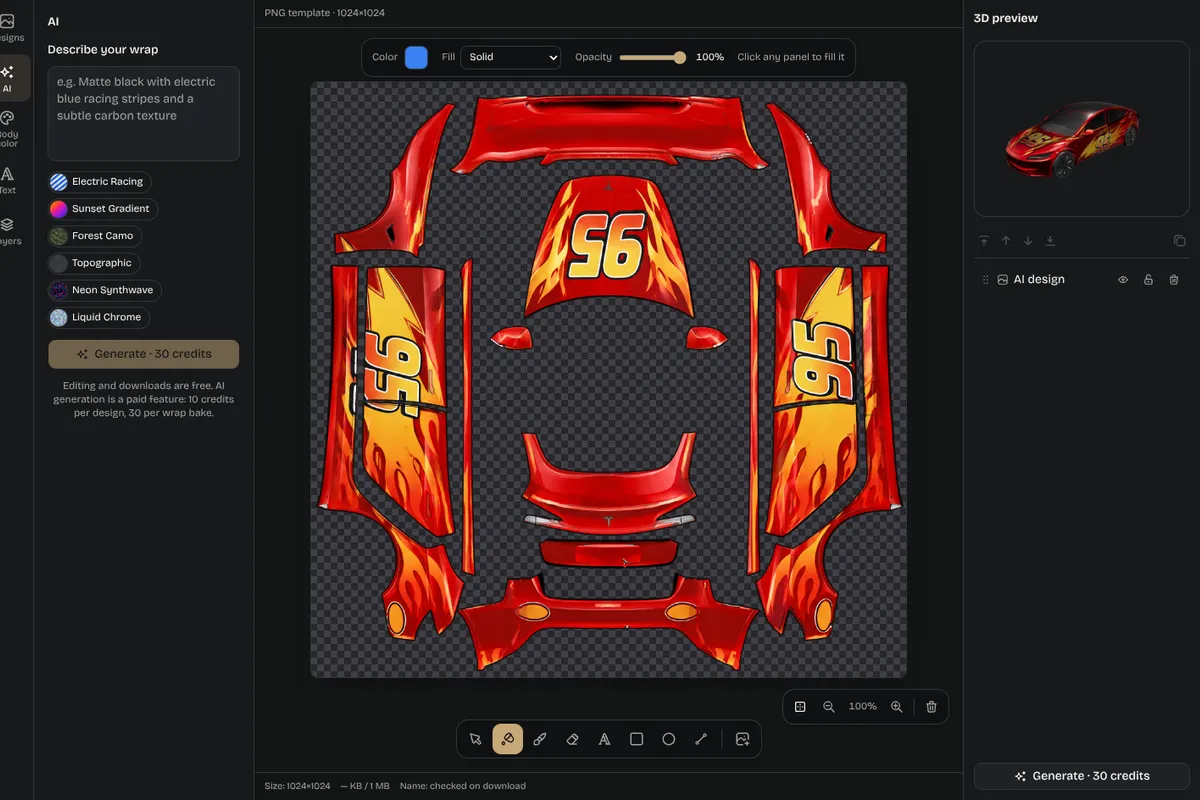
Open a design in the Studio to change colors, artwork, or layers, or use the main editor to remix a starting point. Rotate the 3D preview and inspect the PNG view; check door seams, the rear hatch, and the front corners before you settle on a composition.

03

Check 3D and PNG

When the design is ready, download the PNG and retain its original dimensions. Move it to a USB drive in the Wraps folder, connect that drive to the vehicle, and use the Toybox/Paint Shop steps in the install guide.

04

Download and install

The in-car system determines whether a given vehicle and software setup accepts the file. If you are unsure about support, use the compatibility page rather than relying on a general model-name match.

Editor screenshot with layers panel and 3D preview

Inspiration

Model Y wrap ideas to explore

Idea 01

The gallery makes it easy to compare vivid racing liveries, anime and comic-inspired fan art, solid-color concepts, and cleaner geometric treatments. On a Model Y, a single accent color can visually lower the body when it follows the door crease; a contrasting roof or rear section can emphasize the crossover profile. These are starting points, not claims about what is most popular among owners. Try the same idea on the 2025+ and 2020–2024 previews to see how the body updates change its balance.

Idea 02

If a design includes small text or detailed linework, zoom the flat PNG as well as the vehicle view. A motif that reads clearly on the large door can become crowded around the charge-port area or rear hatch. The editor is useful for exploring these tradeoffs before you download, and the gallery cards keep one-click access to the existing PNG when you simply want to try a finished concept.

Composition notes

Planning a clean Model Y composition

01

A useful way to plan a Model Y wrap is to decide first whether the design should emphasize width, height, or movement. A low horizontal band can make the crossover appear visually longer, while a vertical accent near the rear can draw attention to the tailgate. If you are adapting an illustration, simplify its background before adding fine details. The car’s broad side panel rewards one clear focal point more than several unrelated marks competing for attention. Keep the same palette visible from the front and rear quarter so the design feels intentional as the vehicle turns.

02

Variant chips are not decorative filters: choosing one establishes the vehicle context for the editor link. This matters when comparing the refreshed front end with the earlier Model Y, or when testing the longer Model Y L option. Make a note of which template you used before downloading so you can repeat the same preview later. If a card depicts a concept you like but its original vehicle differs, treat it as inspiration and start a new edit on the desired Model Y variant rather than assuming the artwork is already mapped correctly.

03

Before exporting, take a final pass through the preview at ordinary viewing size. Look for a line that disappears against a similarly colored panel, text that becomes too small to read, or a motif that ends awkwardly where the liftgate begins. Then inspect the square PNG at full resolution. This two-part check is especially helpful for custom logos and complex art: the 3D view shows the overall impression, while the flat map exposes canvas edges and placement. Once both views look coherent, use the untouched PNG with the USB and in-car steps linked above.

Pick your model

Explore more Tesla wrap designs
Good to know

Frequently asked questions

Start designing

Ready to design your Model Y wrap?