Tesla Paint Shop · Model X

Tesla Model X wraps

Browse Tesla Model X wraps for its tall SUV body, check artwork on the configured 3D template, and download a Paint Shop PNG for your exact car and generation.

Choose your Model X variant
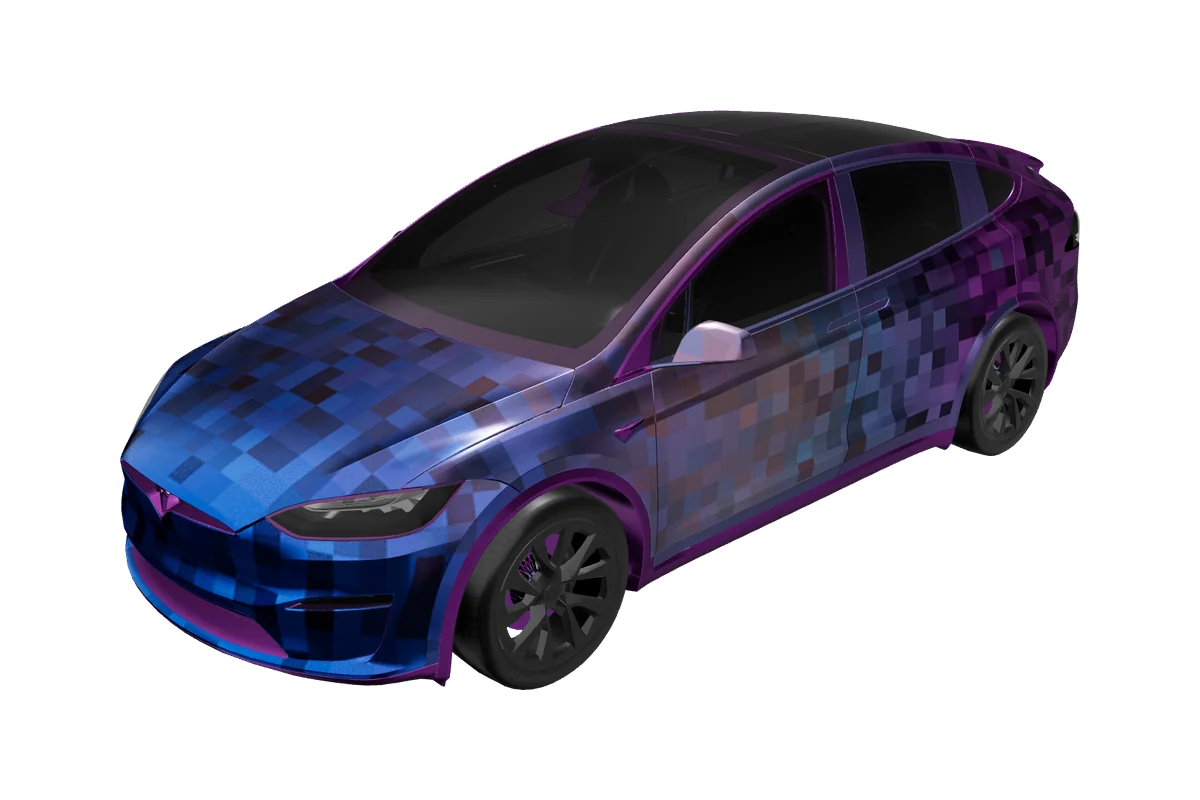
Model X Tesla vehicle preview

Paint Shop gallery

Tesla Model X wrap designs

0 designs

Model X Tesla vehicle preview

No Model X designs yet

Start with the matching vehicle template and make the first design for this gallery.

Design a Model X wrap

Why it matters

What makes Model X wraps different

Body shape

The Model X pairs a tall SUV cabin with a curved windshield, large side doors, and the distinctive roofline associated with its falcon-wing rear doors. The tall body offers a generous canvas, but the upper door area and roof create transitions that deserve careful inspection. Use the 3D viewer to see whether a motif remains coherent as it moves from front doors toward the rear section; a flat design can conceal interruptions caused by the vehicle’s shape.

Generations & variants

The configuration list currently provides a Model X 2021+ template. Start from that exact option rather than borrowing a Model Y or Model S design, because each series has a different body and texture map. Trim or year compatibility beyond the listed configuration should be checked cautiously on /compatibility. The preview is intended to help with visual placement, not certify fit across every year or promise that Paint Shop appears on every vehicle.

Placing graphics

A tall side panel can carry a vertical color block, a large emblem, or a two-tone treatment that follows the beltline. For graphics near the rear doors, inspect how the artwork reads around the door openings and roof supports. Keep small type away from moving boundaries and use broad shapes when you want the design to remain legible from a distance.

Template to car

From flat template to your Model X
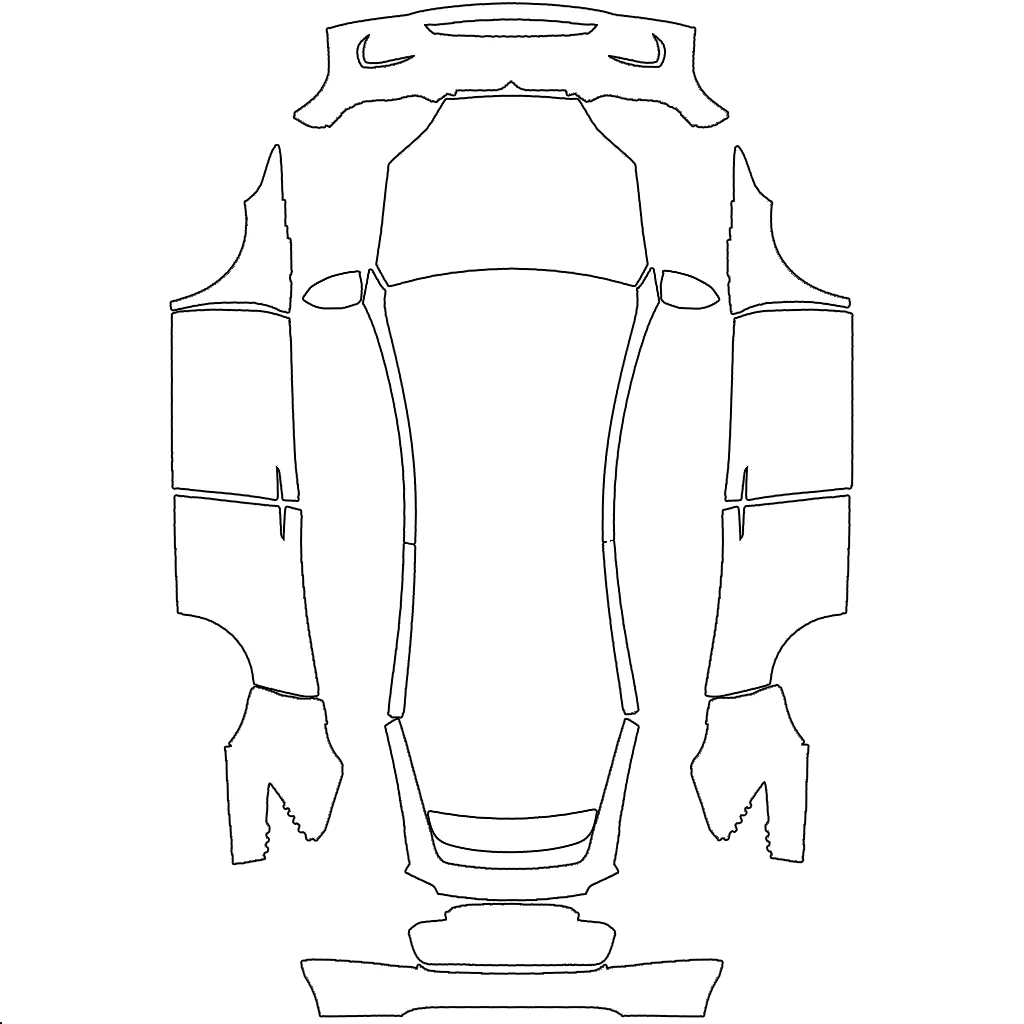
Model X flat Paint Shop templateModel X Tesla vehicle preview

The flat template maps to the matching body panels, while the 3D preview helps you check balance, seams, and detail before export.

Paint Shop export

Model X Paint Shop template and export

VariantsModel X 2021+
Canvas1024 × 1024
FormatPNG
File sizeUnder 1 MB (1,048,576 bytes)
USB folderWraps
In the carToybox → Paint Shop → Wraps

The configured Model X template exports a 1024 × 1024 PNG and sets a maximum of 1,048,576 bytes (1 MiB). Preserve the downloaded canvas and do not run it through a resizing or recompression step. This file represents a digital appearance in Paint Shop; it is not physical vinyl, a cut template, or a guarantee of exact color on the vehicle.

The existing installation guide documents the USB Wraps folder and Toybox/Paint Shop flow. Copy the original PNG to that folder and follow the options shown by your vehicle. If the Paint Shop entry is unavailable or you are checking a specific year, consult /compatibility. Keep the export associated with the Model X template used to create it instead of assuming all SUV textures share the same mapping.

A clear path to export

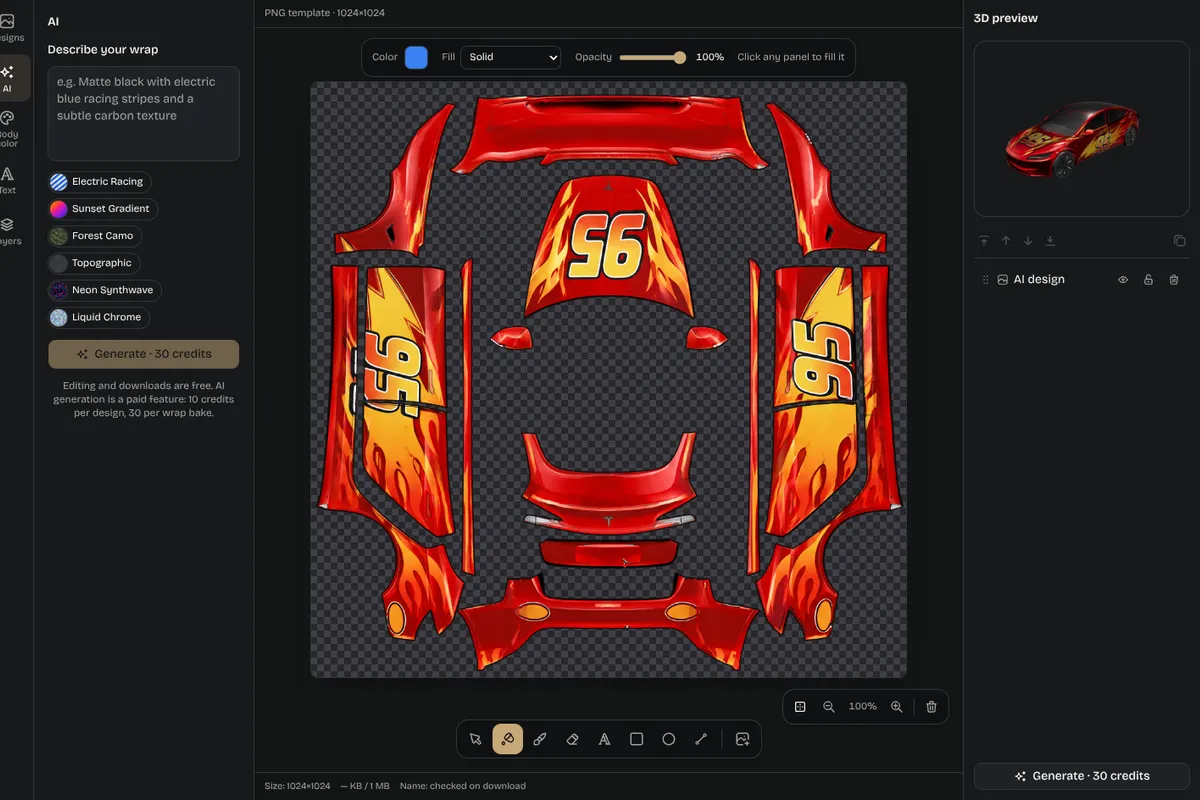
How to design a Model X wrap
01

Choose the variant

Select Model X 2021+ from the variant chips before opening a design.

02

Edit in Studio

The page grid narrows the gallery to this series, where a card can be downloaded directly or opened in Studio. You can also start a new concept with the vehicle already selected.

03

Check 3D and PNG

Review side views and rear angles, paying attention to the tall cabin, door edges, and the space around the rear doors. Use the flat PNG view to catch clipped details that may be difficult to see on the car.

04

Download and install

Once the artwork looks right, download the PNG at its configured size, copy it to a USB drive’s Wraps folder, and follow the install guide through Toybox and Paint Shop. Refer to /compatibility for support questions and rely on the instructions shown by the actual vehicle.

Editor screenshot with layers panel and 3D preview

Inspiration

Model X wrap ideas

Idea 01

The Model X’s height makes high-contrast side bands and large, simple artwork easy concepts to test. A clean lower-body accent can emphasize the SUV stance, while a roof-to-rear transition can connect the glass-heavy upper area to the body color. Racing graphics, comic themes, and restrained geometric patterns all offer different levels of visual density. Compare them in the preview instead of assuming a design from another Tesla body will translate naturally.

Idea 02

Consider how a graphic behaves around doors that open and close. Even in a digital preview, narrow lines near a boundary can appear disconnected, and lettering can be hard to read when split by a seam. Move important marks into uninterrupted areas, review the flat map, and test color balance from more than one angle before exporting.

Composition notes

Planning a legible Model X composition

01

The Model X’s taller proportions change the way a graphic occupies the side. A long horizontal stripe can visually tie the front and rear together, while a large vertical field can emphasize the height of the cabin. Try one main gesture at a time and use a restrained secondary color to support it. The goal is not to hide every contour: leave enough visual breathing room that the doors, windows, and roofline still read as part of the vehicle. Compare front and rear three-quarter angles to see whether the design retains its balance away from the side view.

02

The available Model X 2021+ entry is the correct starting point for this page’s grid and editor links. If you find a gallery image from another series that has a useful palette or style, open a new design with Model X selected and adapt the idea. This avoids confusing inspiration with template compatibility. Keep track of the variant you chose so that a later download remains associated with the same vehicle configuration you previewed.

03

Give the rear-door area extra attention. A line that passes close to an opening may look broken in the digital presentation, and a small label can become difficult to read when divided by a boundary. Place important text in an uninterrupted area, review the artwork in the flat 1024 × 1024 PNG, then return to the 3D view to see the complete vehicle. Preserve the generated PNG and follow the installation guide’s USB folder and Paint Shop steps. Use the compatibility page for questions the template preview cannot answer.

Pick your model

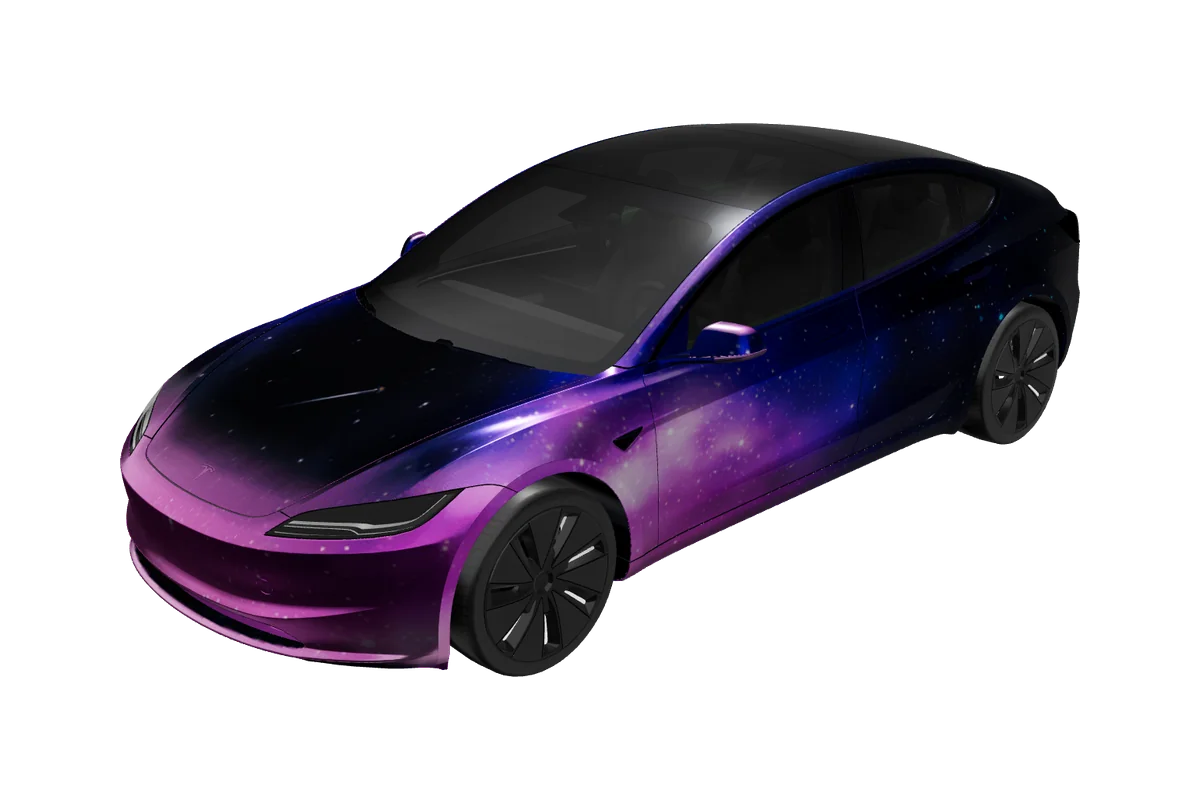
Explore more Tesla wrap designs
Good to know

Frequently asked questions

Start designing

Ready to design your Model X wrap?